
TAVIAR - barcode and pricing solutions
On this page
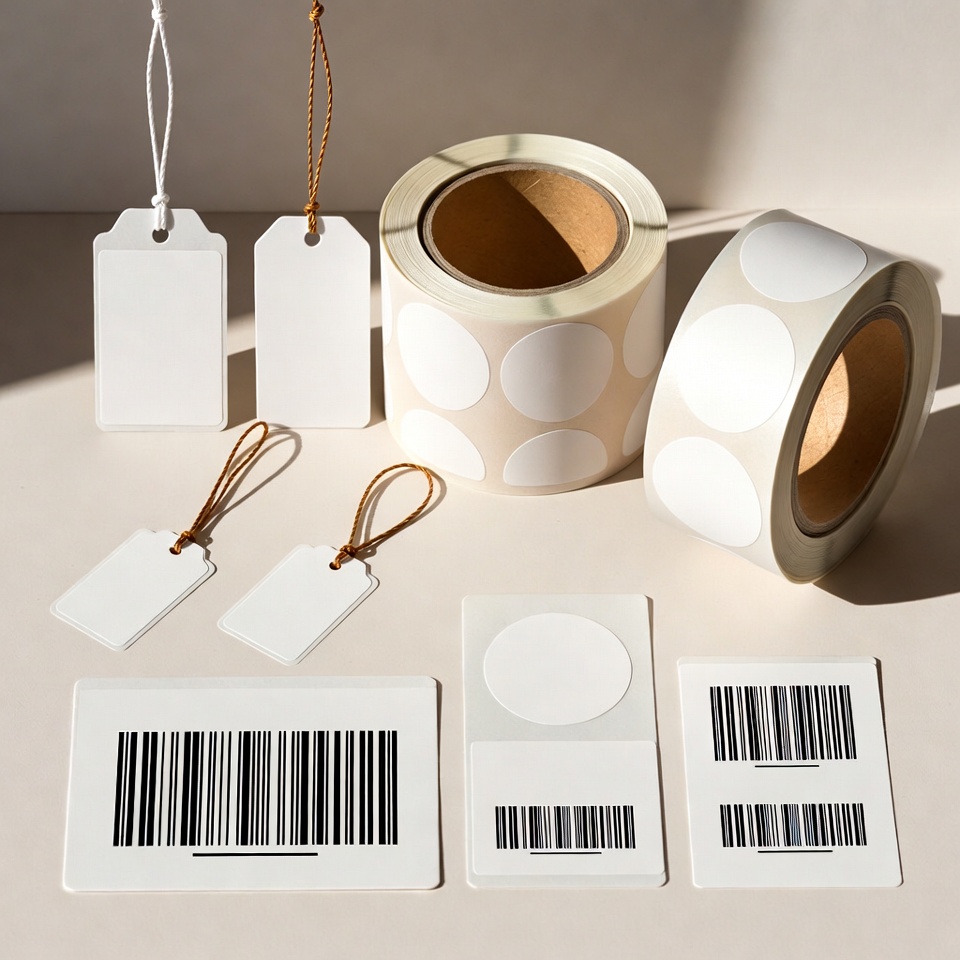
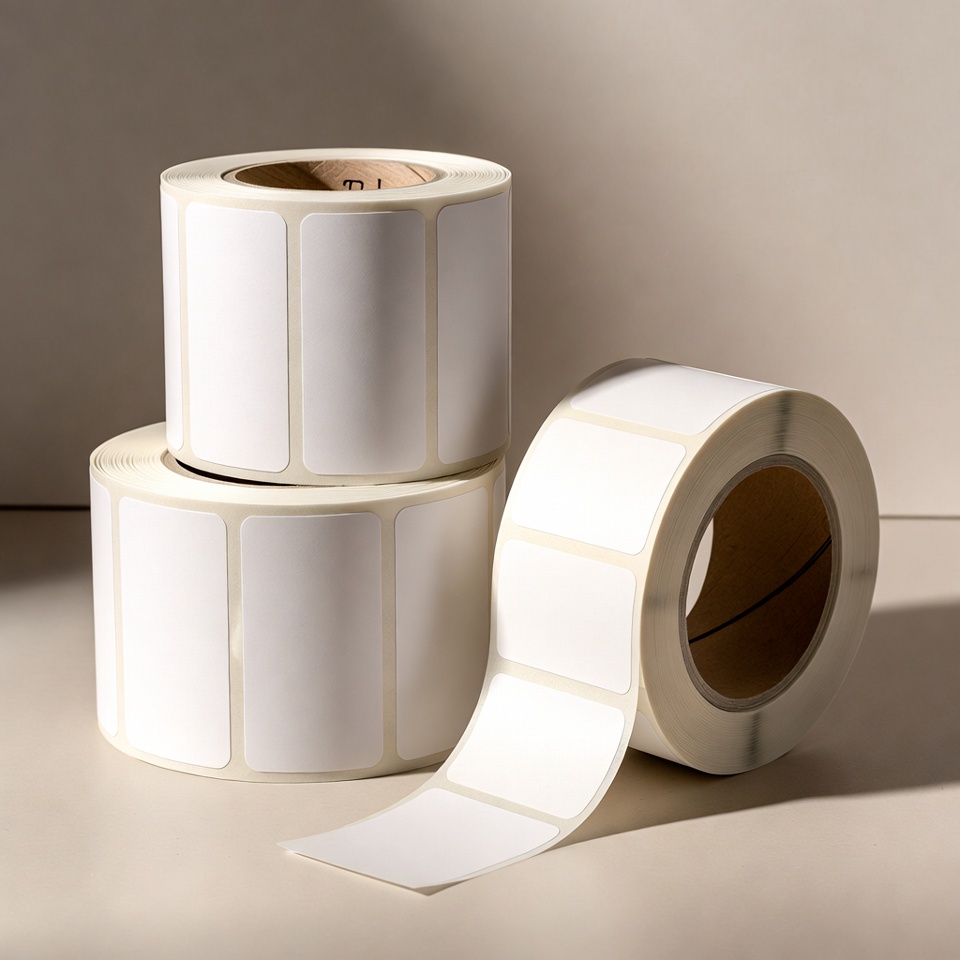
String price tags, price tags with a personal logo, printed using hot foil stamping. A range of colours and sizes.
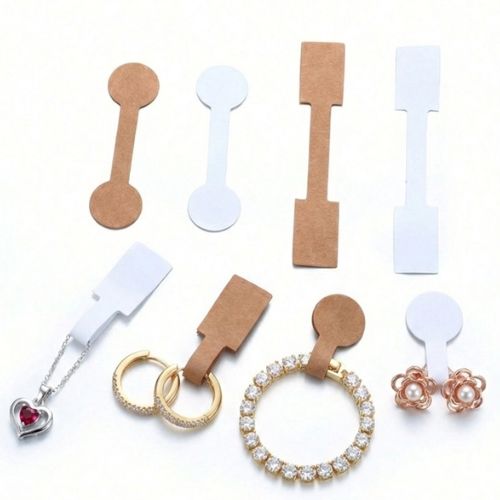
Price labels that can be shortened or lengthened as required.
Double-sided printing available in large sizes for bags, etc.
Call for more details >>> 0502572226 | 08-9153494
Click here to leave a WhatsApp message
Click here to leave a contact form message


Printing jewellery labels
String price tags, price tags with a personal logo, printed using hot foil stamping. A range of colours and sizes.
Price labels that can be shortened or lengthened as required.
Double-sided printing available in large sizes for bags, etc.
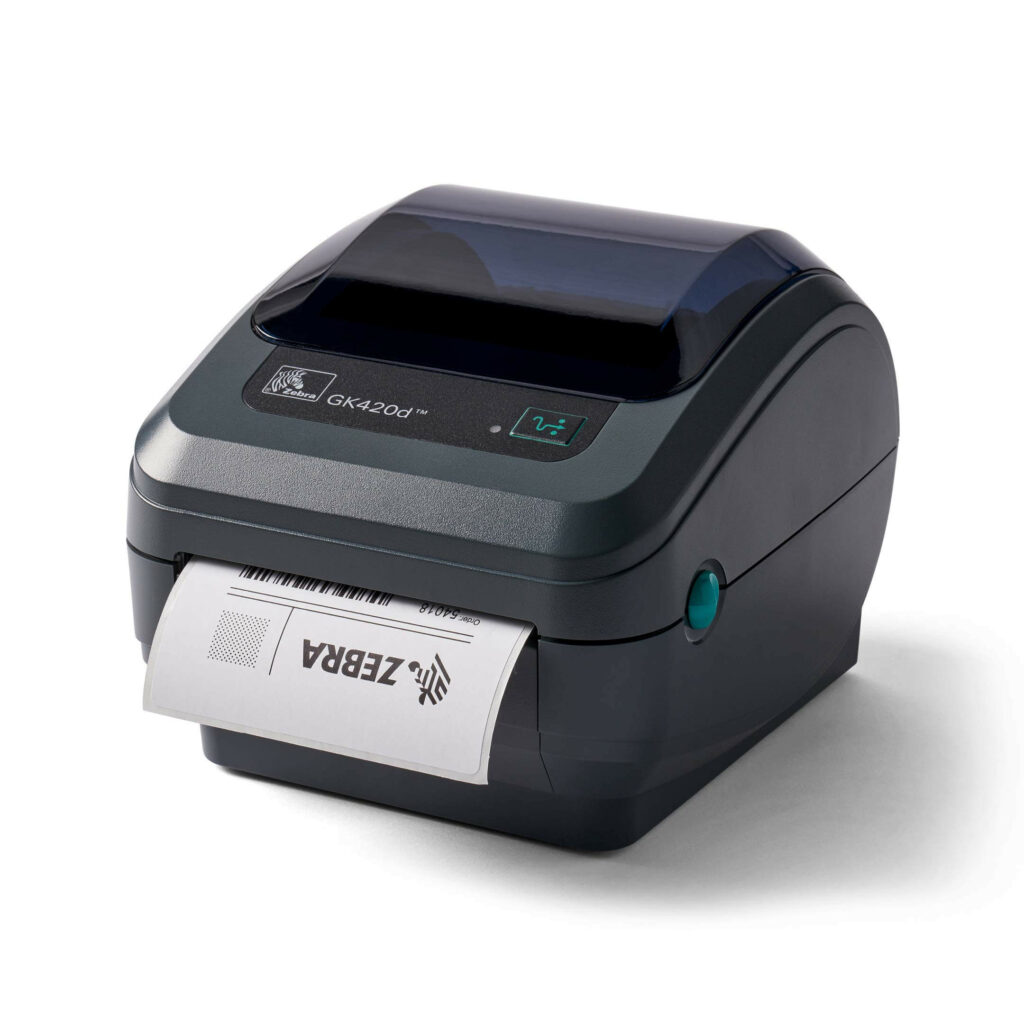
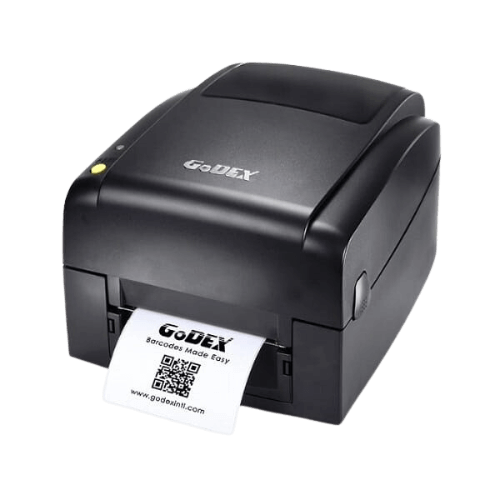
Label printer, checkout labels and ink
Barcode printer, checkout labels and ink offer, including free telephone installation and unlimited telephone support. Label and price-list printing, sequential numbering.

Call for more details >>> 0502572226 | 08-9153494
Click here to leave a WhatsApp message
Click here to leave a contact form message

How do I proceed to product selection?
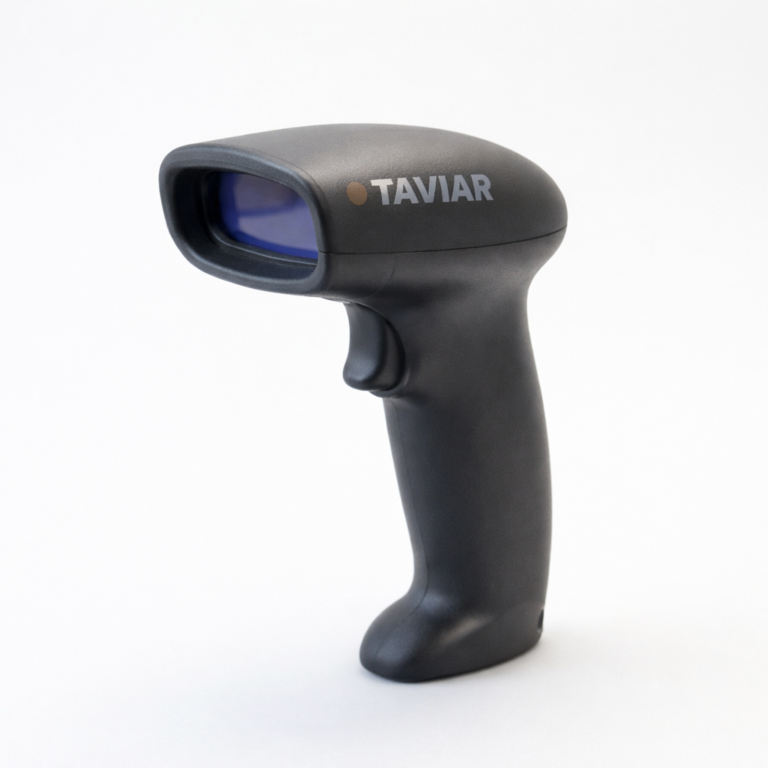
Choose Label printers According to content and workload, Roll labels According to dimensions and material, andBarcode scanners According to code type and workstation. Measuring the roll before ordering helps reduce errors in dimensions and roll structure.
What should I prepare for a compatibility discussion?
Photograph the printer's model label, keep a label sample and prepare the label width, height and estimated daily quantity. InBusiness bundles Equipment combinations are presented for compatibility assessment. The final configuration depends on your product, materials and software.

From price marking to in-store item management
Map items receiving tags and information accessible to staff and customers. A visible price label and internal barcode may serve different purposes. Plan information by usage point: display, checkout, inventory or packaging.
Assess the relationship between software, printer and scanner. Data transfer between systems must be tested using an actual item and a price-change scenario. A scanner beep is not enough; ensure the data reaches the correct field.
For consistent routines, document a tag template and roll specifications for each use. Define who changes prices, approves templates and orders consumables. This enables reordering and troubleshooting without rediscovering what was previously installed.
A short preparation checklist before choosing
- Checkout and inventory workflow
- Item and tag types
- Existing software and equipment
- Data and label sample
How do I check that the solution is suitable?
Prepare a representative work sample. Test it with your equipment and item, record approvals and outstanding questions, and keep the version and specifications for repeat orders. Compare alternatives under the same conditions, not using photographs or prices for different tasks.
Jewellers' barcode solution: connecting tags, printing and scanning
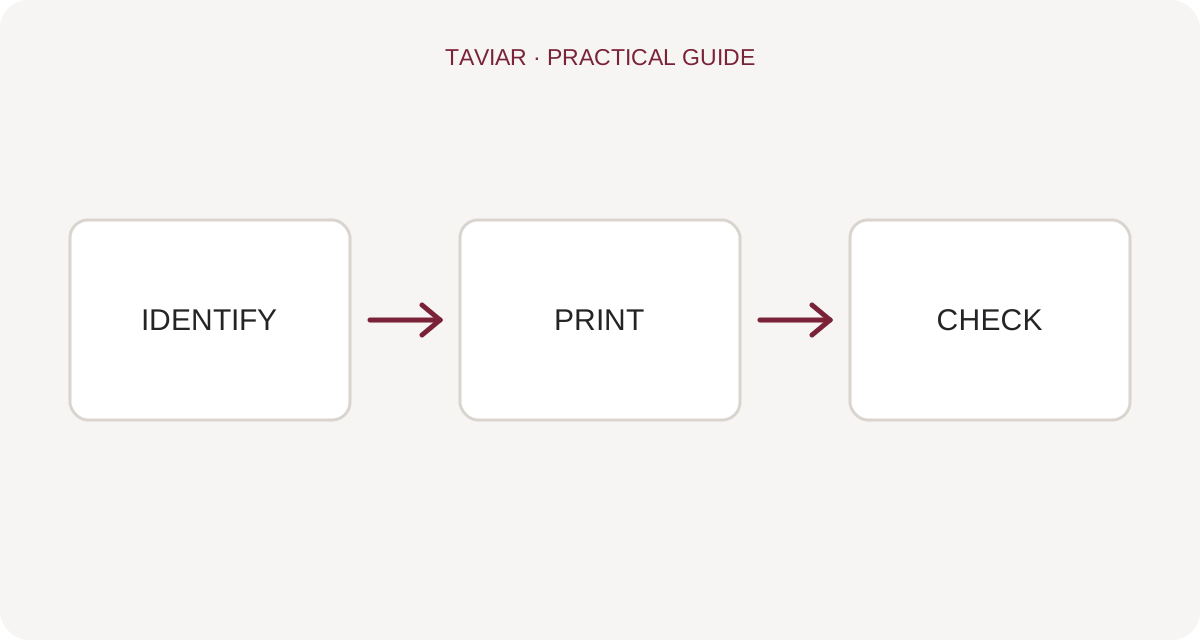
Start with the item number in the system
Define how each jewellery item is identified and how that identifier appears on the tag and in store software. Before purchasing new equipment, check current price-change, stock-receiving and sales processes. A barcode transfers an identifier; it does not replace organised product data.
To continue checking, see Jewellers' package.
Plan the tag before the printer
Choose the tag shape according to the item and amount of information required. Then check suitable tag material and printer, and software capable of producing the required information. Do not assume every jewellery tag suits every printer.
To continue checking, see Choosing tags.
Testing from display case to checkout
Attach a sample tag, display the item and scan it at the sales station. Ensure the identifier matches the item and staff can read the information. For a multi-component solution, request a detailed quotation and a workflow test using real business data.
To continue checking, see Checking a checkout scanner.







