







TAVIAR · Business label solutions
A roll that fits the printer. A label that fits the job.
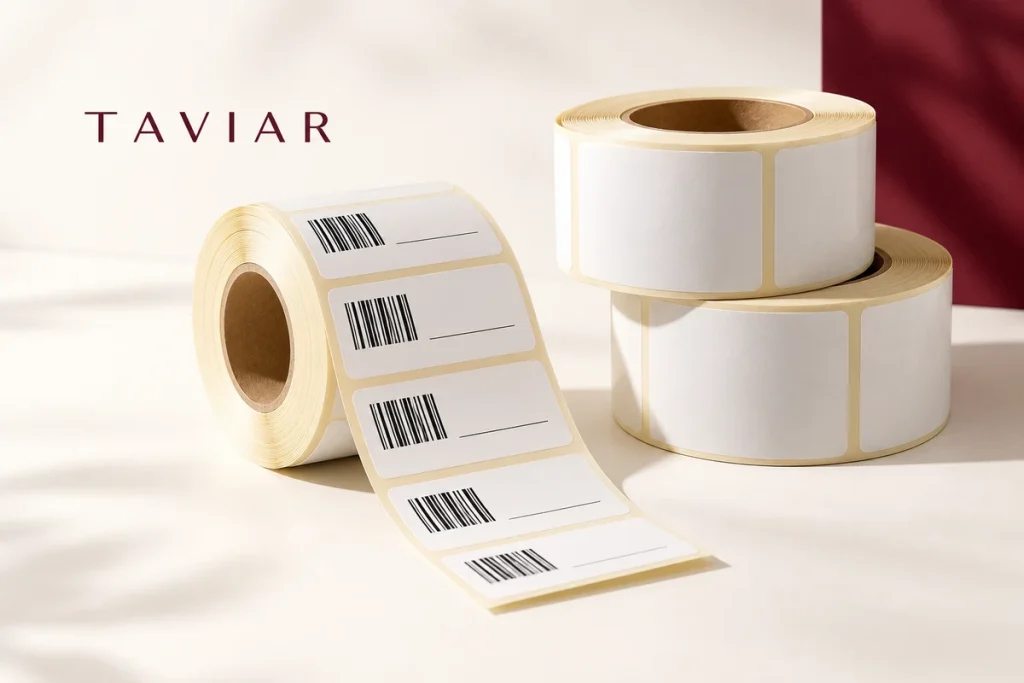
Label rolls for in-house printing or ready-printed identification: plan dimensions, raw material, core and information together. A clear solution for checkout, jewellery, warehousing and shipping stations.
- Rolls for self-printing
- Branded labels
- Barcodes and variable information
Start with what you do
Where will customers encounter your label?
Shipping and warehousing
Clear information on every package, in a configuration suited to the equipment and system.
Details and compatibility ←products and branding
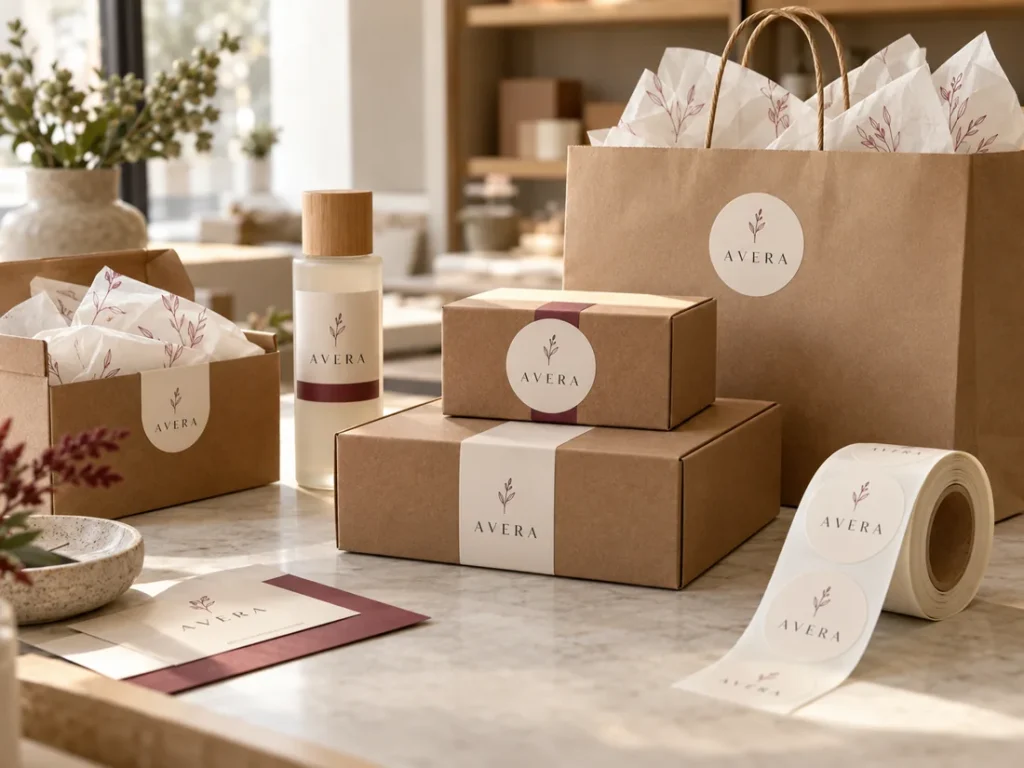
Logo and information labels for routine use on packaging and products.
Details and compatibility ←Ready-to-apply barcode
Define code, dimensions and data before producing ready-printed labels.
Details and compatibility ←What looks good - and what will actually work?
Do not just choose a label. Plan its use.
The image indicates a direction. Details determine suitability: application surface, information volume, printing method and product usage. Rather than guessing material or dimensions, share your sample and needs with us.
- Define the surface, usage conditions and purpose of marking.
- Choose dimensions and artwork that are easy to read at actual size.
- Check specifications and quantity before approving production.
Three steps to a clear quotation
Turning an idea into a useful label
- Show us what you needPhotograph of the packaging or item, dimensions, quantity and existing artwork. For in-house printing, also the printer model.
- Explore the optionsClarify material, adhesive, shape and printing method. Complete any missing details before the quotation.
- Approve specifications and designAgree on configuration, price and scope of work. Production is based on approved details.
Relevant catalogue products

Printer labels
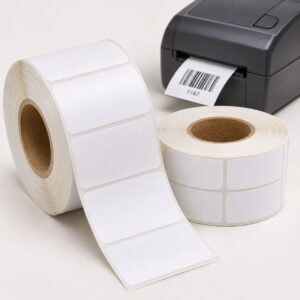
White paper or plastic labels, suitable for all checkout types.
Price provided in a quotation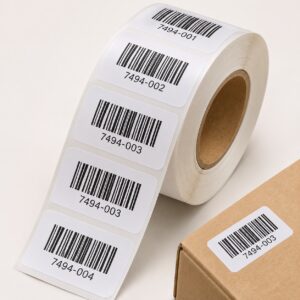
Producing barcode label rolls ready for application
You can order ready-made identification labels and apply them at your business. We will check code type, dimensions, material and quantity, and define…
Price provided in a quotation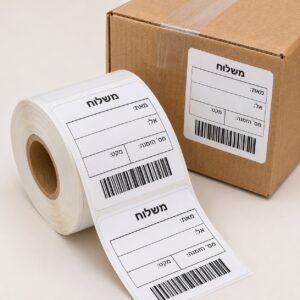
Shipping labels for packaging and shipping stations
Identifying packages according to your shipping process: fixed business information, variable fields and barcodes. We will select dimensions and configuration…
Price provided in a quotation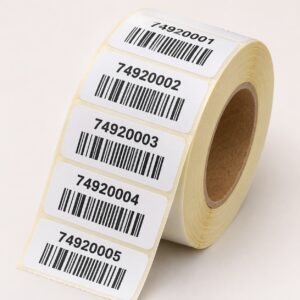
Labels with variable numbering and a barcode for each item
A solution for identifying series in which each item has a different identifier. Before quoting, we will check the data structure and barcode type…
Price provided in a quotation
What should I prepare to proceed without unnecessary questions?
| Detail | What to send | Why it matters |
|---|---|---|
| The item and surface | Photograph of the packaging or product and a description of the surface material | Choosing grip, position and application method |
| Dimensions | Width and height in mm or cm, with explicit units | Readability and fit within available space |
| Quantity and versions | Total quantity and quantity per design | Production planning and a comparable quotation |
| Artwork and data | Existing file, display or list of variable information | Clarifying preparation work and the content to be printed |
| Usage environment | Indoor/outdoor, moisture, cleaning and desired usage duration | Testing a specific material and adhesive |
Information that helps you decide
Two routes - according to how you work
Rolls for self-printing
Worth assessing when prices, barcodes or shipping details change in your business. To select media, provide the full printer model and supported roll configuration. Send a photograph of existing media if available and use theRoll measurement guide.
Ready-printed labels
For ready-printed identification, define artwork and information before production. Specify whether all labels are identical or there are multiple designs and variable data. Job type and configuration are checked before quoting; do not assume every material suits every printing method.
What determines whether the label will work on the product?
A beautiful image is not enough to select material and adhesive. Describe the application surface, product location, exposure to moisture or cleaning and intended label usage duration. Paper, synthetic material and different finishes are not interchangeable in every situation. Durability is assessed for specific material and conditions, not as a general promise.
What should roll details include?
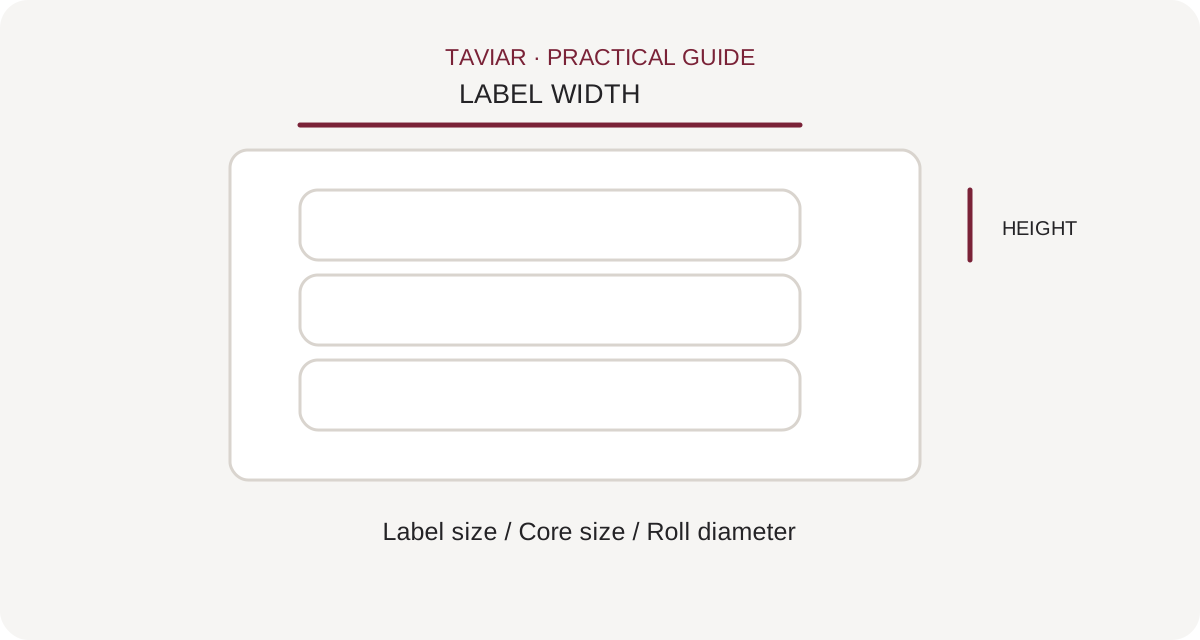
- Width and height of each label, with explicit units.
- Printer model or application method, and previous media if available.
- Core diameter, outer roll diameter and column count as needed.
- Total quantity and allocation between designs.
- Printed information and files already prepared.
For in-house printing, also establish whether the media is for direct thermal printing or thermal transfer with a ribbon. The difference is explained here.
From sample to order
- Send your requirement: Product photograph, dimensions, quantity and existing file. Add the printer model if printing in-house.
- Clarify the specifications: Define material, adhesive, roll configuration and required preparation work.
- Approve the quotation: Check contents, price and terms, and approve the design and specifications before production.
Continue to suitable products
For self-printing media, seePrinter label catalogue. If you also need a printer, go toLabel printers. For marking with a logo and other printing jobs, see Business labels.
Send a sample and we will assess the appropriate production route
Questions before getting started
Which roll dimensions should be measured?
Label width and height, backing paper width, core diameter and outer roll diameter. Add gaps or a black mark, number of columns and printer model according to configuration.
Does every roll need a ribbon?
No. Direct thermal uses heat-sensitive media without a ribbon; thermal transfer uses a suitable ribbon. Check printing method and media against the printer model.
Can I print variable information on a roll with a logo?
Check material, finish, remaining information area and the printer performing additional printing in advance. Send a sample and field description before production.
Do I need to buy a printer?
Not for every job. Consider ready-printed labels or in-house printing where data and quantities justify it. The workflow depends on need and existing equipment.
How do I place a repeat order?
Keep an order number, specification and label sample. Specify changes in quantity, design, printer or packaging. Price, availability and delivery terms are rechecked in the appropriate quotation.
More solutions worth exploring
Roll measurement guide ←Thermal or ribbon? ←Label printers ←Let's talk about your product
Send the details. Check what fits.
Tell us what you need to label, in what quantity and on which surface. Ariel and the team will contact you to clarify the details and choose the next step.
Prefer to ask? 050-257-2226Business label rolls: preprinted or for in-house printing
Two routes to ordering rolls
If the design and information are fixed, ask about preprinted roll labels. If prices, barcodes or details change during work, check which roll and material suit your printer. Start by asking who prints the information and when, rather than only how many labels a roll contains.
To continue checking, see Rolls for in-house printing.
Paper labels, PP and other materials
Choose the material according to packaging and usage environment. A refrigerated or moisture-exposed product requires different testing from dry cardboard packaging. Specify whether you want white, transparent or colour-printed labels, and test a sample on the actual surface before deciding quantity.
To continue checking, see How to measure a roll.
Application sequence and supply
Include dimensions, quantity per design and an example of label placement on the product. Specify winding direction, core or machine application requirements in advance. For barcode label orders, also define how data and scanning will be approved; a design sample alone does not confirm code accuracy.
To continue checking, see Variable information labels.







