







TAVIAR · Business label solutions
From the first label to your everyday business workflow.
Labels for branding, pricing, barcodes and packaging - choose according to the business task. Start with the application and find the suitable product, material and ordering process.
- Packaging branding
- Marking and prices
- Printing in-house or for you
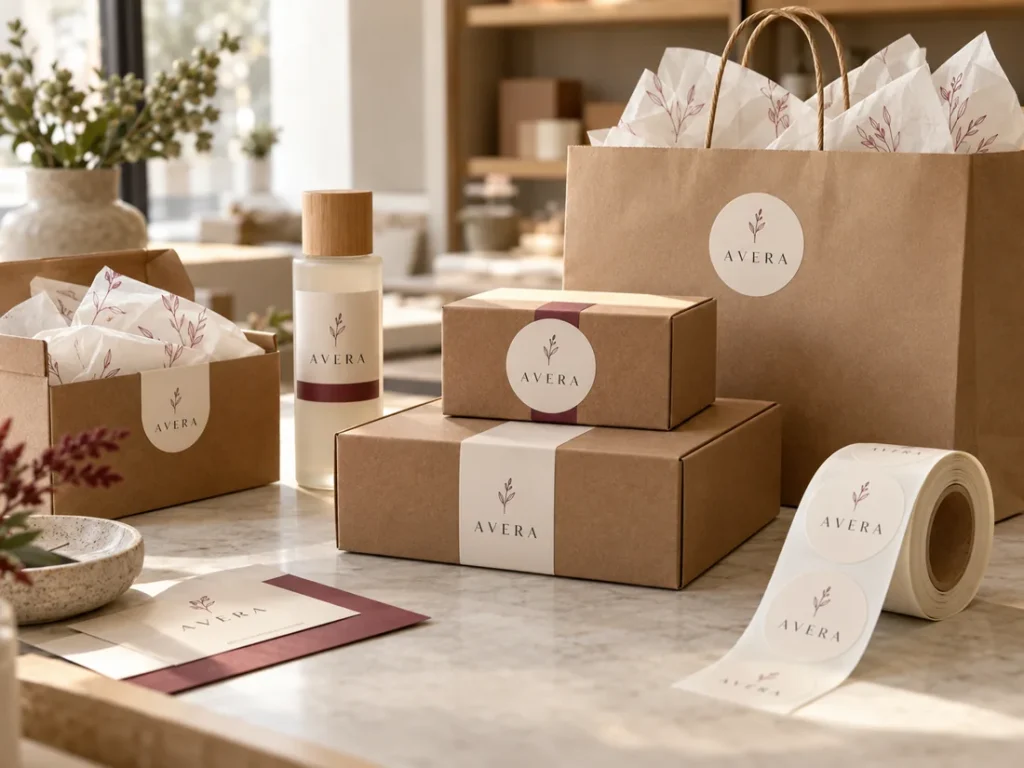
Start with what you do
Where will customers encounter your label?
Logo and packaging
A consistent look on a box, bottle or bag, with the right information for the customer.
Details and compatibility ←Spices and food products
Name and information labels on packaging; suitability for the material and usage environment is checked separately.
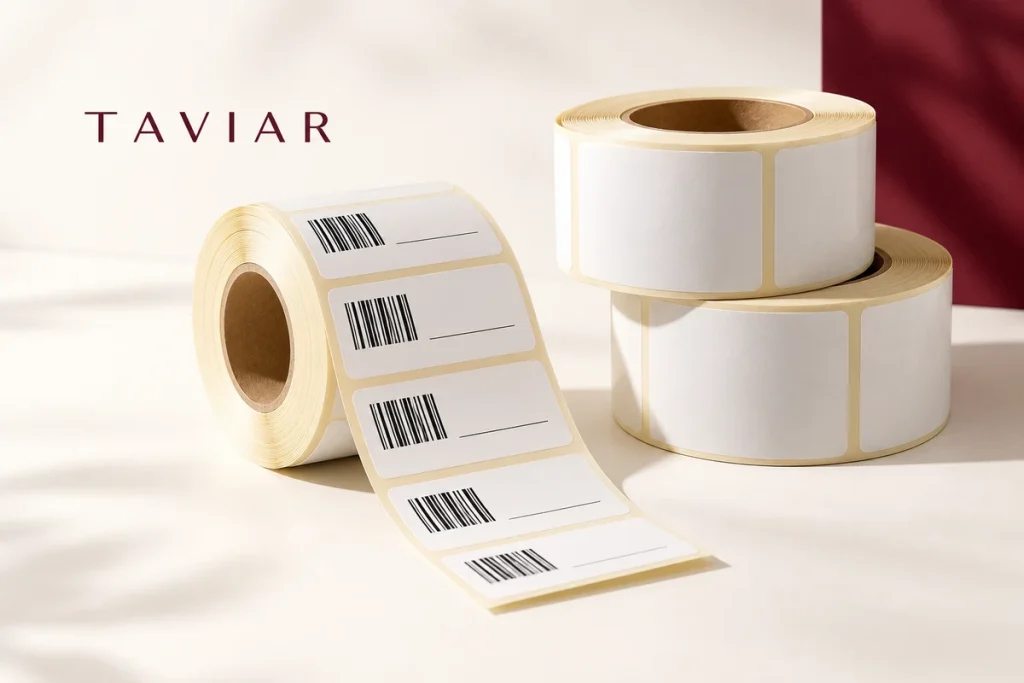
Details and compatibility ←Barcodes and item identification
Fixed or variable information integrated into the business identification workflow.
Details and compatibility ←What looks good - and what will actually work?
Do not just choose a label. Plan its use.
The image indicates a direction. Details determine suitability: application surface, information volume, printing method and product usage. Rather than guessing material or dimensions, share your sample and needs with us.
- Define the surface, usage conditions and purpose of marking.
- Choose dimensions and artwork that are easy to read at actual size.
- Check specifications and quantity before approving production.
Three steps to a clear quotation
Turning an idea into a useful label
- Show us what you needPhotograph of the packaging or item, dimensions, quantity and existing artwork. For in-house printing, also the printer model.
- Explore the optionsClarify material, adhesive, shape and printing method. Complete any missing details before the quotation.
- Approve specifications and designAgree on configuration, price and scope of work. Production is based on approved details.
Relevant catalogue products

Clear labels for packaging and product branding
Transparent label combining information and branding without concealing packaging. We will assess contrast, material, adhesive and readability on…
Price provided in a quotation
Printable spice labels
Printable spice labels are intended for product identification and labelling. Selection depends on tag shape, dimensions and usage method…
Price provided in a quotation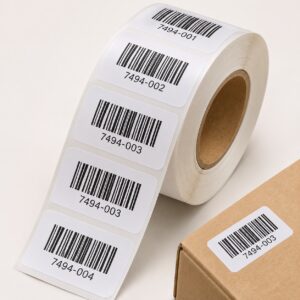
Producing barcode label rolls ready for application
You can order ready-made identification labels and apply them at your business. We will check code type, dimensions, material and quantity, and define…
Price provided in a quotation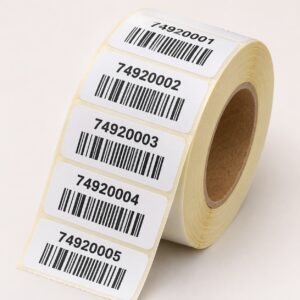
Labels with variable numbering and a barcode for each item
A solution for identifying series in which each item has a different identifier. Before quoting, we will check the data structure and barcode type…
Price provided in a quotation
What should I prepare to proceed without unnecessary questions?
| Detail | What to send | Why it matters |
|---|---|---|
| The item and surface | Photograph of the packaging or product and a description of the surface material | Choosing grip, position and application method |
| Dimensions | Width and height in mm or cm, with explicit units | Readability and fit within available space |
| Quantity and versions | Total quantity and quantity per design | Production planning and a comparable quotation |
| Artwork and data | Existing file, display or list of variable information | Clarifying preparation work and the content to be printed |
| Usage environment | Indoor/outdoor, moisture, cleaning and desired usage duration | Testing a specific material and adhesive |
Information that helps you decide
The guide to choosing labels
How do I choose labels for my business?
Start with one sentence describing the task: sealing packaging, displaying a logo, marking a price or identifying a product. Then define surface, dimensions and information. This order narrows unsuitable options and avoids decisions based solely on colour or an attractive photograph.
If one label will be used on several packages, test each package. Glass, cardboard and plastic do not necessarily react to the same adhesive in the same way. Specify whether the customer removes the label or it stays as part of the product. Bring a sample where possible and explain what has or has not worked before.
Paper, synthetic material or a transparent label?
Options can be compared according to appearance, application and printing requirements. No single material is always the best choice. For a transparent label, consider the packaging colour and text contrast. For labels printed at your business, also check printer and consumables compatibility.
Requirements such as resistance to water, heat, outdoor conditions or cleaning need precisely defined conditions. The material name is not a substitute for specifications. For food packaging, distinguish between an external label and direct food contact; an illustration or category name does not confirm approval for such contact.
Artwork, shape and readability
The label must be clear at its actual usage size. Allocate space by importance: product name, logo, operational information and barcode if needed. Read the actual-size layout rather than only enlarging it on screen. Tiny details or insufficient contrast can impair usability.
For die-cut shapes, define the cutting line and what must remain inside the safe area. Provide an original file if available, although you can start by having your existing file checked. If information varies between products, prepare an organised list of versions, quantities and fields rather than files without clear names.
How much do labels cost, and what should I send for a quotation?
Price depends on dimensions, quantity, material, versions, printing and finish. Request a quotation describing contents, not only unit price. For alternatives, ensure quantities, allocation, shipping and requirements match. Do not rely on an old promotion or another product's price.
Send a product photograph, dimensions and quantity, an artwork file if available and a brief description of the usage environment. For in-house printing, add the printer model and software. After clarifying details, the configuration is checked and the order agreed; delivery time and job contents are set in the appropriate quotation.
Questions before getting started
What type of label suits my business?
Start with surface, marking purpose and required information, then compare material, adhesive and printing method. A photograph and application sample help narrow options.
Can I order multiple designs in one job?
Specify the number of versions required and quantity of each. Design count and quantity distribution form part of production planning and pricing and must be confirmed in the quotation.
I only have a logo image. Can we start?
Send your existing file to check suitability for the print size. Not every small image can be enlarged; any additional artwork preparation will be clarified before job approval.
Do I need to buy a printer?
Not for every job. Consider ready-printed labels or in-house printing where data and quantities justify it. The workflow depends on need and existing equipment.
How do I place a repeat order?
Keep an order number, specification and label sample. Specify changes in quantity, design, printer or packaging. Price, availability and delivery terms are rechecked in the appropriate quotation.
More solutions worth exploring
Roll labels ←PVC labels ←Vinyl labels ←Let's talk about your product
Send the details. Check what fits.
Tell us what you need to label, in what quantity and on which surface. Ariel and the team will contact you to clarify the details and choose the next step.
Prefer to ask? 050-257-2226Separate design, information and material
The print file should show what stays fixed and what changes between versions. Note dimensions, quantities per version and the surface to which the label will be applied. This helps establish whether the requirement is packaging branding, price marking, an event label or operational information.
Size check before production
Print an actual-size paper sample and place it on the product. Check readability, margins and positioning. Material, adhesive and durability will be selected by application; an attractive screen design does not confirm surface or environmental suitability.
Custom label printing: defining the order around the product
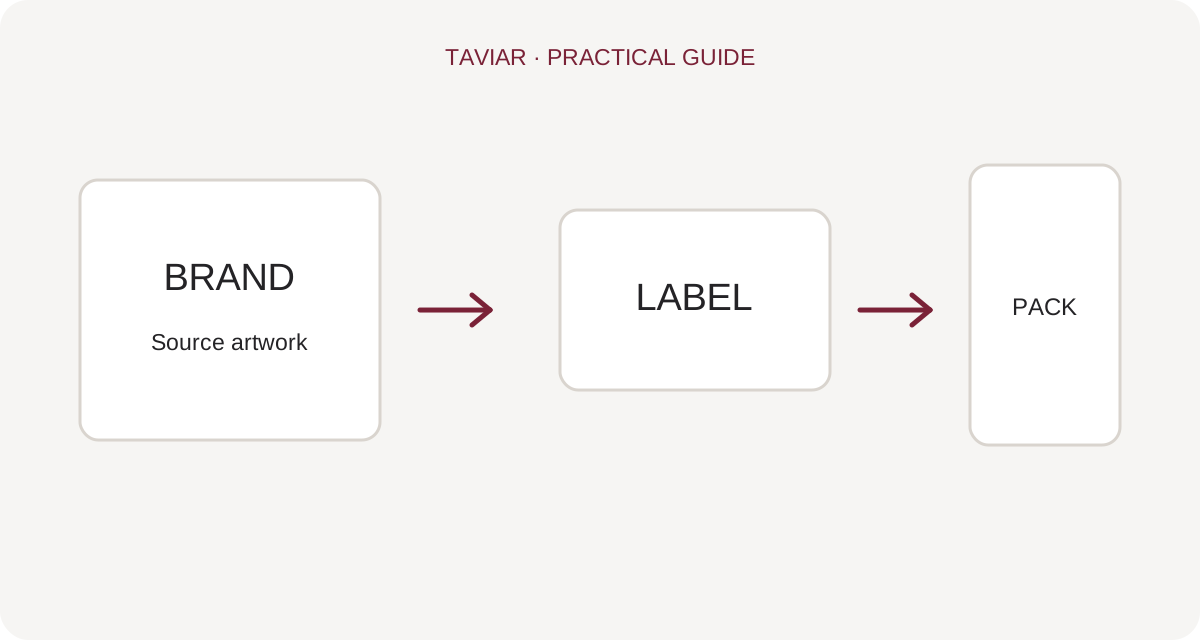
Labels with a logo, text or variable information
When ordering branded business labels, specify what remains fixed in the artwork and what changes between products. A logo sticker sealing packaging, a product label and a price label serve different purposes. Rather than choosing a pretty shape alone, check what information customers need to see and where on the packaging.
To continue checking, see Roll labels.
Round labels, rectangular labels and die-cut shapes
Send final dimensions and a design file, and specify whether shape cutting is required. For transparent label printing, check visibility against the packaging colour itself. White ink, a special finish or a particular material must be confirmed in the quotation; do not assume the option is included in every printing type.
To continue checking, see Materials and adhesives.
What affects the price of custom labels?
Quantity, dimensions, number of designs, material and supply format matter when comparing quotations. Specify manual application or another process, and whether you need ready-printed labels or rolls for in-house printing. For an accurate quotation, send a product sample, file and quantity per design.
To continue checking, see Bottle labels.







