







- Available in a bundle
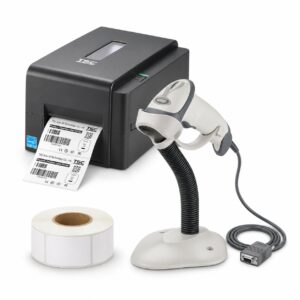
Small-product pricing bundle
TSC TE210 printer, 50×25 labels and Zebra LS2208 scanner for marking packaging and small products.…
Request a quote - Available in a bundle
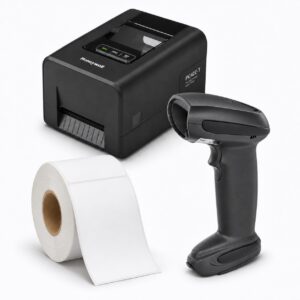

Warehouse labelling and scanning bundle
Honeywell PC42E printer, 100×150 labels and Zebra LI4278 scanner for planning a warehouse labelling station.
Request a quote - Available in a bundle
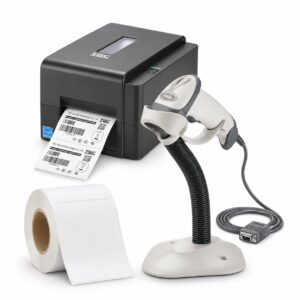
Shipping label printing bundle
TSC TE210 printer, 100×150 labels and Zebra LS2208 scanner - to be matched to your labels and software…
Request a quote - Available in a bundle
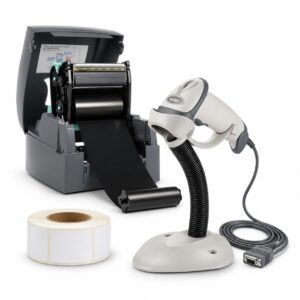

Shop pricing and scanning bundle
GoDEX G500 printer, 50×25 labels and Zebra LS2208 scanner for planning a pricing and scanning station…
Request a quote - Available in a bundle
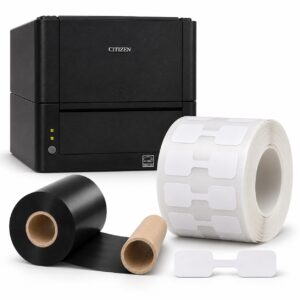

Jewellery labelling bundle
Citizen CL-E331 printer, dumbbell tags and resin ribbon - a starting point for checking suitability for labelling…
Request a quote - Available in a bundle
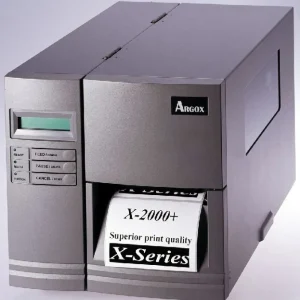

Label printer Argox X-2000
ARGOX X-2000 - choose according to the model, configuration and your intended use. Resolution: 203 DPI…
Request a quote - Available in a bundle
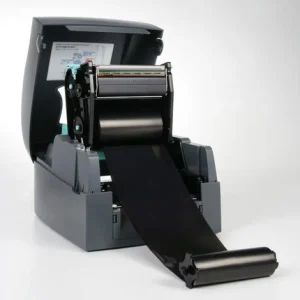
Godex EZ 520
GoDEX EZ 520 label printer for business use. We will check the label and ribbon configuration,…
₪ 2,065 VAT included 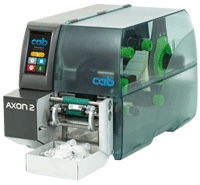 cab
AXON 2 horizontal tube labelling system
AXON 2 horizontal tube labelling system. Labelling test tubes and diagnostic preparations. Request a quotation…
Request a quote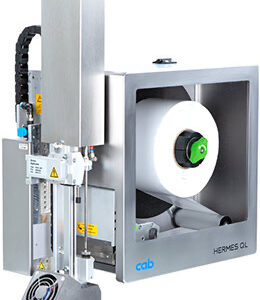 cab
Linerless HERMES QL print-and-apply unit
Linerless HERMES QL print-and-apply unit. Packaging lines without backing paper. Request…
Request a quote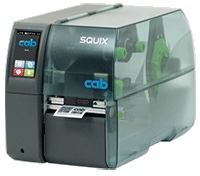 cab
SQUIX 4 M printer for very narrow media
SQUIX 4 M very narrow media printer. Components and small labels. Request a quotation…
Request a quote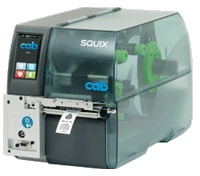 cab
cab SQUIX 4 MT textile label printer
cab SQUIX 4 MT textile label printer. Clothing care labels. Request a quotation…
Request a quote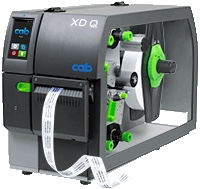 cab
XD Q double-sided printer
XD Q double-sided printer. Sleeves and continuous material with information on both sides. Request…
Request a quote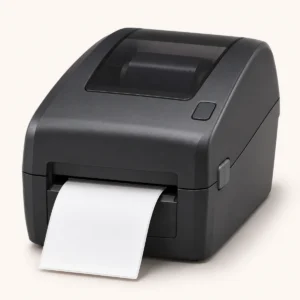 Product type illustrationEvolis
Edikio rigid food tag printer
Edikio rigid food tag printer. Select a configuration, quantity and intended use to receive a tailored quote. Illustration…
Request a quote- Product type illustrationEvolis
Avansia retransfer card printer
Avansia retransfer card printer. Select a configuration, quantity and intended use to receive a tailored quote. Illustration of…
Request a quote - Product type illustrationEvolis
Tattoo RW rewritable card printer
Tattoo RW rewritable card printer. Select a configuration, quantity and intended use to receive a quote…
Request a quote 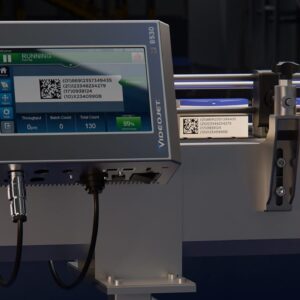 Videojet
TIJ Videojet 8530 thermal inkjet printer
TIJ Videojet 8530 thermal inkjet printer. Select a configuration, quantity and intended use to receive a quote…
Request a quote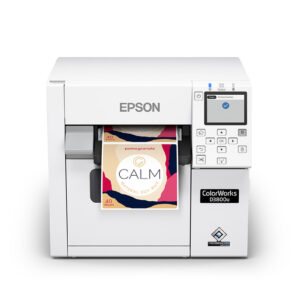

CW-D3800 dye-based label printer
CW-D3800 dye-based label printer. Select a configuration, quantity and intended use to receive a tailored quote. Illustration…
Request a quote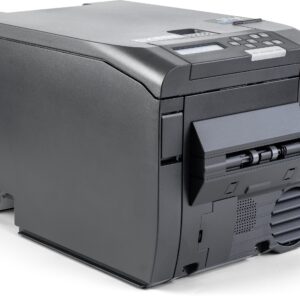 DTM Print
CX86e colour cardboard tag printer
CX86e colour cardboard tag printer. Select a configuration, quantity and intended use to receive a tailored quote. Illustration…
Request a quote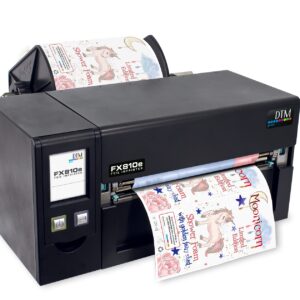 DTM Print
FX810e digital foil printer
FX810e digital foil printer. Select a configuration, quantity and intended use to receive a tailored quote. Illustration of…
Request a quote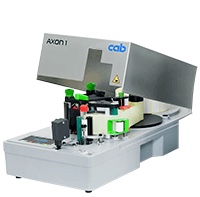 cab
AXON 1 vertical tube labelling system
AXON 1 vertical tube labelling system. Laboratories and sample manufacturers. Request a quotation based on…
Request a quote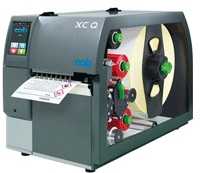 cab
XC Q two-colour printer
XC Q two-colour printer. Chemical warnings and labels with separate markings. Request…
Request a quote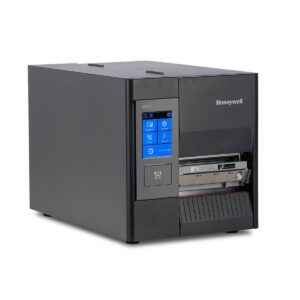
Honeywell PD45 - 203 DPI configuration
Honeywell PD45 - 203 DPI configuration - label printer; contact us to check suitability for work…
Request a quote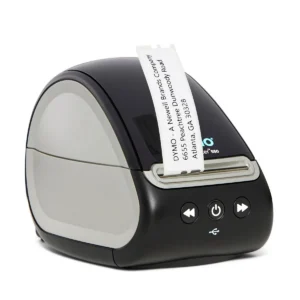
DYMO LabelWriter550 laboratory kit
DYMO LabelWriter550 laboratory kit. Choose configuration according to application surface and printing method…
Request a quote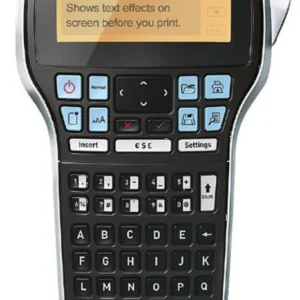
DYMO LabelManager 420P
DYMO LabelManager 420P - label printer; contact us to check suitability for your business.
Request a quoteCannot find the right product?Tell us what you are marking, and we will suggest a printer, labels and ribbon that work together.
Ready-made bundles- No products match all the filtersTry removing a filter, or ask us.
More information about Printers
Start with the label, not the model list
A shipping label printer is not necessarily convenient for a tiny jewellery tag. List dimensions and required content before selecting a model: price, SKU, barcode, logo or a combination. Include an actual-size file or photograph to assess readability as well as physical media fit.
Printing method, material and connection
Direct thermal printing uses suitable media without a ribbon. Thermal transfer requires a ribbon compatible with the media and printer. The choice depends on the task and selected material; do not assume every printer in the category supports both methods.
Also check how printing will be sent: from one computer, inventory software or several workstations. USB, network or wireless connectivity must be checked for the specific proposed configuration. The model name alone does not confirm included connections and accessories.
How do I narrow down the catalogue options?
- Define the main application: pricing, jewellery labelling, product identification or shipping.
- Filter by a feature you know is required, then open the product page and check the specifications.
- If a specification is missing, include it as a question in your enquiry. Missing information does not confirm compatibility.
- Compare quotations with the same contents: printer, media, ribbon, software, connections and included assistance.
A familiar model or a complete solution?
If you have already chosen a model, you can start from its product page, for example GoDEX EZ 520. If you are setting up a new printing station, also seeBusiness bundles. The bundle components, configuration and terms are checked before ordering; this is not a recommendation that every combination suits every use.
What should I send for a compatibility check?
Send a label sample, dimensions, material type if known, estimated workload and software name. Specify existing equipment that must remain in use. For a more structured selection, you can useLabel printer selection guide.
Questions and answers
Does every label printer require a ribbon?
No. Direct thermal uses no ribbon; thermal transfer uses a ribbon. Check the particular model's printing method and configuration.
Can I choose a printer based on label width alone?
Width is part of the assessment. Also check media, sensor, printed information, connections and working software compatibility.







