
Jewellery tags: choose according to the item and information
On this page
A tag should convey information and support sales without obscuring the jewellery. Before choosing a shape or logo, check its attachment point, what must be read and how it is removed from the item.
Match the attachment method to the jewellery
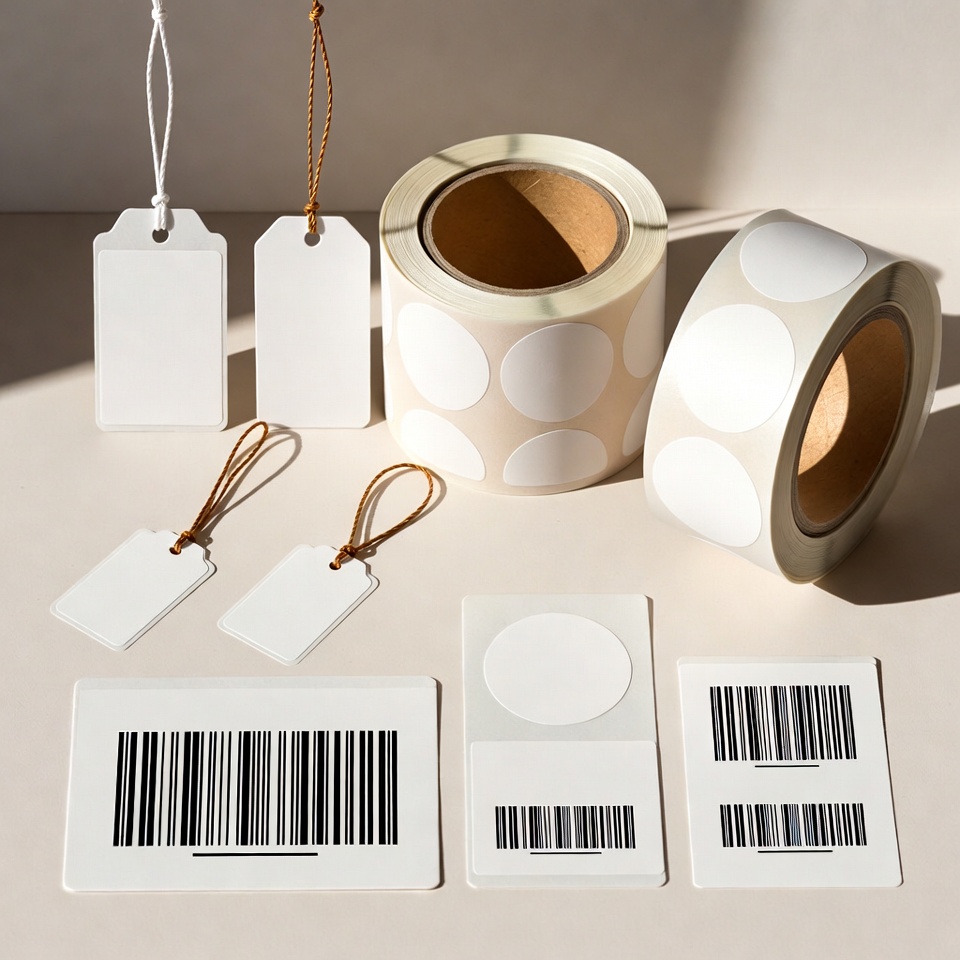
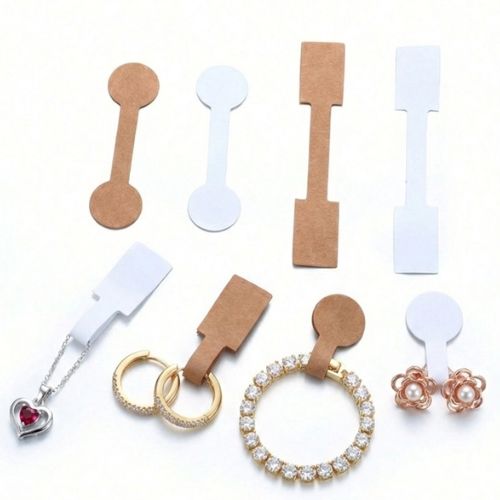
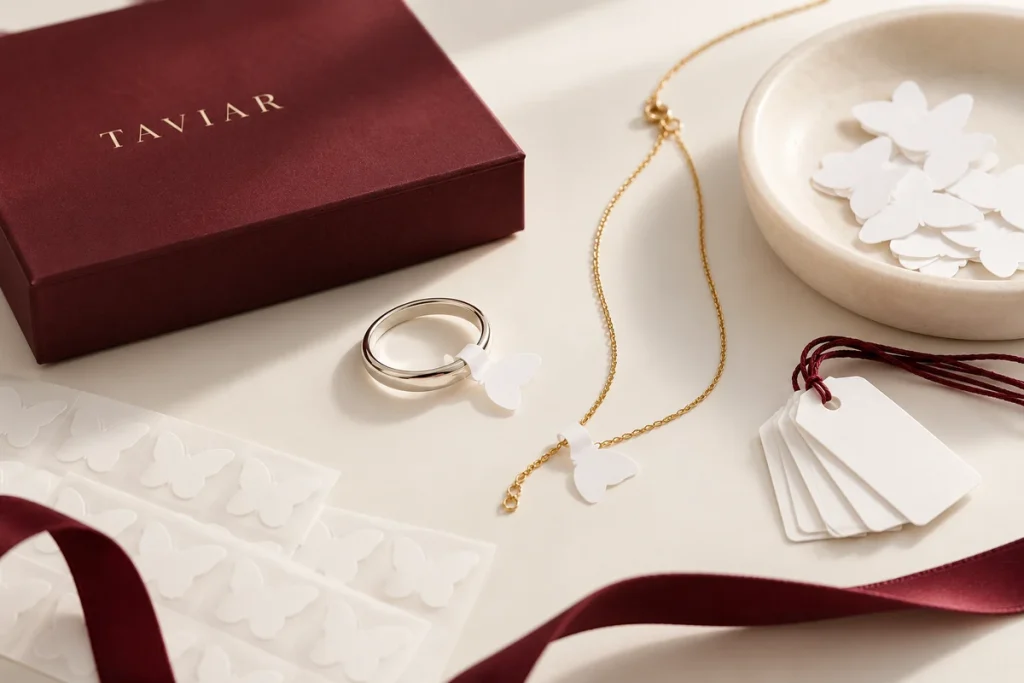
The TAVIAR catalogue includes dumbbell labels, tail labels and string tags. These are different tagging methods, not alternative names for the same product. Compare them on the item itself: a ring, bracelet, necklace or another accessory may need different information space and attachment methods.
Check how the tag sits when the jewellery is displayed or tried on, and whether it affects appearance or handling. Do not assume the adhesive, material or removal method suits every jewellery item without testing a sample.
Plan the information before choosing a size
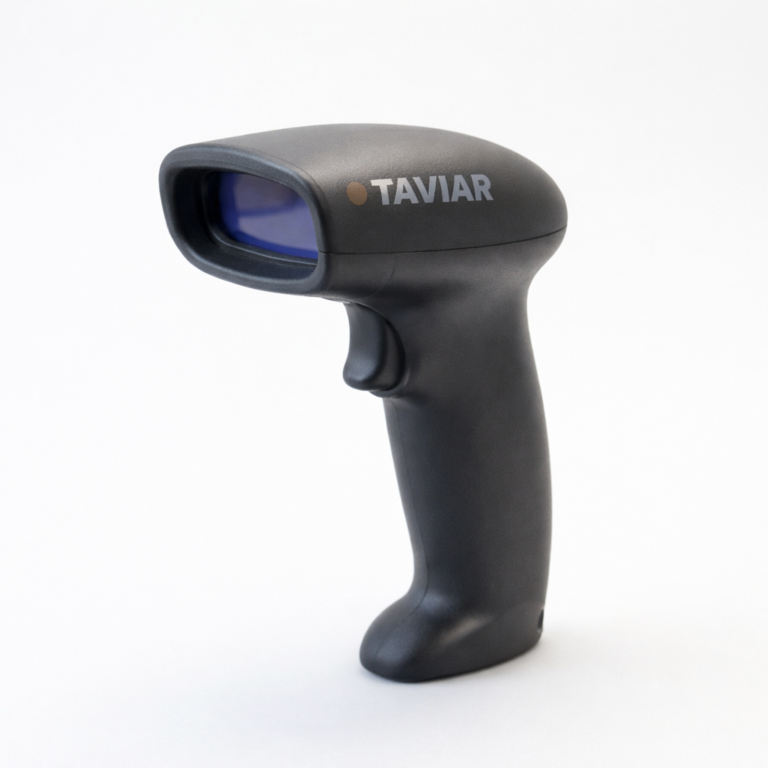
List what is actually needed: price, SKU, barcode, weight or logo. Prioritise information and leave spacing that makes it legible at actual size. Test barcodes with your scanner and working software; a correct on-screen appearance does not replace testing the printed result.
How many item types are in the store?
Several application templates may be better than crowding all information onto one tag, such as separate pricing and branding tags. Decide according to items and data managed, not the amount of text you want to add.
For in-house printing, check the entire system
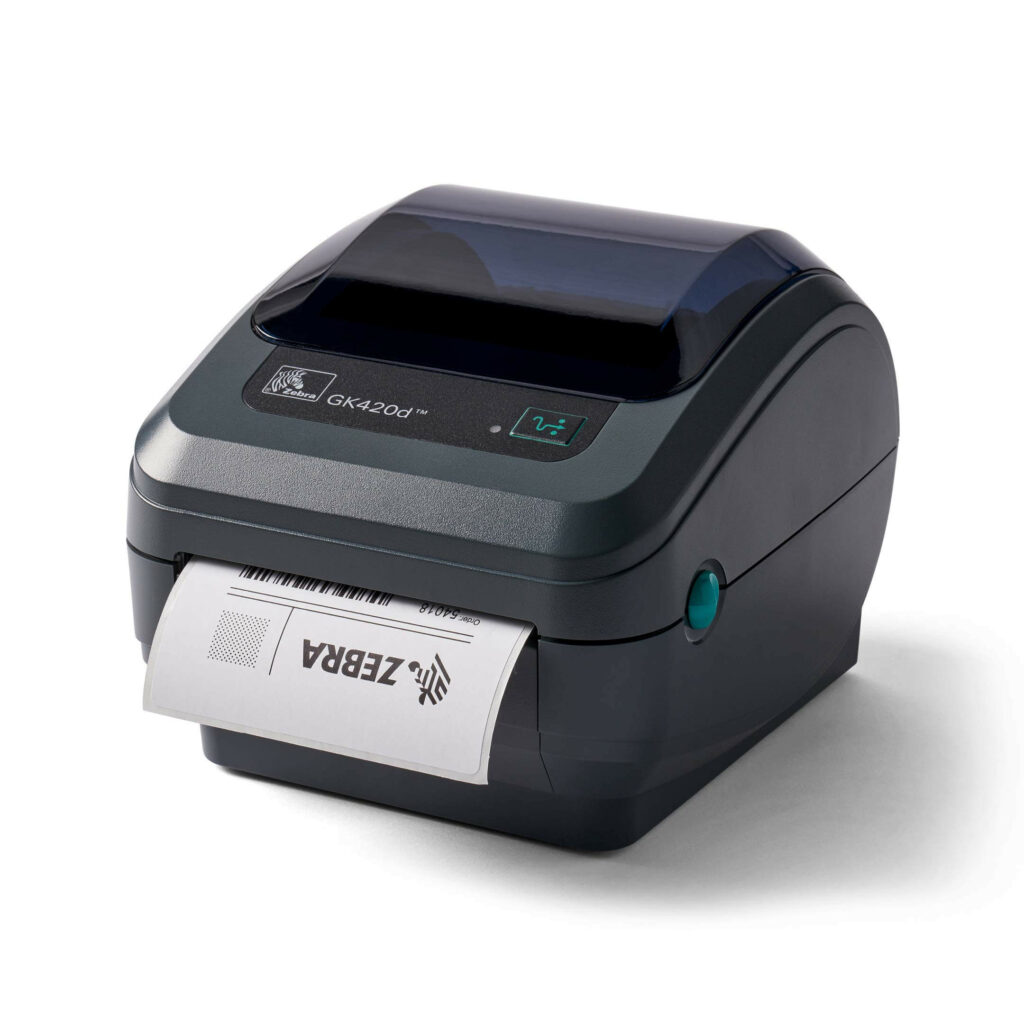
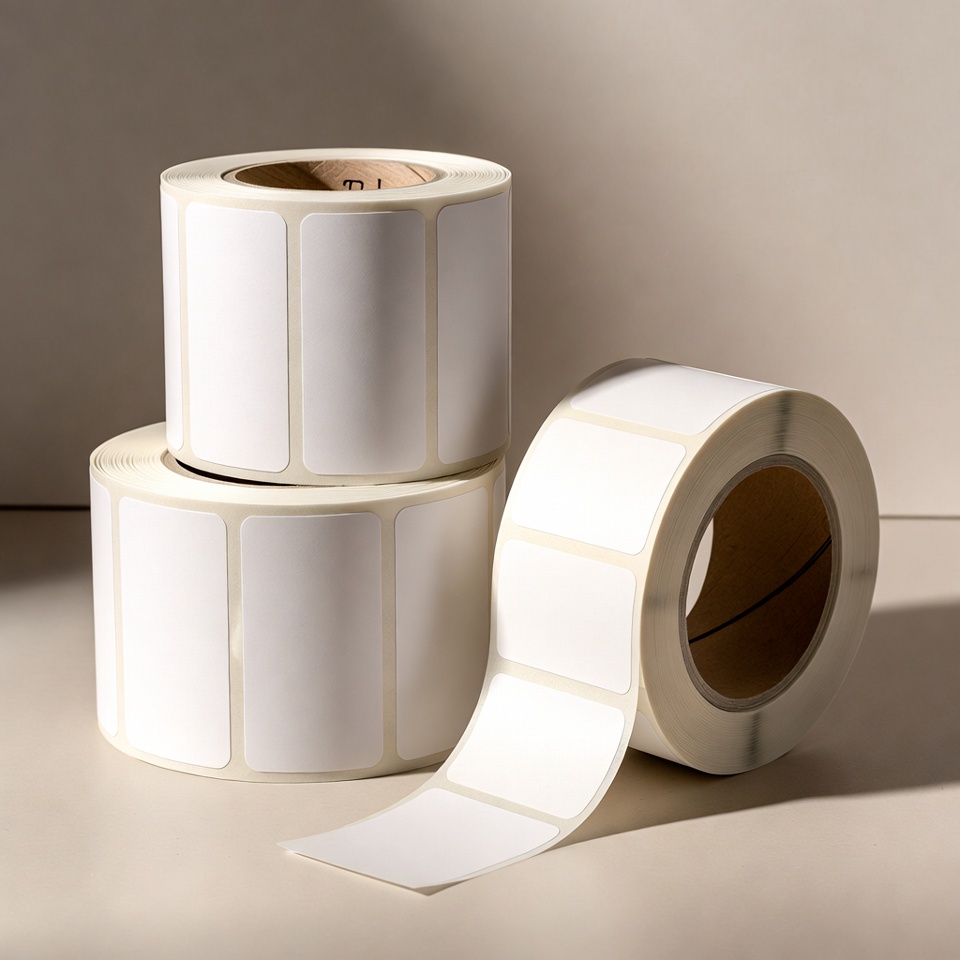
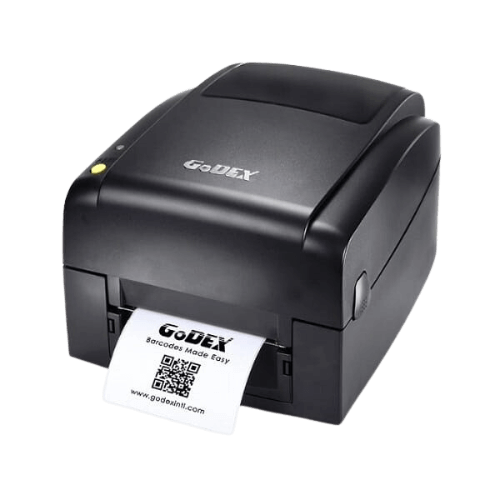
Include the full printer model, a photograph of the existing roll and sample content. Tag dimensions, roll configuration and printing method must suit the equipment. Ribbon is not a universal item automatically suited to every material; the selected combination must be checked.
When ordering printed tags, clarify what is needed to prepare the job: logo, information fields, designs and quantities. Do not assume that artwork preparation or software is included in the price unless confirmed.
Pre-order checklist
- Jewellery sample or clear photograph showing the attachment point.
- Tag shape and dimensions with explicit units.
- List of fields and a layout at final size.
- In-house printing or a preprinted tag, and equipment model where required.
- Quantity and allocation between tag types.
SeeTag catalogue, and also check Jewellery labelling bundle If a printing workstation is required. To select the equipment itself, see Label printer guide.
Send a photograph of the item and we will assess tagging options
Jewellery labels: separating pricing, identification and branding
Dumbbell labels, string tags and hang tags
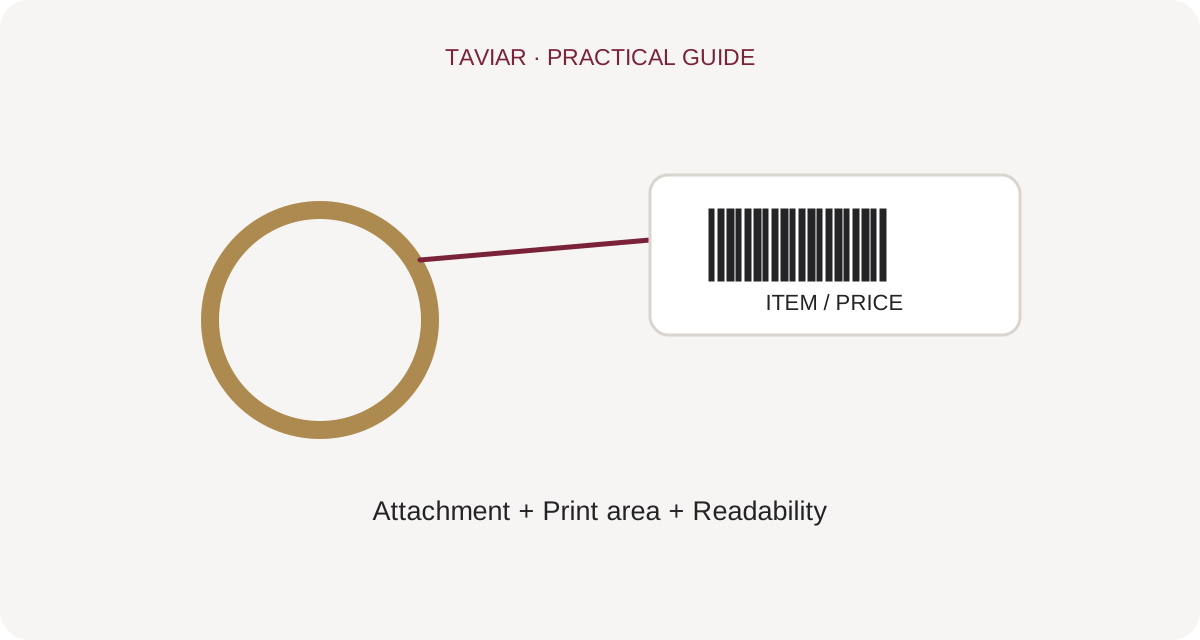
Rings, necklaces and spectacles have different attachment points. For dumbbell jewellery labels, check where the tag closes, print area and appearance on the item. For string hang tags, check tag dimensions and attachment length. You need not use one shape for every product simply to maintain consistent design.
To continue checking, see Dumbbell labels for jewellery and spectacles.
What should I print on a price tag?
Choose information that helps staff and customers: an item code, price or suitable identification details. A logo can be incorporated as long as it does not squeeze text and barcodes into too little space. Before ordering custom-logo jewellery price tags, show a sample at actual size and scan it if it includes a barcode.
To continue checking, see Product marking tags.
Spectacles, watches and small jewellery
For a spectacle tail label or watch tag, check its position on the item and appearance in the display. Information should remain available without hiding the product. Photograph the desired attachment and send item dimensions, enabling a compatibility discussion rather than relying on a roll photograph alone.
To continue checking, see Roll and tag dimensions.
Questions and answers
Dumbbell label, tail label or string tag - which is best?
Choose according to the jewellery, attachment point and required information. Compare using a real sample rather than assuming every shape suits every item type.
Can I print a logo and barcode on the same tag?
Check available space, readability and printing workflow. Prepare a sample at final size and check scanning before approving quantity.







