
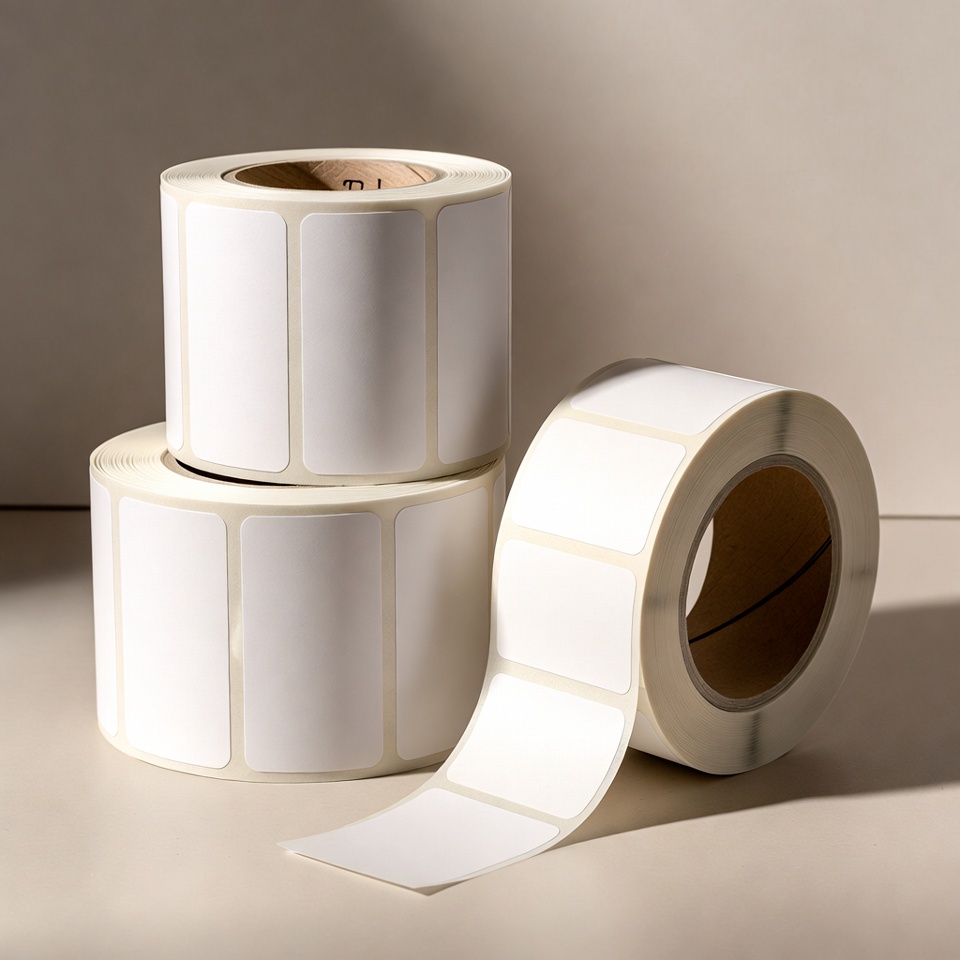
How do you measure a label roll before ordering?
On this page
Two similar-looking rolls may differ in dimensions, core and printer detection method. A brief measurement helps reduce ordering errors.
Measure the label itself
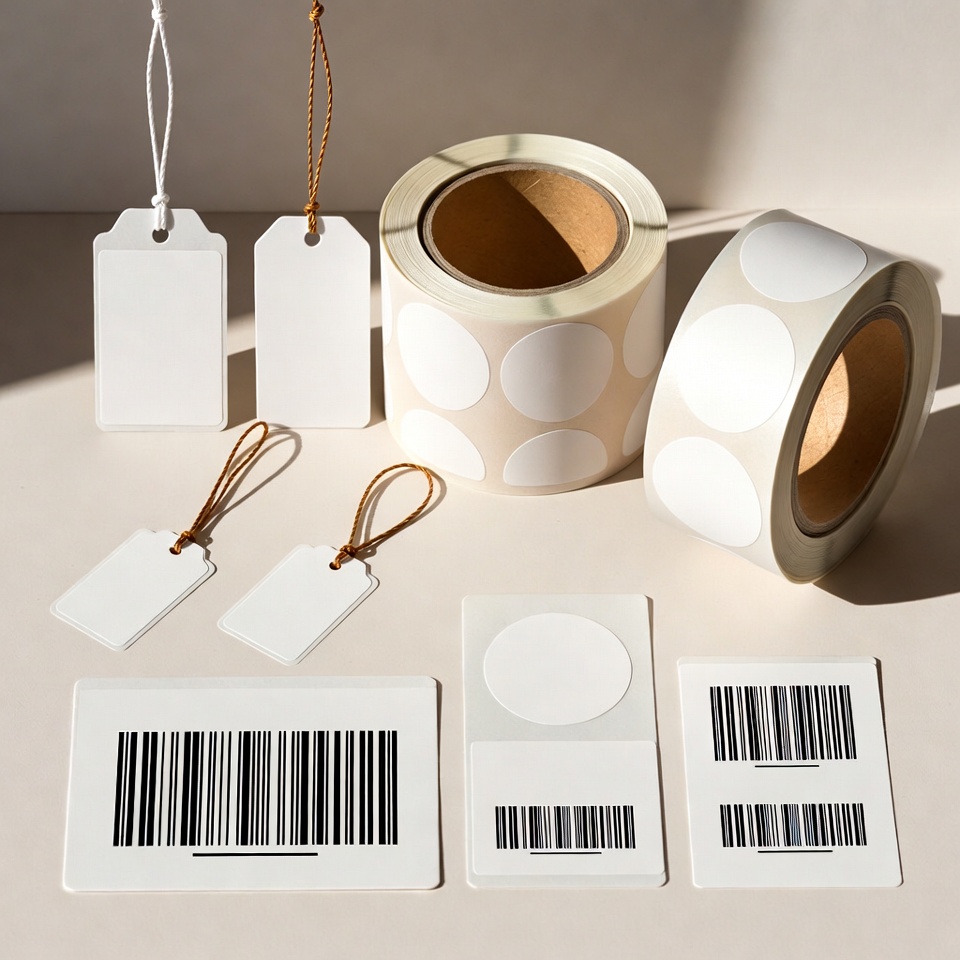
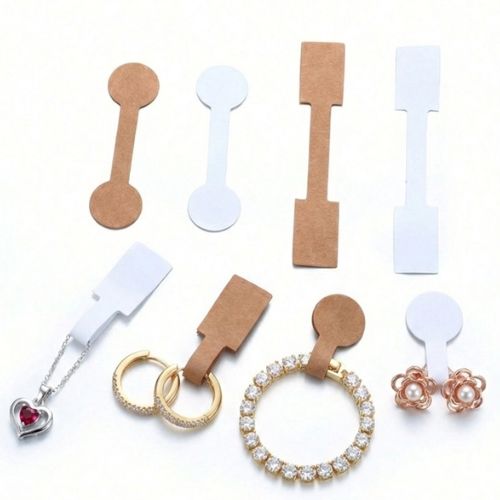
Note width and height in millimetres and print orientation. For specially shaped labels, photograph the label beside a ruler. For multi-column labels, also specify column count and gaps.
Check core and outer diameter
Measure the cardboard core's inner diameter and roll's outer diameter. Label dimensions alone do not guarantee the roll fits the printer.
Specify material and usage method
What is being labelled, for how long and under what conditions? Specify contact with moisture, friction or heat, and the surface type. Do not infer durability from label colour alone.
Keep a sample from the roll that works
An existing roll or printed sample can help with assessment. Before a large order, request sample approval in your printer and usage conditions.
Want to find the right business solution?
View relevant products in the catalogue or Leave details for a tailored solution.
Guides to continue your selection
To complete details before ordering: Choosing a label printer andPlanning a shipping station.
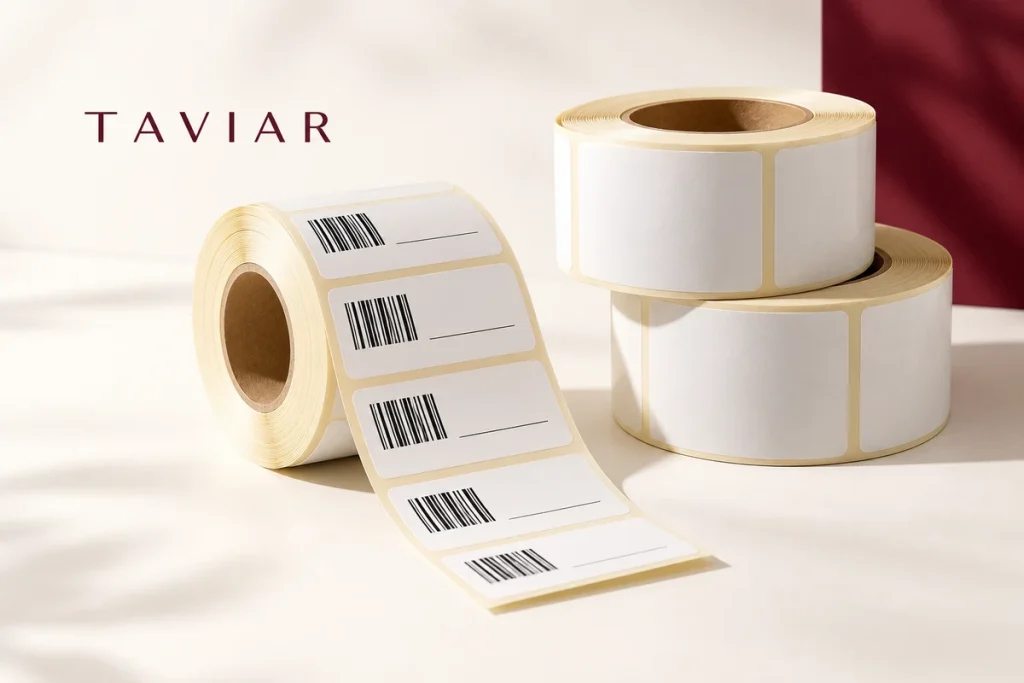
More than label width and height
Break the measurement into five details: label width, label height, backing paper width, core diameter and outer roll diameter. Specify units for every value. A photograph beside a ruler can help, but the ruler and label should be in the same plane, not at an angle that distorts the measurement.
Check the gap between labels and the printer's detection method. Continuous rolls, gap labels and black-mark media are different configurations. If there are two or more columns, specify the arrangement across the width and the total quantity.
Remember the winding direction and exact printer model. Compare them with the manufacturer media instructions and a roll that works for you. For repeat orders, keep all dimensions and a print sample, not just the abbreviated wording on the box.
A short preparation checklist before choosing
- Label width and height
- Web width and outer diameter
- Core, winding and columns
- Sensor and printer model
How do I check that the solution is suitable?
Prepare a representative work sample. Test it with your equipment and item, record approvals and outstanding questions, and keep the version and specifications for repeat orders. Compare alternatives under the same conditions, not using photographs or prices for different tasks.
What should I send when ordering a label roll?
To choose a suitable roll, distinguish label dimensions from roll dimensions. Correct label size does not guarantee the roll fits the printer or its sensor detects it.
Width, height and feed direction
Measure label width across the print path and height along the feed direction. Specify both in millimetres and include photographs of label and roll. For barcode artwork, allow its required surrounding margins as well as text space.
Core, diameter and quantity
Measure the cardboard core's inner diameter and roll's outer diameter. Specify labels per roll and rolls per order. Quantity affects outer diameter; label count alone does not establish printer compatibility.
How do I avoid an incompatible repeat order?
Keep the printer model, label dimensions, label material and printing method with the order details. For repeat orders, send a photograph of the previous packaging and a printed sample. When changing supplier or material, request a sample check before a large order.
Unsure what to measure? Send a photograph of the roll beside a ruler and the printer model, and we will help focus the pre-order assessment.
Printer label rolls: a repeat order checklist
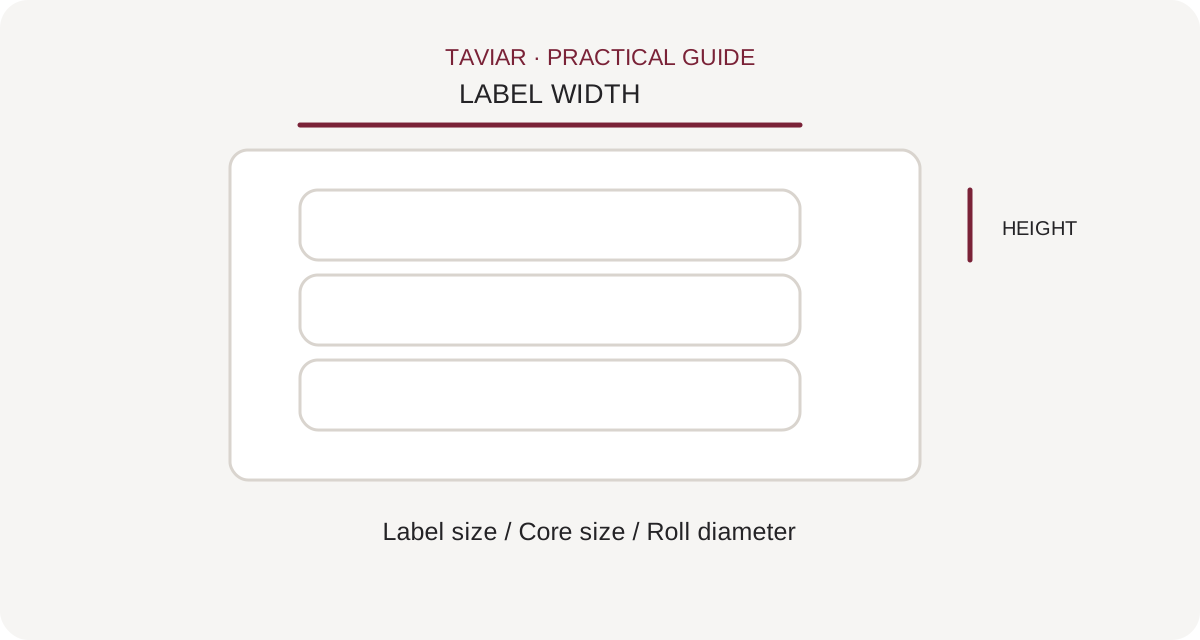
Blank roll or printing service?
Label rolls may be raw media for in-house printing or ready-printed labels. For blank rolls, provide printer model and printing method. For printed roll orders, also include artwork, quantity per design and usage or application method.
To continue checking, see Rolls in the catalogue.
Label dimensions are not roll dimensions
Measure label, core and roll diameter separately. Specify label gaps or other detection marks and any required roll layout. For round labels, provide diameter; for rectangles, give width and height rather than one number.
To continue checking, see Printed label rolls.
How do I specify the material when ordering?
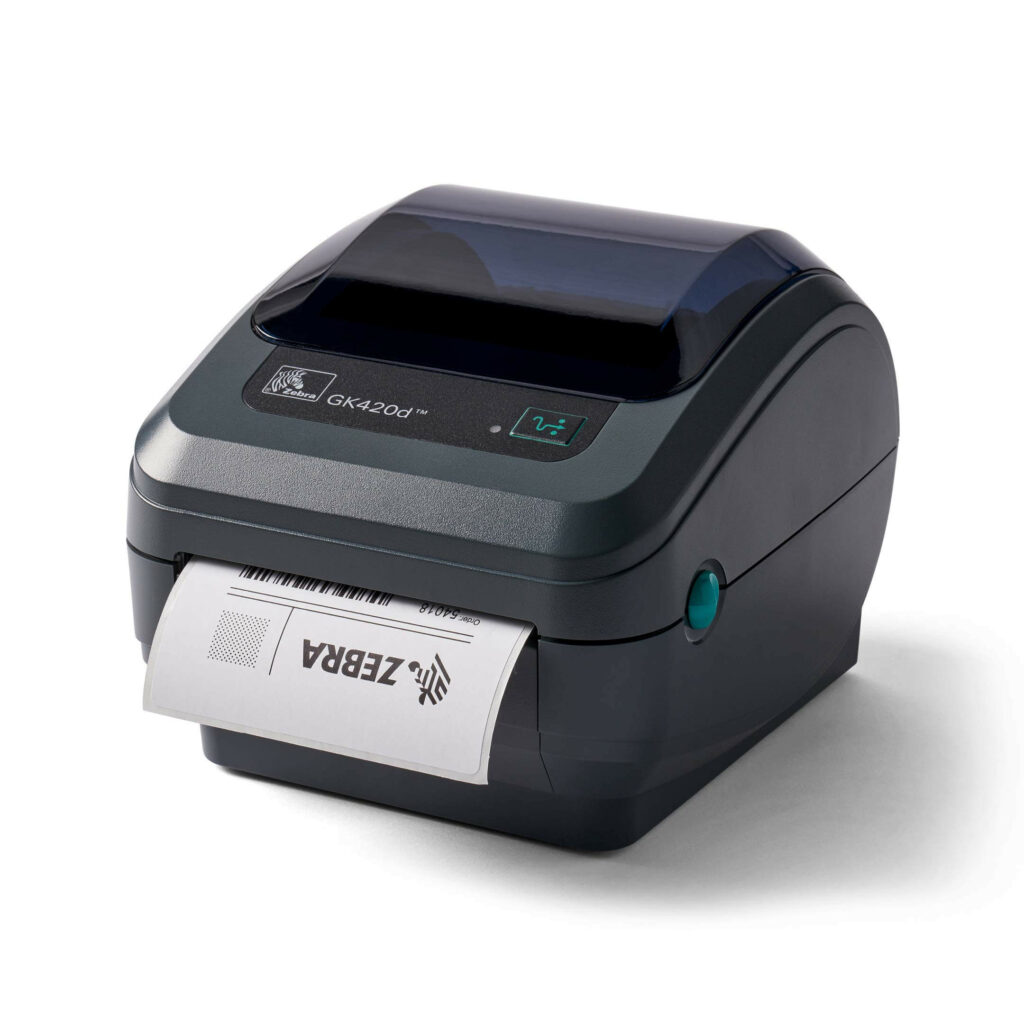
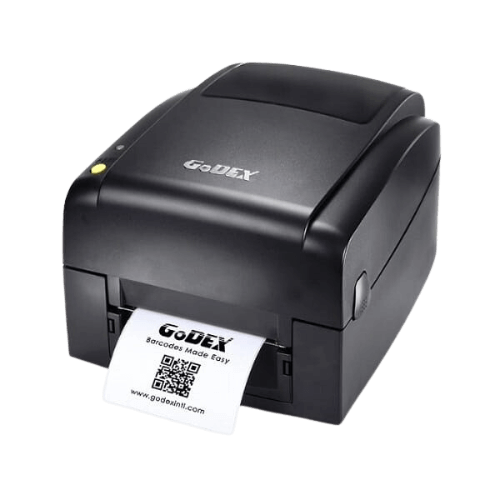
Rather than just writing paper for a Zebra printer or a roll for a Godex printer, provide the full model and details of a roll that works for you. The manufacturer name alone cannot establish compatibility between different models. Include a photograph of the existing roll and package label if available, and test a sample before changing material or dimensions.
To continue checking, see Printer compatibility.







