







- Available in a bundle
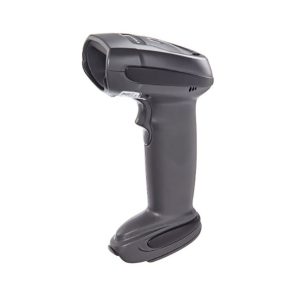

Zebra (Motorola) LI-4278 wireless barcode reader
Wireless Linear Imager scanner for reading one-dimensional (1D) barcodes. Suitable for checking a solution…
Request a quote - Available in a bundle
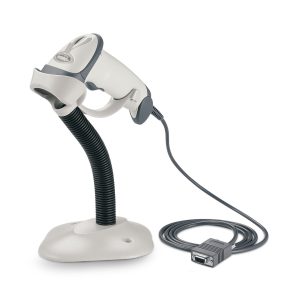
Zebra (Motorola) LS-2208 handheld barcode reader
Handheld barcode reader from the Zebra / Symbol LS2208 family, for scanning one-dimensional barcodes at stations…
Request a quote 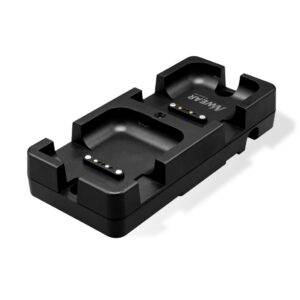
Multi-unit charger for wearable scanners
Multi-unit charger for wearable scanners. Charging room for a picking team. Get a quote based on…
Request a quote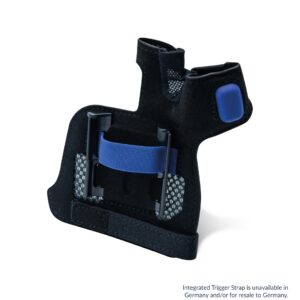
Wearable scanner mount for the back of the hand
Wearable scanner mount for the back of the hand. Reducing handheld scanner handling. Get a quote…
Request a quote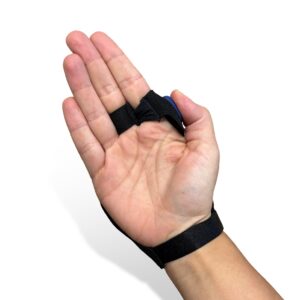
Scanning glove with trigger
Scanning glove with trigger. Repeated scanning while holding a box. Request a quotation based on…
Request a quote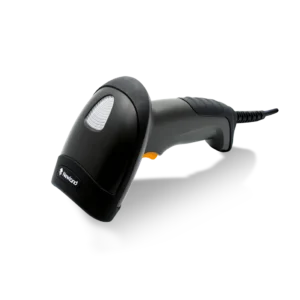

Newland HR3280 - USB1D/2D scanner with stand
Newland HR3280. Barcode scanner for a workstation; connection and kit contents will be checked according to the model.
Request a quote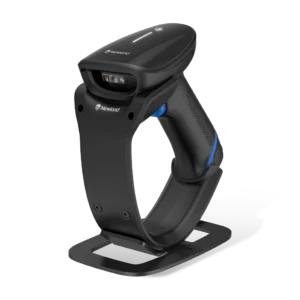
Newland HR2300BT - Bluetooth scanner with stand
Newland HR2300BT. Barcode scanner for a workstation; connection and kit contents will be checked according to the model.
Request a quote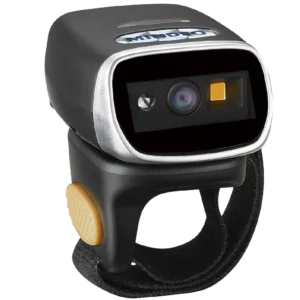 Mindeo
MINDEO CR40
MINDEO CR40 - barcode scanner; contact us to check suitability for your business.
Request a quote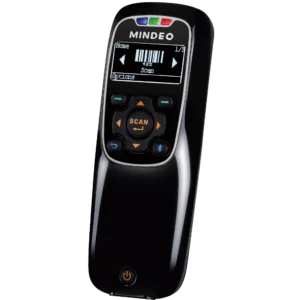 Mindeo
MINDEO 3690-2D
MINDEO 3690-2D - barcode scanner; contact us to check suitability for your business.
Request a quote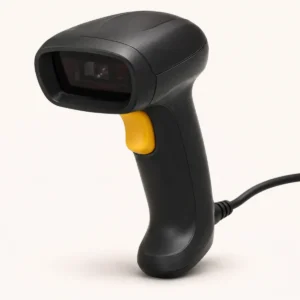 Product type illustration
Zebra CS3070-HC
Zebra CS3070-HC - barcode scanner; contact us to check suitability for your business.
Request a quote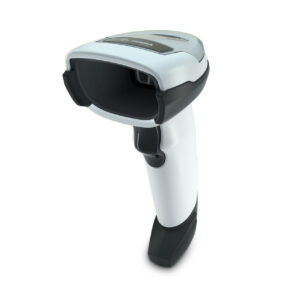
Zebra DS4608
Zebra DS4608 - barcode scanner; contact us to check suitability for your business.
Request a quote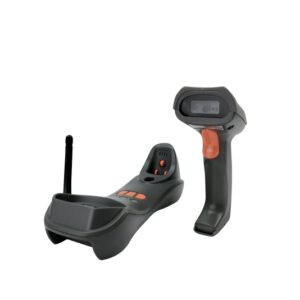 Mindeo
MINDEO CS3290-HD
MINDEO CS3290-HD - barcode scanner; contact us to check suitability for your business.
Request a quote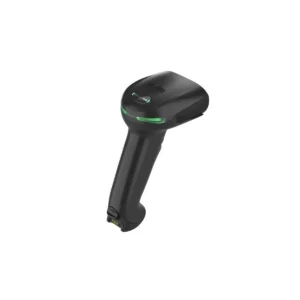

HONEYWELL 1952G
HONEYWELL 1952G - barcode scanner; contact us to check suitability for your business.
Request a quote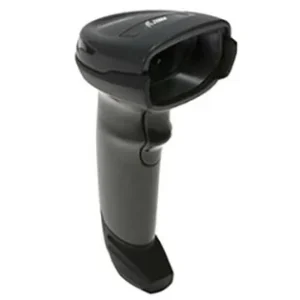
Zebra DS4308
Zebra DS4308 - barcode scanner; contact us to check suitability for your business.
Request a quote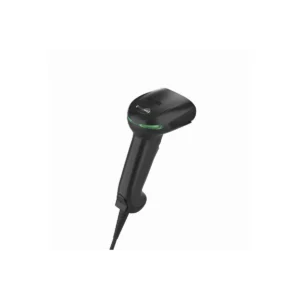
HONEYWELL 1950G
HONEYWELL 1950G - barcode scanner; contact us to check suitability for your business.
Request a quote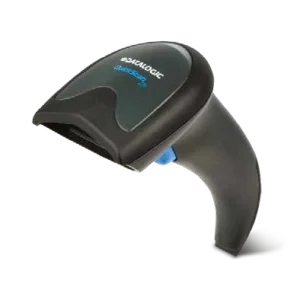

DATALOGIC QW2120
DATALOGIC QW2120 - barcode scanner; contact us to check suitability for your business.
Request a quote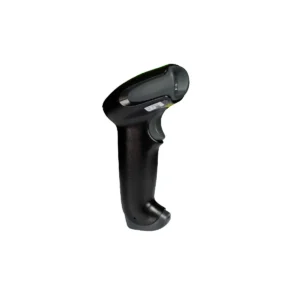
HONEYWELL 1250G
HONEYWELL 1250G - barcode scanner; contact us to check suitability for your business.
Request a quote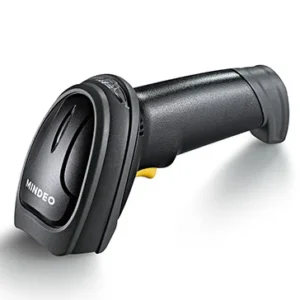 Mindeo
MINDEO MD6600
Mindeo MD6600 is a handheld imaging scanner with an option to switch between manual operation…
Request a quote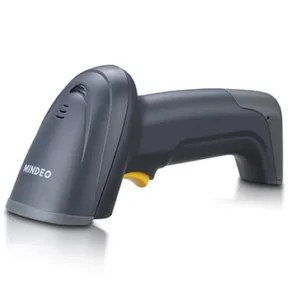 Mindeo
MINDEO MD2000
Mindeo MD2000 is a handheld laser scanner for a barcode station. For a compatibility check, it is important to include…
Request a quote CipherLAB
 1500P
CipherLAB 1500P - barcode scanner; contact us to check suitability for your business.
Request a quote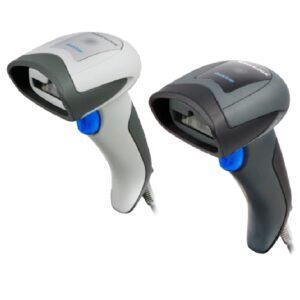
DATALOGIC QD2131
DATALOGIC QD2131 - barcode scanner; contact us to check suitability for your business.
Request a quote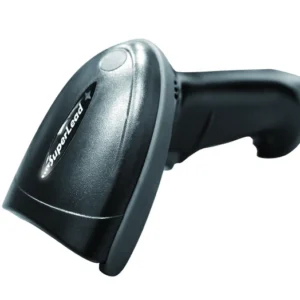 Superlead
 5130HS
Superlead 5130HS is a wireless scanner with a base station for reading one-dimensional and two-dimensional barcodes…
Request a quote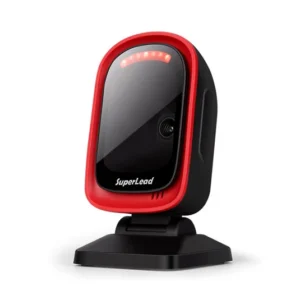 Superlead
 7201
Superlead 7201 is a desktop barcode reader for presenting a code to the scanner without holding…
Request a quote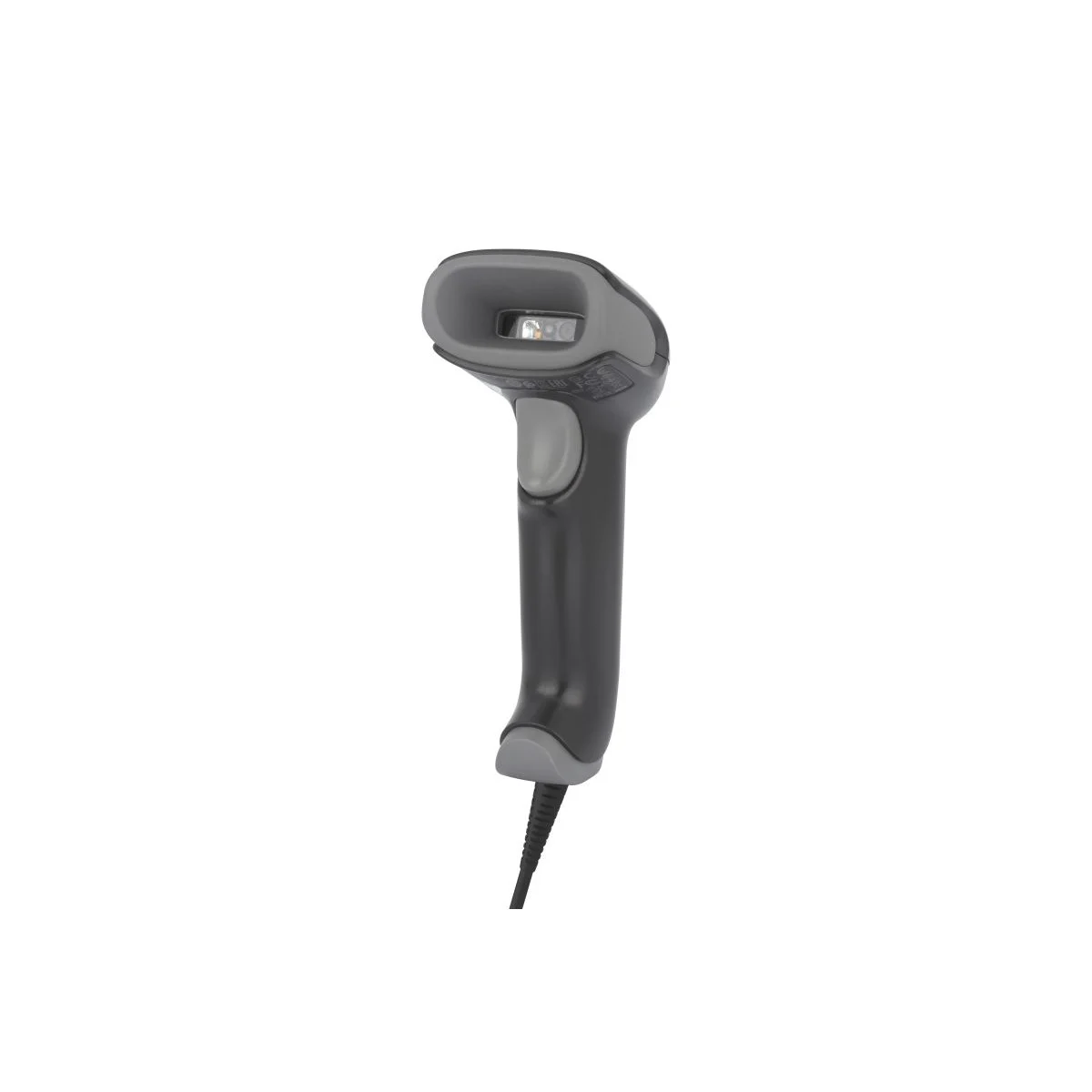
HONEYWELL 1470g
Honeywell Voyager XP 1470g is a wired scanner for one-dimensional and two-dimensional barcodes at checkout…
Request a quoteCannot find the right product?Tell us what you are marking, and we will suggest a printer, labels and ribbon that work together.
Ready-made bundles- No products match all the filtersTry removing a filter, or ask us.
More information about Barcode scanners
Which code needs to be read?
A linear barcode and QR are different code types. Before selecting a scanner, send a sample or clear photograph and specify whether the code is printed on paper, on a product or displayed on screen. Code type and screen-scanning support are checked for the particular model and version.
For example, Zebra classifies LS2208 as a 1D scanner. Do not infer QR reading or apply 2D scanner specifications to a similar-looking model. If you use several code types, include a sample of each.
How is the scanner used throughout the day?
Checkout station
Define whether staff hold the scanner or pass products in front of a fixed station. Check product dimensions, code position and space beside the checkout. A stand or accessory shown in a photograph is not necessarily included in the offered kit.
Warehousing and movement between items
Note whether you need to move away from the computer, the code distance and working conditions. If wireless connectivity is required, check the communication method and kit contents. Do not promise range, drop resistance or suitability for environmental conditions without model specifications.
Scanning must also work in the software
Specify which system should receive the data, the operating system and the connection available at the station. Ask to check that the code reaches the correct field in the required format. A successful reading beep alone is not a complete test of data capture in your workflow.
What should I send for an enquiry?
- Samples of every barcode type that needs reading.
- Whether the code is printed or displayed on a screen.
- Work location, approximate reading distance and usage method.
- Software name, operating system and desired connection.
- Required accessories and number of workstations.
UseBarcode scanner selection guide. If you generate the code yourself, also seeBarcode labels and inLabel printers.
Send a barcode sample and workstation details for a compatibility check
Questions and answers
Does every barcode scanner read QR?
No. Verify QR support in the proposed model and configuration. The general name barcode scanner does not establish this.
How do I check compatibility with a checkout system or software?
Define connection type and test a code sample inside the actual working system, including the target field and data format.







