







- Available in a bundle

BarTender UltraLite software
BarTender UltraLite is software for designing and producing labels. Before choosing a version, we will check…
Request a quote  Product type illustrationSeagull Scientific
BarTender Enterprise
BarTender Enterprise - label design software; contact us to check suitability for your business.
Request a quote Illustrative image
FastLabel Std design software
FastLabel Std design software. For availability, details and compatibility with your equipment, send an enquiry.
Request a quote- Illustrative image
FastLabel Pro design software
FastLabel Pro design software. For availability, details and compatibility with your equipment, send an enquiry.
Request a quote - Illustrative imageKomsel
Komsel software for integration with Priority and Hashavshevet
Komsel software for integration with Priority and Hashavshevet. For availability, details and compatibility with your equipment,…
Request a quote 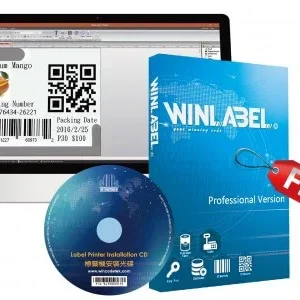

WinLabel design software for barcode printers
WinLabel barcode printer design software is software for designing and producing labels. Before selecting…
Request a quote
GoLabel label editing software
GoLabel - label editing software is software for designing and producing labels. Before choosing…
Request a quote

ZebraDesigner 3 software
ZebraDesigner 3 is software for designing and producing labels. Before selecting a version, we will check…
Request a quote
BarTender Professional Edition software
BarTender Professional Edition is software for designing and producing labels. Before choosing a version, we will check…
Request a quoteBarTender Basic Edition software
BarTender Basic Edition is software for designing and producing labels. Before choosing a version, we will check…
Request a quoteBarTender® Automation Edition
BarTender® Automation Edition is software for designing and producing labels. Before choosing a version, we will check…
Request a quoteCannot find the right product?Tell us what you are marking, and we will suggest a printer, labels and ribbon that work together.
Ready-made bundles- No products match all the filtersTry removing a filter, or ask us.
More information about Label design software
Label software matched to the data you print
Printing fixed text and logos differs from generating one label per data-file row. Start with the field list and sources: typing, spreadsheet or business system. The catalogue includes different software; do not assume every edition includes every connection capability.
What should I check before switching software?
Check compatibility with the operating system, printer and existing templates. Also define who updates the file and who operates printing. Include any existing version and licence in your enquiry. Workstation count, licensing terms and service are assessed in the quotation, not inferred from the software name alone.
Label design software: choose according to data and printer
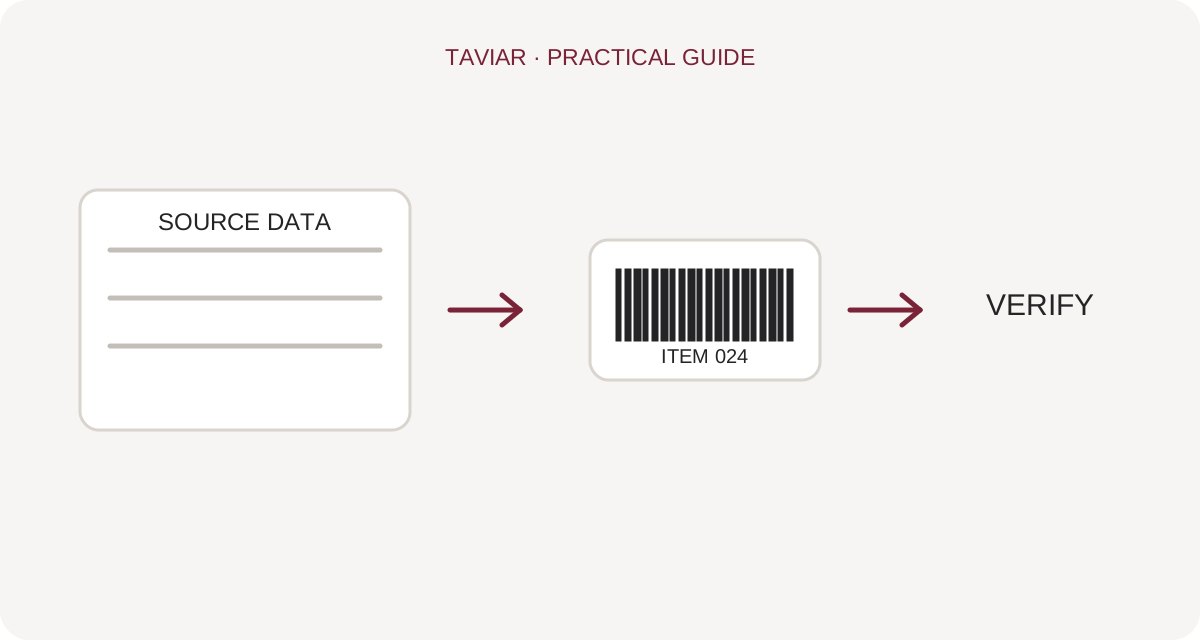
Fixed template or printing from a file?
Define whether you are preparing one label for repeated printing or labels whose data varies for each record. Barcode and label design software must be checked for code type, Hebrew text and data input method. Excel or database connectivity depends on version and licensing, and is not guaranteed in every product.
To continue checking, see Preparing data for printing.
GoLabel, WinLabel, ZebraDesigner and BarTender
Catalogue names refer to different software, not software with identical features. Check printer manufacturer, model, operating system and software version. Before migrating from existing software, establish whether your design files can be reused or templates need rebuilding.
To continue checking, see Creating your first label in GoLabel.
Check the template before starting work
Prepare a sample at actual label size and test short and long text, price, code and variable fields. If using a barcode, scan output from the printer itself. Keep the approved template separate from trial versions and record the tested roll dimensions.
To continue checking, see Business system integration checks.







