
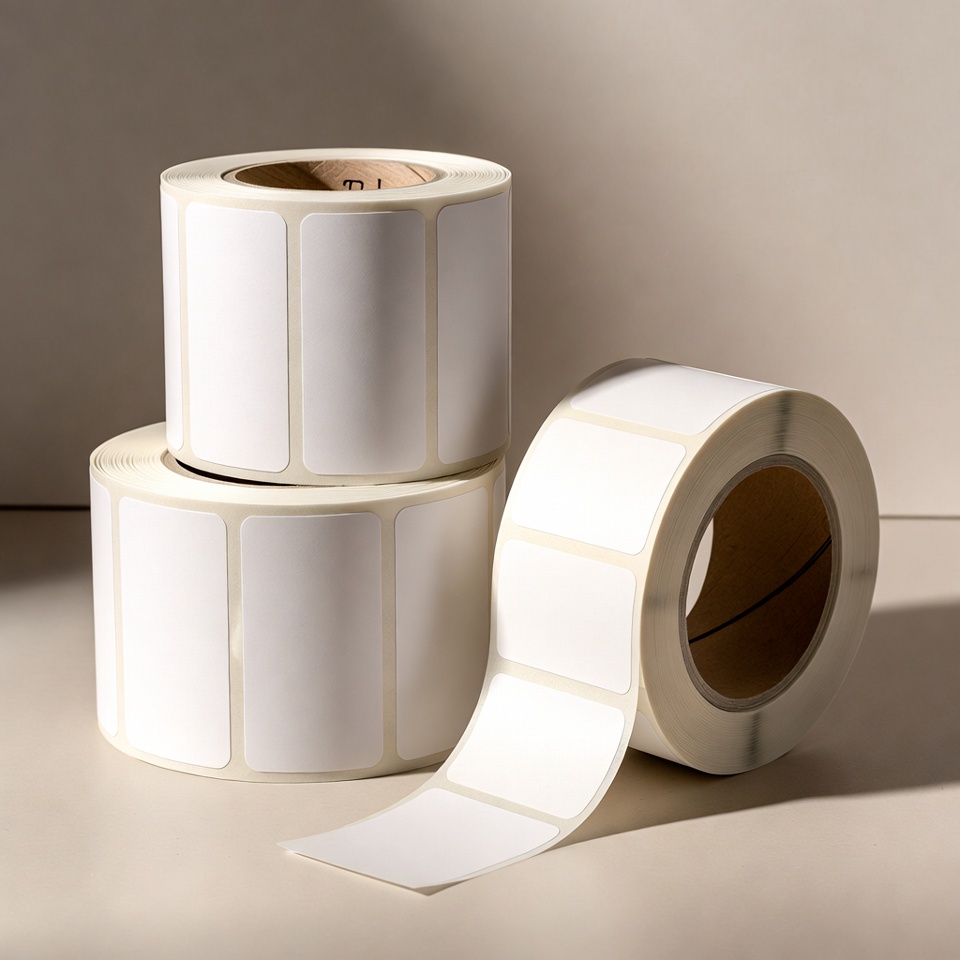
Reordering jewellery label rolls
On this page
A publication from the TAVIAR archive. The prices and promotional terms shown in this publication are historical. Contact us for matching and a current quote.
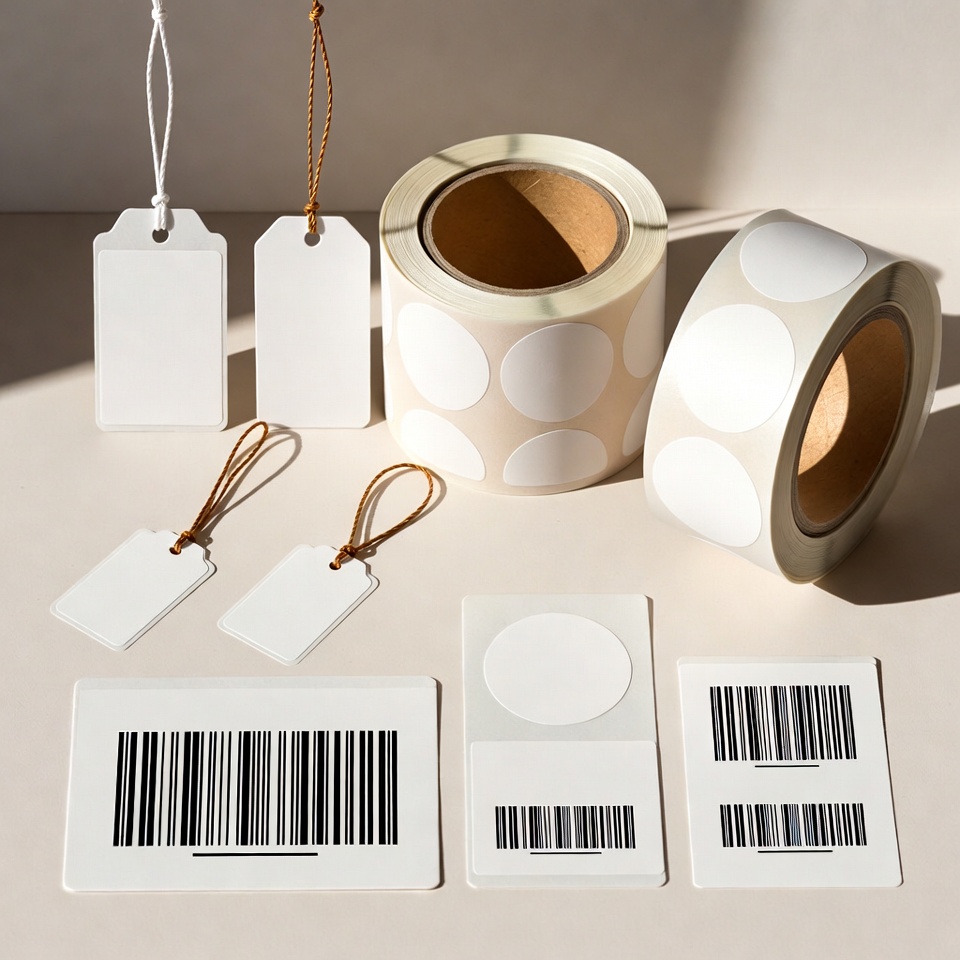
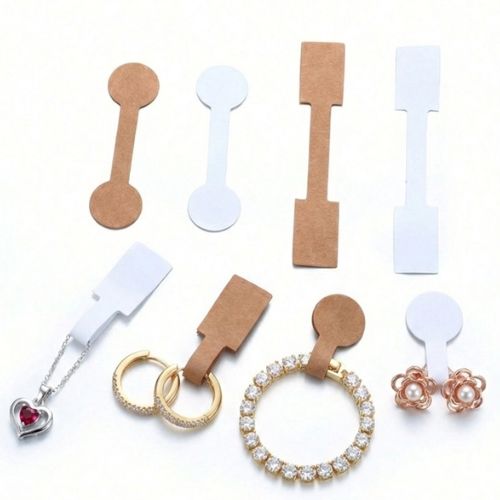
בהזמנת 3 גלילי מדבקות בצבע לבן, (סה”כ 3000 מדבקות בגליל) מתייחס למדבקות פרפר ו/או מדבקות פס (זנב), מקבלים גליל נוסף מתנה.
Several label types can be combined in one order
Tail labels with a transparent tail; request a quotation
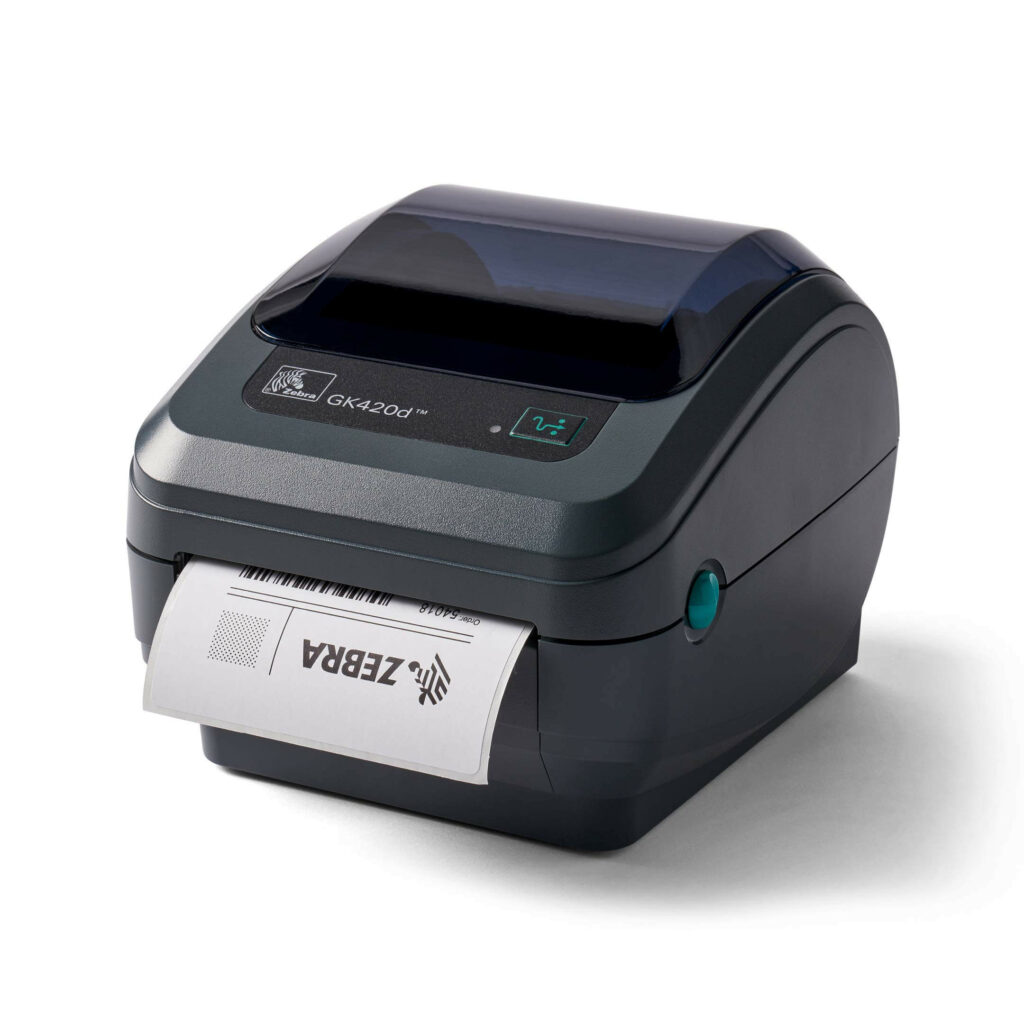
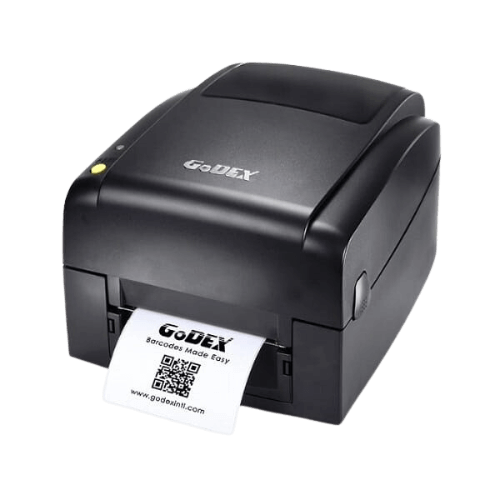
The labels suit all printer types | We can print a colour logo on the labels
Call for more details >>> 0502572226 | 08-9153494
Click here to leave a WhatsApp message
Click here to leave a contact form message


How do I proceed to product selection?
Before ordering price tags, measure available space and required information: price, logo, item code or barcode. Start withJewellery tag selection guide, then compare the products in the category Labels and tags. If you plan to print in-house, also have the printer model and roll dimensions ready.
Check before a repeat order
Keep an approved sample and the tag dimensions, print colour and unit quantity. A change in material, shape or attachment method requires another check on the item. You can start withJewellery labelling bundle and request compatibility with the equipment and software already in the store.
An information page updated from an earlier publication. Prices, offers and package contents are determined only in a current quotation.
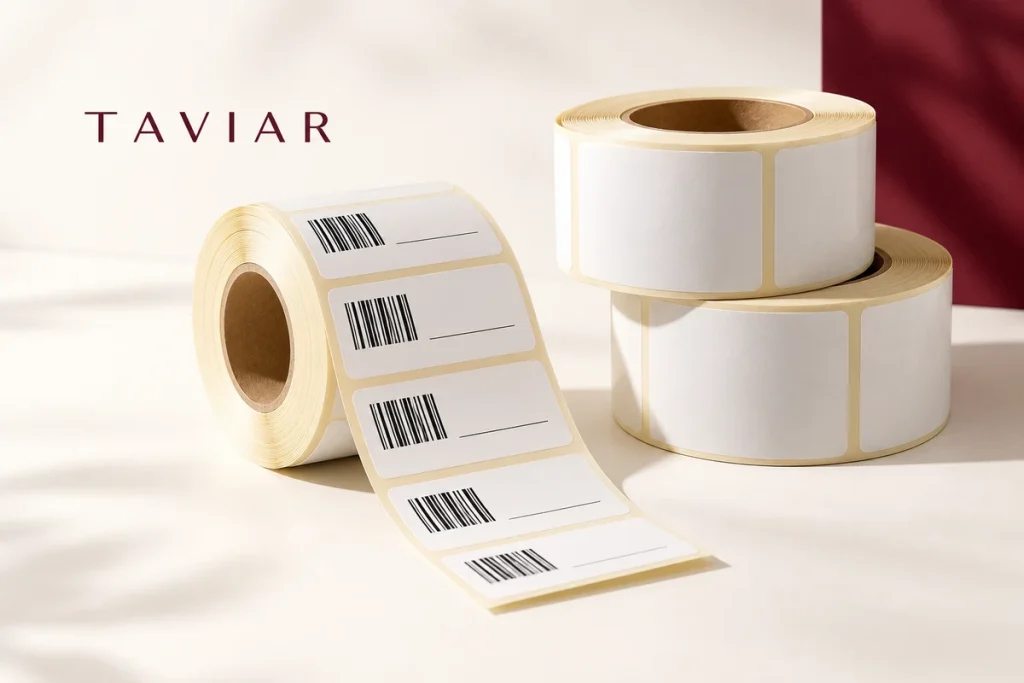
Repeat ordering rolls without guessing what you had before
Keep an order number or SKU, label sample and roll specification. Before reordering, check whether the printer, ribbon or printing software has changed. Even a small change in dimensions or column layout may require different settings.
Note the total quantity required and the desired division into rolls. Roll count alone does not describe label quantity, so confirm that both appear in the quotation. For multiple designs, specify a quantity for each version.
This page is based on an archived publication. An additional roll, discount or promotional terms are not considered active without confirmation in a current quotation. Send job details to check current suitability and pricing.
A short preparation checklist before choosing
- Order number and sample
- Label quantity and division into rolls
- Printer model and ribbon
- What has changed since the order
How do I check that the solution is suitable?
Prepare a representative work sample. Test it with your equipment and item, record approvals and outstanding questions, and keep the version and specifications for repeat orders. Compare alternatives under the same conditions, not using photographs or prices for different tasks.
Repeat ordering jewellery labels: the roll name is not enough
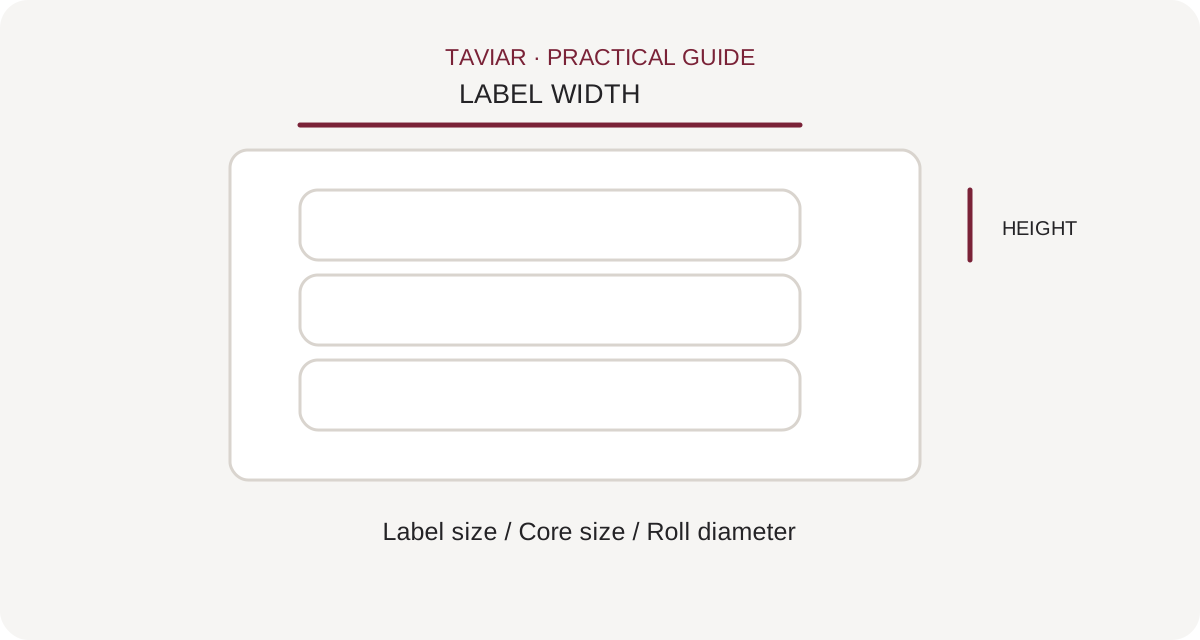
What has changed since the previous order?
Check whether the printer, design or product around which the tag closes has changed. Even a similar-looking roll may differ in size or material. Keep a physical sample of an approved tag for comparison.
To continue checking, see Details for measuring a roll.
Order details that can be reproduced
Provide tag and core dimensions, printer model, material and required quantity. Include ribbon details if used. For preprinted tags, attach approved artwork and specify fixed and variable content.
To continue checking, see Tags for jewellery and spectacles.
Test the shipment before full use
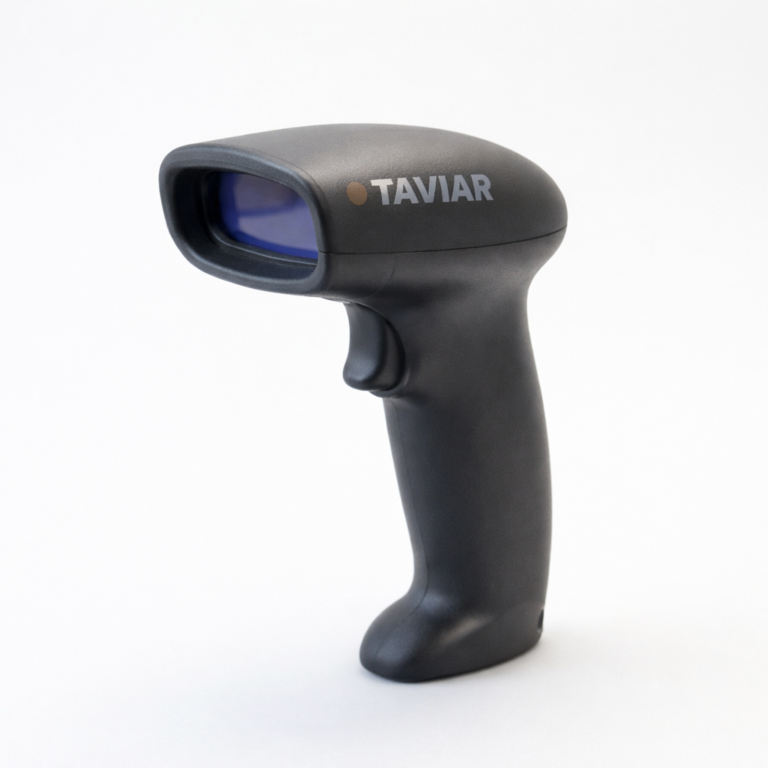
Open a sample roll, print the usual template and check attachment to the jewellery and code reading. If the result differs from the approved sample, document the difference before using the entire quantity. A brief check at the start can prevent mixing in tags unsuitable for the process.
To continue checking, see Printing ribbons.







