
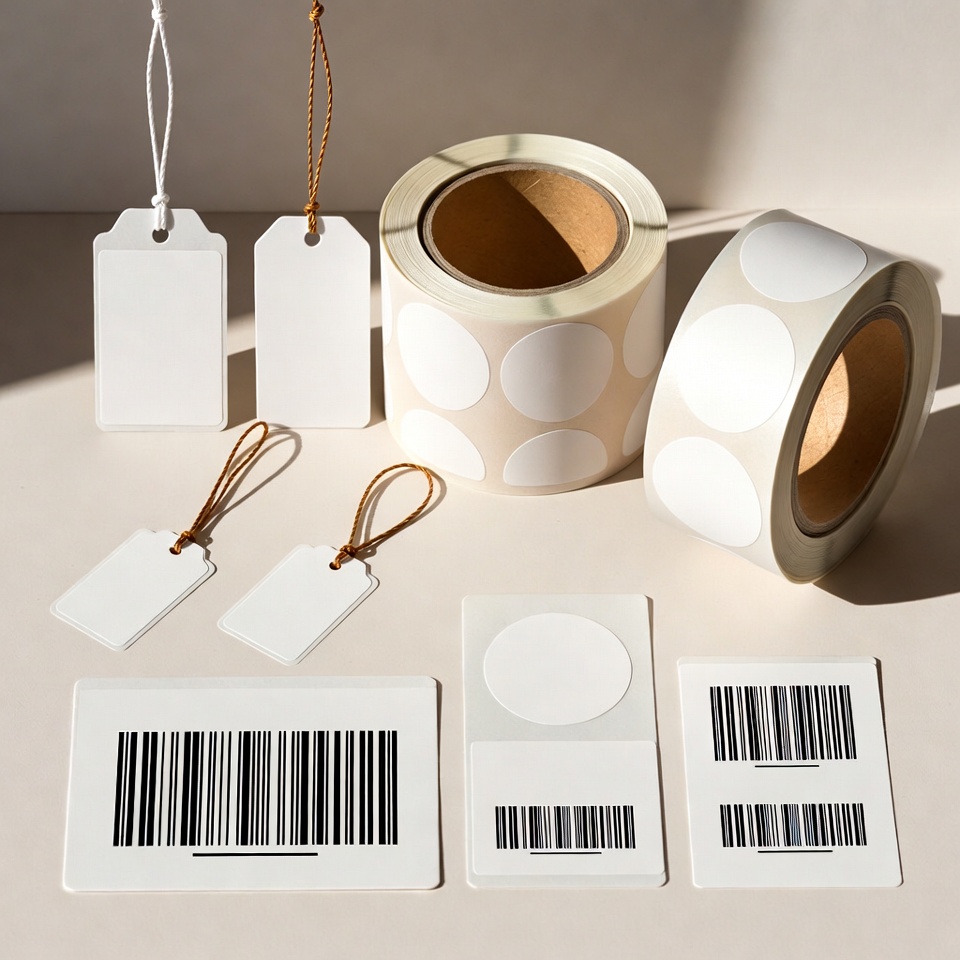
String price tags with a custom logo - ordering guide
On this page
A publication from the TAVIAR archive. The prices and promotional terms shown in this publication are historical. Contact us for matching and a current quote.
Price list for string tags with a logo:
1000 תגיות עם לוגו 550ש”ח+מע”מ
2000 תגיות עם לוגו 700ש”ח+מע”מ
5000 תגיות עם לוגו 1200ש”ח+מע”מ
The price is the same for all sizes and colours
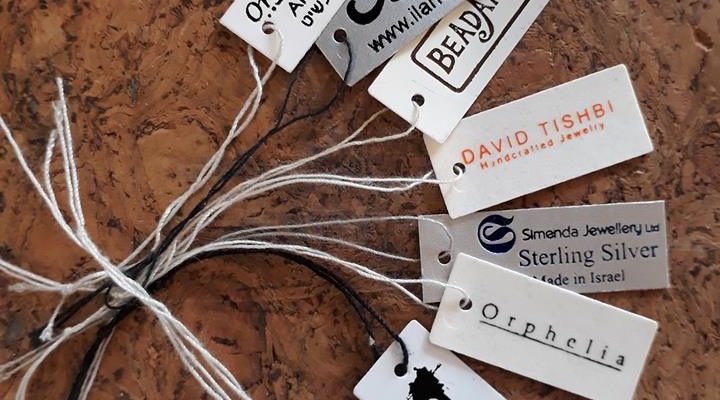
Tags can be lengthened or shortened to suit the logo
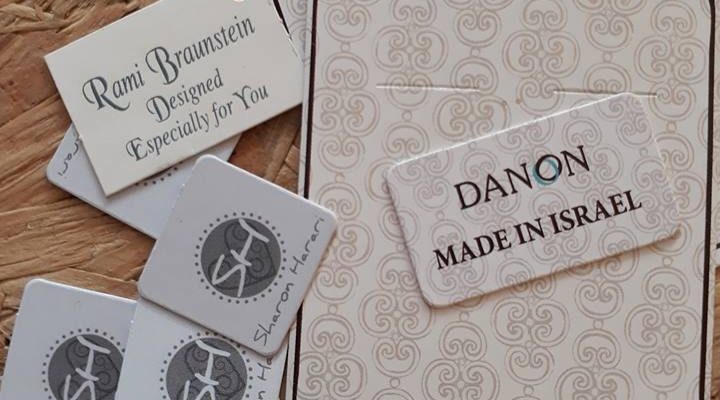
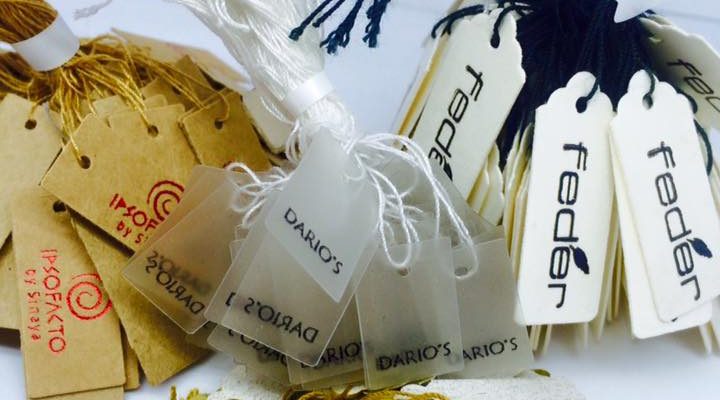


TAVIAR - everything in one place 🙂
Label printing, tag printing, label printer, jewellery labels, string jewellery tags
TAVIAR - a leader in barcode and pricing solutions for jewellery and optical retail.


Call for more details >>> 0502572226 | 08-9153494
Click here to leave a WhatsApp message
Click here to leave a contact form message
How do I proceed to product selection?
Before ordering price tags, measure available space and required information: price, logo, item code or barcode. Start withJewellery tag selection guide, then compare the products in the category Labels and tags. If you plan to print in-house, also have the printer model and roll dimensions ready.
Check before a repeat order
Keep an approved sample and the tag dimensions, print colour and unit quantity. A change in material, shape or attachment method requires another check on the item. You can start withJewellery labelling bundle and request compatibility with the equipment and software already in the store.
An information page updated from an earlier publication. Prices, offers and package contents are determined only in a current quotation.
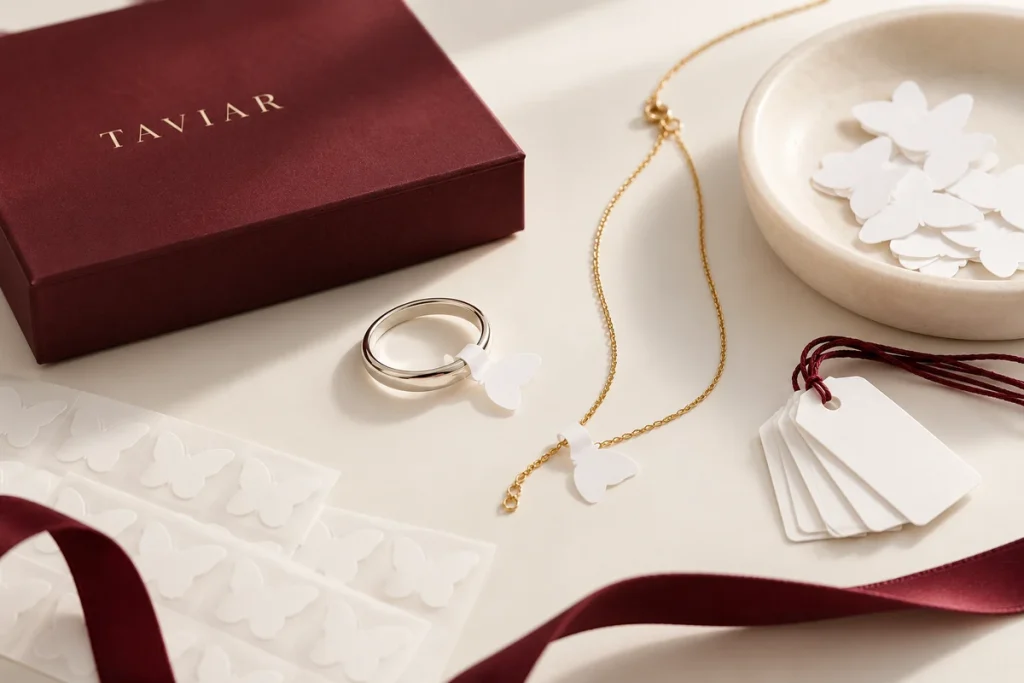
String tag with logo: planning the complete item
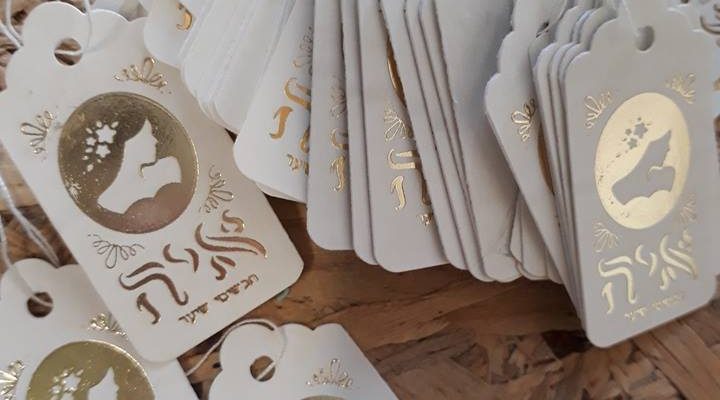
First select tag shape, dimensions and attachment method. Check logo placement and operational fields such as price, model or barcode. For double-sided printing, determine what appears on each side and how orientation is maintained after tying.
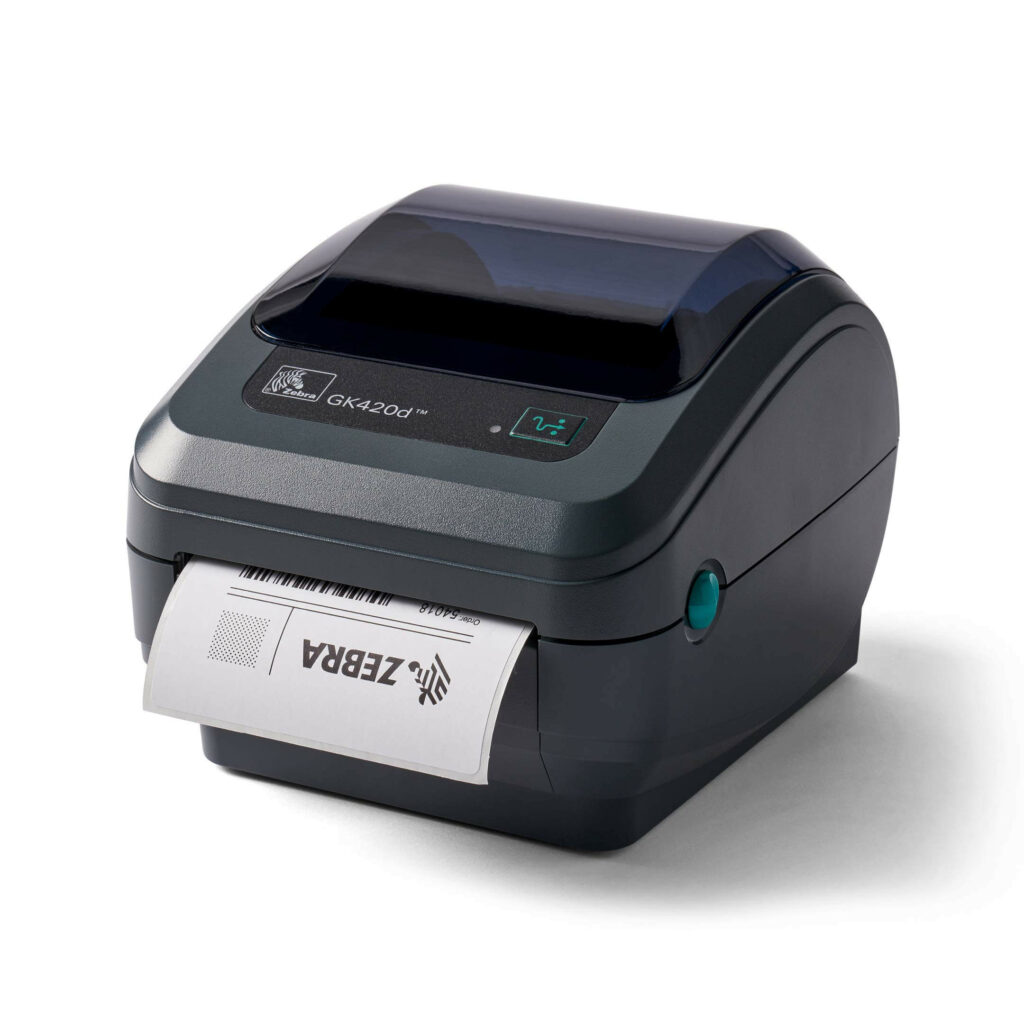
Send a logo file and sample at the planned size. Do not infer sharpness from enlarging a small screen image. If data varies between items, include an organised list and specify whether printing is in-house or part of the job.
For a clear quotation, define what is included: tag, string, logo, printing and extras. Previous promotions do not commit to a current offer. Keep an approved sample and material details for the next order.
A short preparation checklist before choosing
- Shape, dimensions and string
- Logo file
- One side or both
- Quantity and variable data
How do I check that the solution is suitable?
Prepare a representative work sample. Test it with your equipment and item, record approvals and outstanding questions, and keep the version and specifications for repeat orders. Compare alternatives under the same conditions, not using photographs or prices for different tasks.
String price tags with a personal logo: preparing an organised order
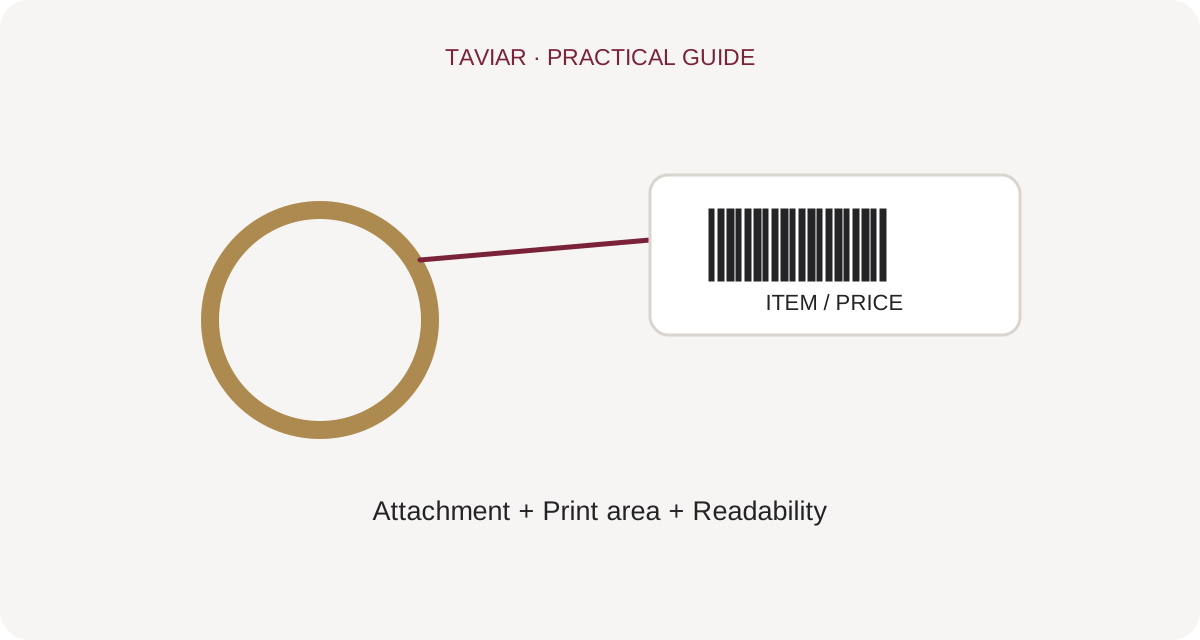
Tag dimensions and attachment method
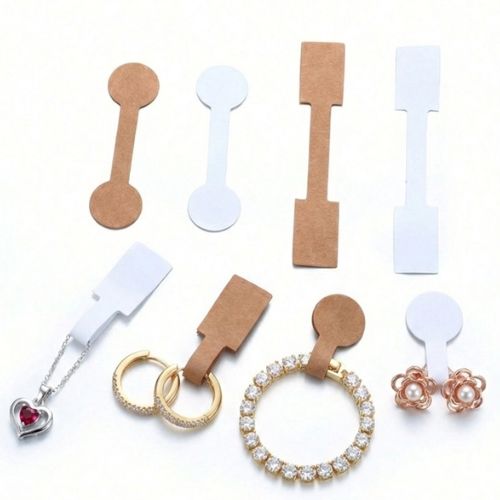
Provide tag width and height and desired attachment method. Send a photograph when replacing an existing tag. For jewellery or retail string tags, ensure attachment allows product viewing and comfortable information reading.
To continue checking, see Product marking tags.
Logo file and printed details
Include a high-quality logo file and the exact wording. Specify whether the price will be printed as part of the design or added by you, and whether there is variable information. An actual-size sample helps identify text that is too small or excessive detail before ordering.
To continue checking, see Choosing a tag for the item.
Approval before repeat production
Approve one design version and keep it with the material and quantity details. For repeat orders, check that the logo, telephone number and other details have not changed. Quantities and prices from previous orders require renewed confirmation and do not replace a current quotation.
To continue checking, see Send details for an enquiry.







