
The importance of a logo for jewellery
On this page
A small jewellery tag must do several things at once: present the brand, identify the item and remain legible inside the display case. A logo that looks excellent on a large sign may not remain clear on a narrow tag. Plan the tag according to the jewellery and actual print size.
How much space does the logo need?
Start with available tag space and leave a separate area for price or item code. Choose a simple logo version if fine details will not fit. Check an actual-size print, not just an enlarged mock-up. If text merges or the symbol is unclear, reduce information rather than shrinking everything.
String tag, dumbbell label or button tag?
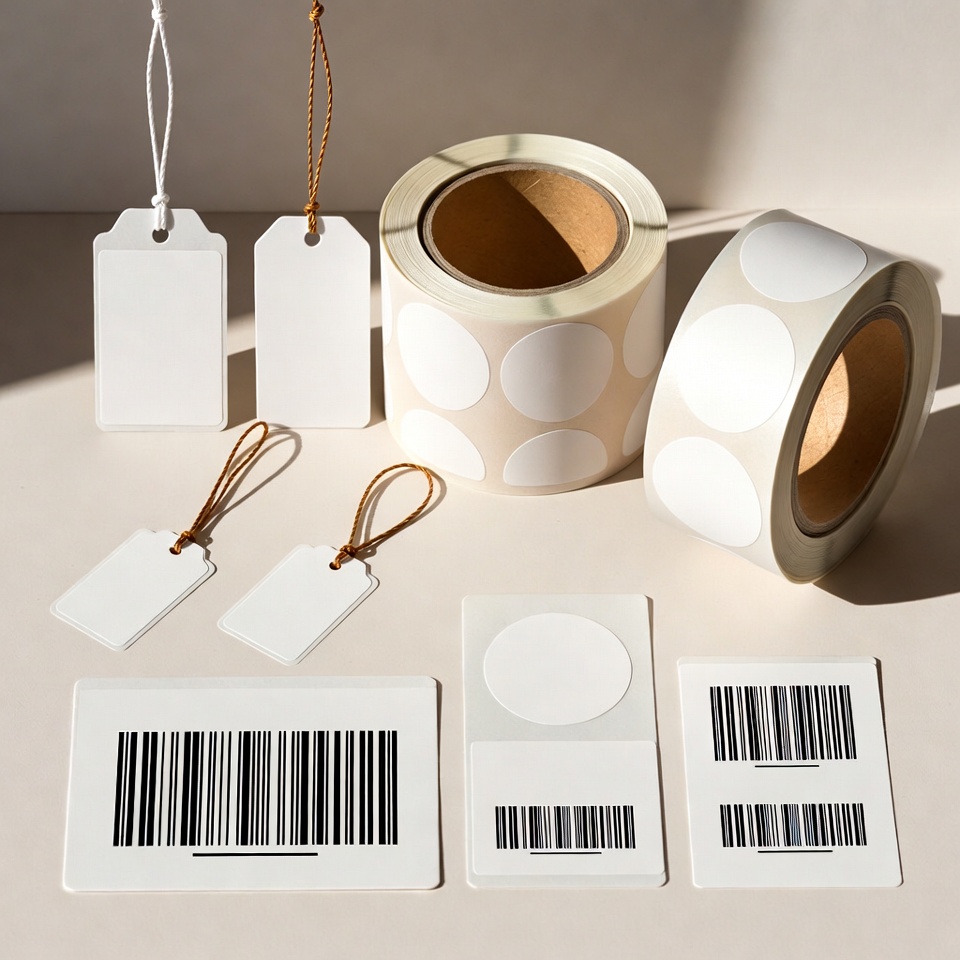
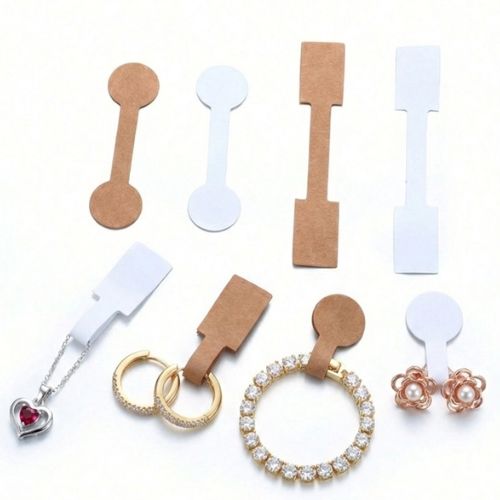
Attachment type depends on the item and display method. Rings, necklaces and spectacles do not necessarily need the same shape. Ensure the tag does not hide the item, is easy to remove and does not obstruct trying it on. The guide to choosing jewellery tags explains which dimensions and details to prepare before ordering.
What is important to check in a sample?
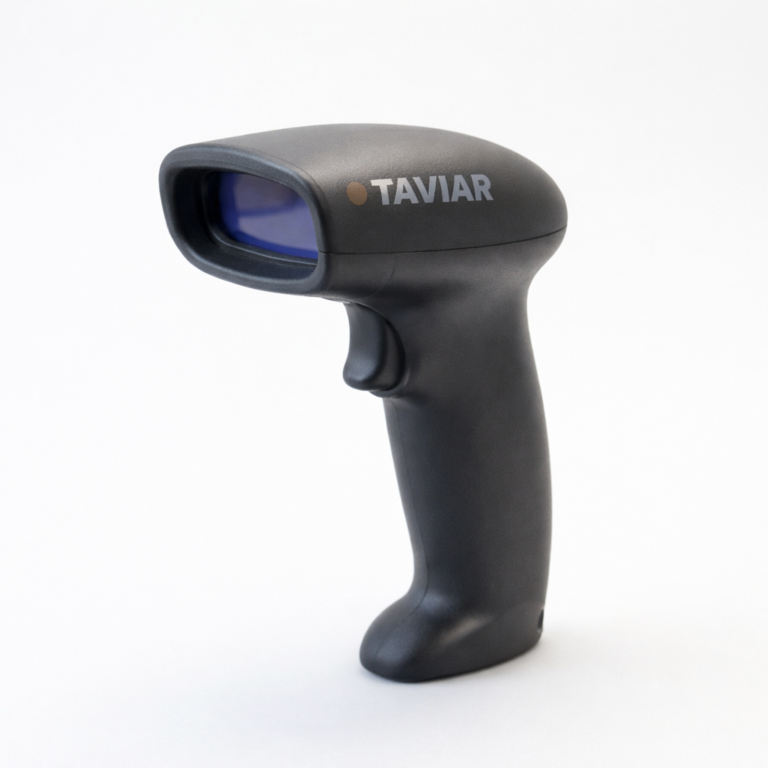
Place the tag beside the jewellery under the lighting customers see. Check readability, contrast and separation between logo and price. Test any barcode on the finished tag. Also test ease of attachment and removal on a sample item before producing quantities.
How do I maintain a consistent brand style?
Keep an approved file with the logo, wording and dimensions for repeat orders. Coordinate tags with the shop's packaging and labels without crowding every surface with all the information. In the catalogue Labels and tags Shapes and attachment methods can be compared. For items sold in several models, prepare a fixed area for the item code and a separate area for a variable price.
How do I proceed to product selection?
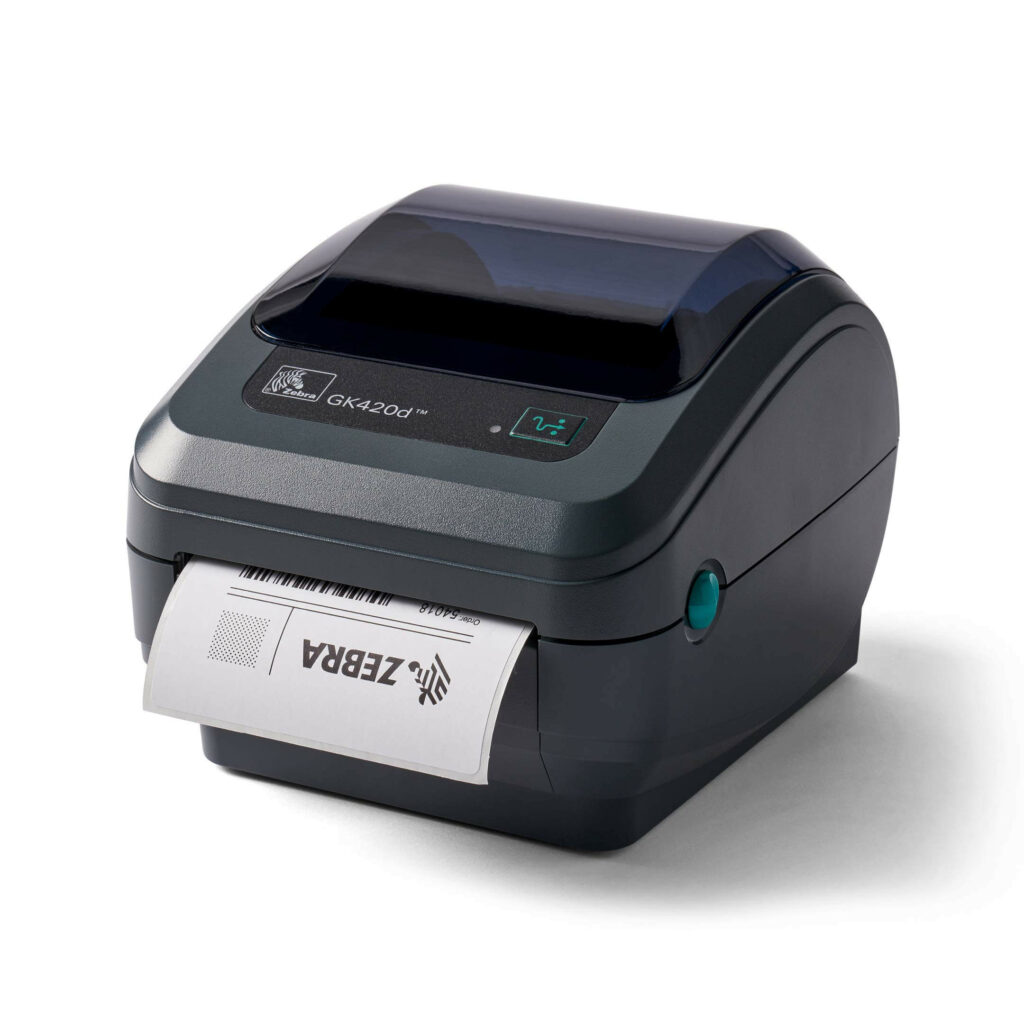
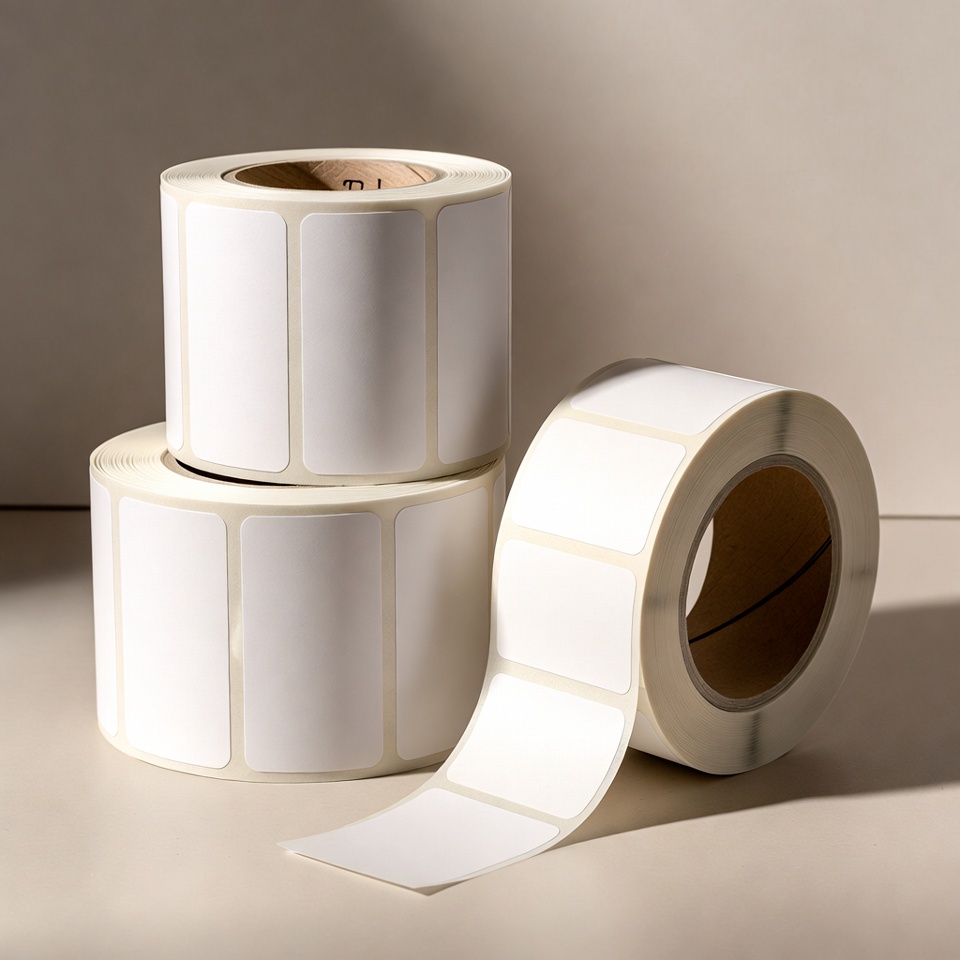
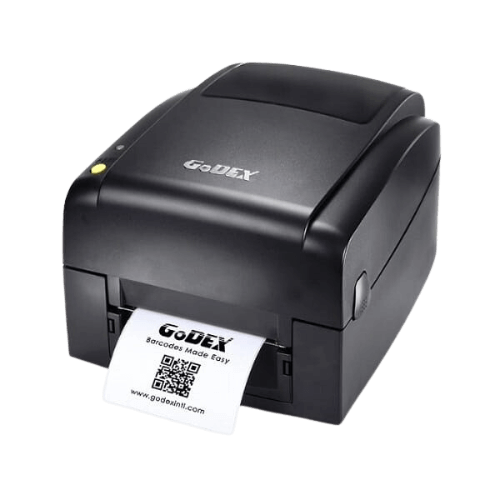
Before ordering price tags, measure available space and required information: price, logo, item code or barcode. Start withJewellery tag selection guide, then compare the products in the category Labels and tags. If you plan to print in-house, also have the printer model and roll dimensions ready.
Check before a repeat order
Keep an approved sample and the tag dimensions, print colour and unit quantity. A change in material, shape or attachment method requires another check on the item. You can start withJewellery labelling bundle and request compatibility with the equipment and software already in the store.
Logo on a jewellery tag: leave room for the product too
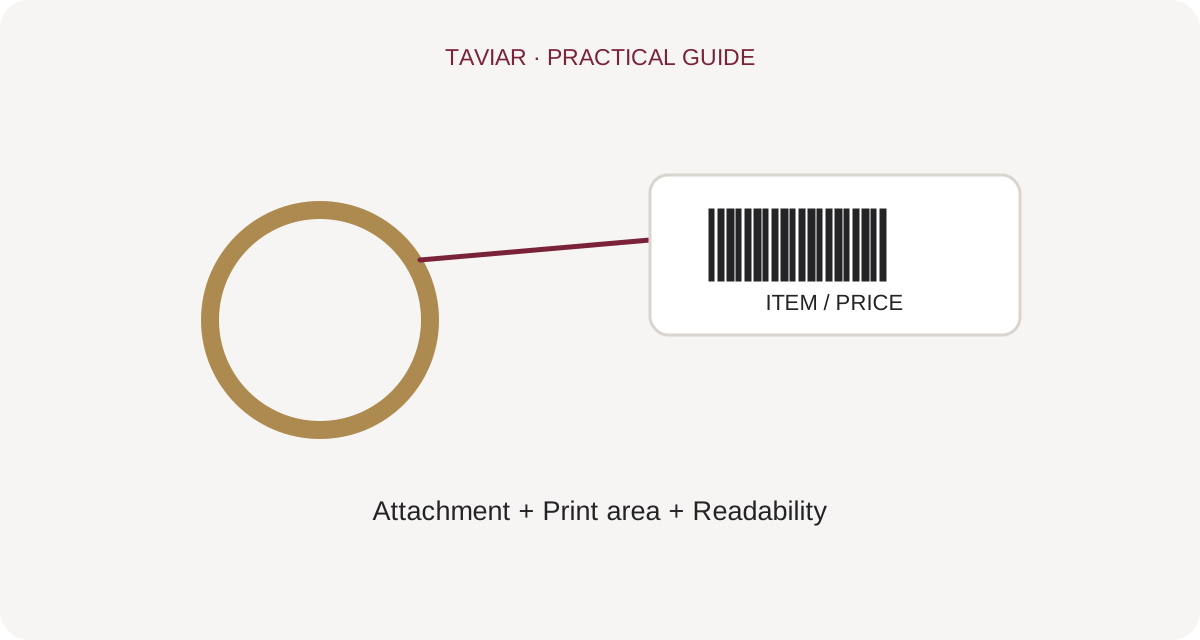
A small logo needs a clear version
Check the logo at its actual tag size. Fine details and small gaps visible on a large screen may be unclear in tiny print. Before producing jewellery tags with a logo, check a simple, high-contrast version approved for the business.
To continue checking, see Choosing a tag for the jewellery.
Where should the price and barcode be placed?
Allocate tag space between branding and operational information in advance. Code and price must be readable without hiding the jewellery or interfering with the closing area. For double-sided printing or folding, show a closed-tag sample.
To continue checking, see Tags and labels in the catalogue.
Approve on an actual item
Place the tag on a ring, necklace or relevant item and assess it as it will appear in the display case. Ask another staff member to read the information and use the code. Compatibility is more than colour selection; it includes shape, attachment and convenient in-store use.
To continue checking, see Custom branding and printing.







