
Barcode ID wristbands: what should you define before ordering?
On this page
An identification wristband for an event or venue should be comfortable, legible and suited to the entrance checking process. Define the process and printing details before ordering.
Set the purpose and usage duration
Specify whether this is a short visit or a lengthy event, and whether contact with water is expected. Choose dimensions and fastening for the target audience and request a sample to check comfort.
Plan identification
Decide whether you need colour alone, a number, barcode or a combination. Ensure the code suits the system and scanner in use, and do not print personal information unnecessary for identification.
Ensure printer compatibility
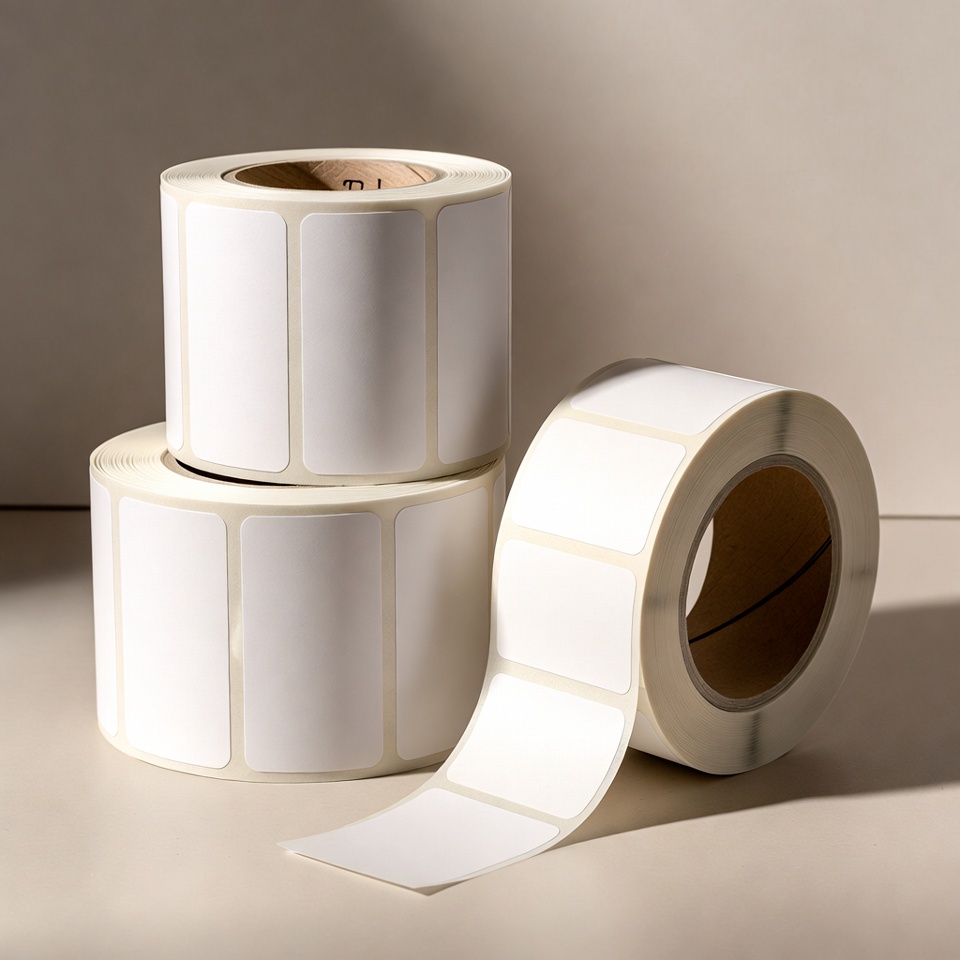
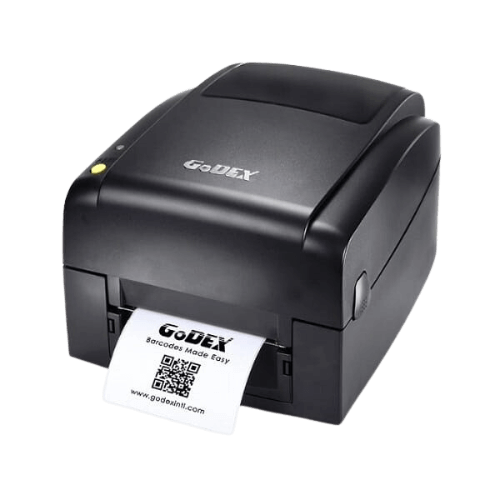
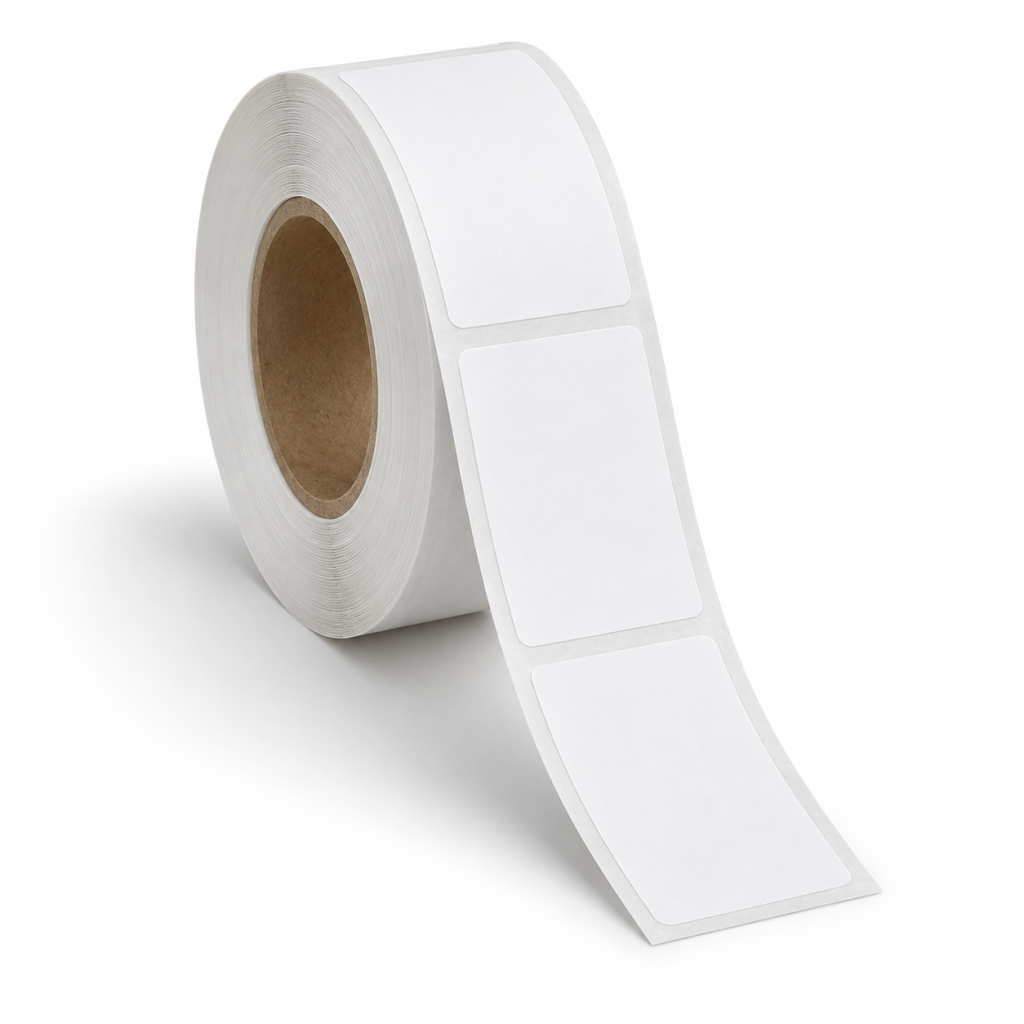
Not every wristband material or shape suits every printer. Check media width, sensor and printing method for the exact model and wristband, with suitable ribbon if required.
Try the workflow before the event
Test printing, wearing and scanning under expected usage conditions. Approving a sample in advance helps identify size or readability problems before producing a large quantity.
Tailor a business solution
Relevant products in the catalogue - Contact us with a sample, dimensions and model name for a compatibility check.
Guides to continue your selection
To complete details before ordering: Dimensions and print materials andChecks before choosing a printer.
An identification wristband is part of the workflow
Define what the wristband identifies: a visitor, participant or item in a process. Choose what is visible and what is stored in the system. Do not print more personal details on the wristband than the task requires.
If a barcode is required, test it with the scanner and software that will actually be used. A technology name or code photograph does not confirm compatibility. Printing, size, how the item is worn and the scanning angle can affect use.
Before selecting quantity, check fastening method, user fit and usage duration. Medical, hygiene or other special requirements need a product with suitable specifications; the generic term identification wristband does not establish such suitability.
A short preparation checklist before choosing
- Wristband purpose and users
- Usage duration and fastening method
- Information and code type
- Printer and scanner model
How do I check that the solution is suitable?
Prepare a representative work sample. Test it with your equipment and item, record approvals and outstanding questions, and keep the version and specifications for repeat orders. Compare alternatives under the same conditions, not using photographs or prices for different tasks.
Barcode identification wristbands: define use before design
What does the wristband need to identify?
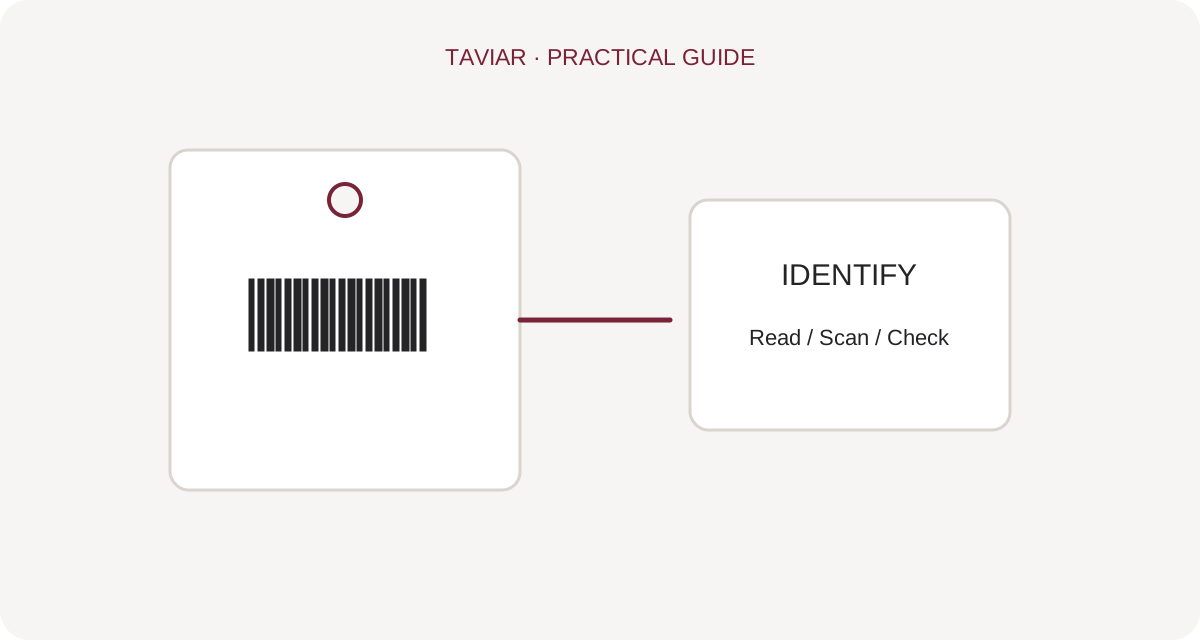
Start with the identification purpose: participant, permission or an item in an internal workflow. Define visible information and data retained in the system. Avoid unnecessary personal details on the wristband. If using barcodes, ensure a clear process links code and record.
To continue checking, see Matching scanning equipment.
Checking the wristband and fastening
Specify the intended usage duration, environment and fastening method. Test a sample on the wearer and in the relevant environment before ordering. Printer compatibility, durability and usage scope depend on the exact product, not the general heading identification wristband.
To continue checking, see Fixed and variable information.
How do I check the print?
Print text and code at their actual usage size. Scan the wristband after fastening it, not just flat on a table. Also check handover and replacement procedures for faulty prints to avoid duplicate identification or incorrect codes.
To continue checking, see Enquire about identification options.







