
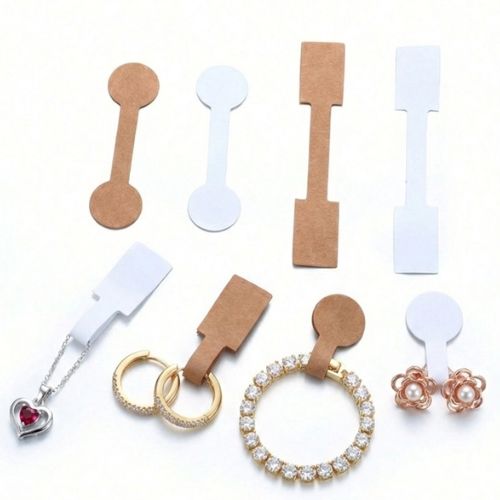
Jewellery price labels with a custom logo
On this page
A publication from the TAVIAR archive. The prices and promotional terms shown in this publication are historical. Contact us for matching and a current quote.
מבצע: 1000 מדבקות מחיר לתכשיטים עם לוגו אישי, בצבע שחור, 210 ש”ח + מע”מ 1000 מדבקות מחיר לתכשיטים עם לוגו אישי, בצבע זהב או כסף, רק 300 ש”ח + מע”מ יש אפשרות הדפסה בשני צבעים ובכל צבע – הצעת מחיר על פי בקשה
Call for more details >>> 0502572226 | 08-9153494
Click here to leave a WhatsApp message
Click here to leave a contact form message


How do I proceed to product selection?
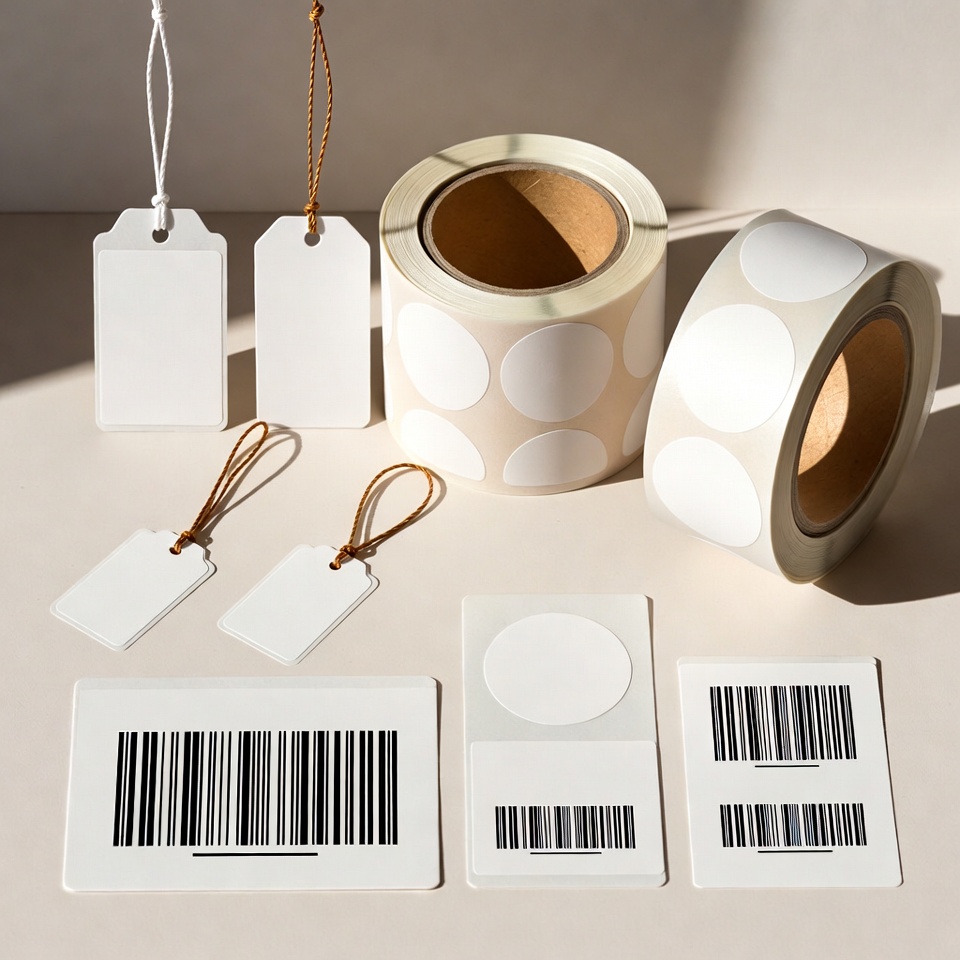
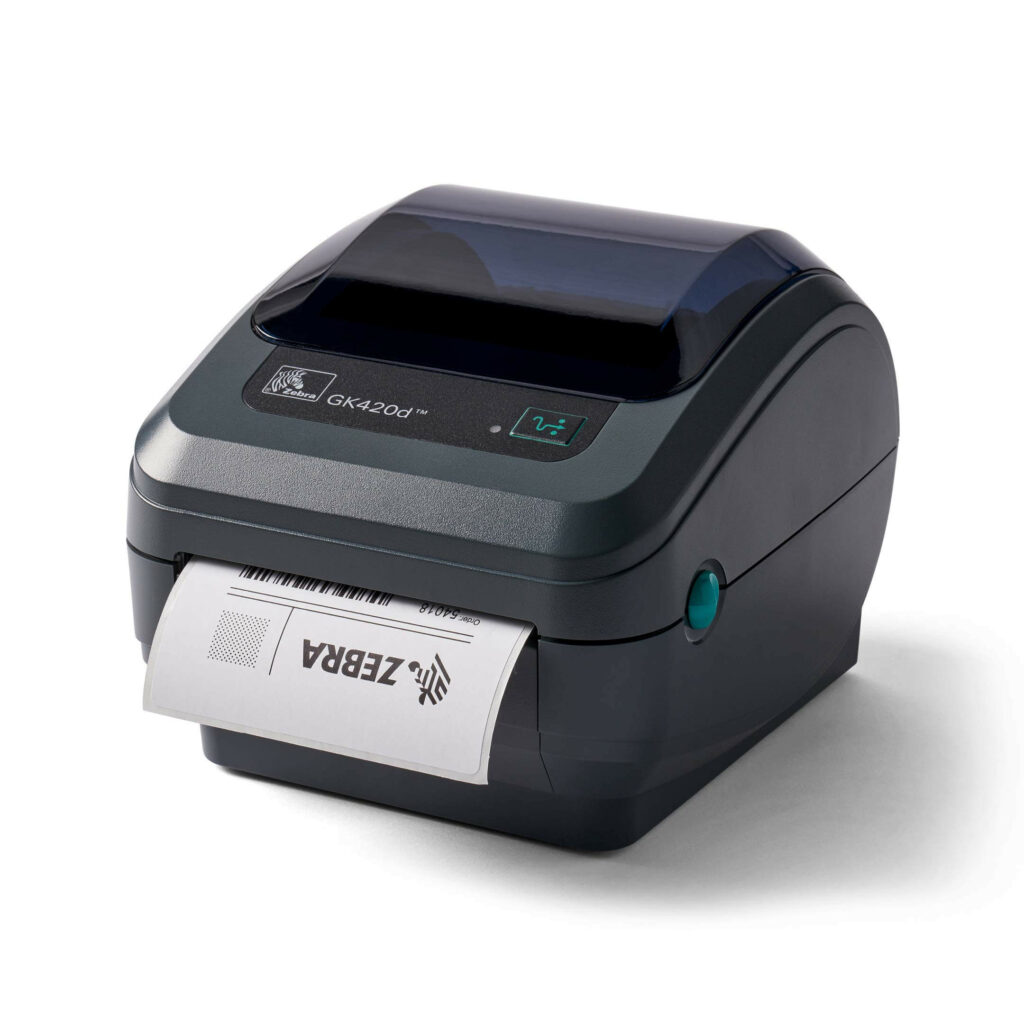
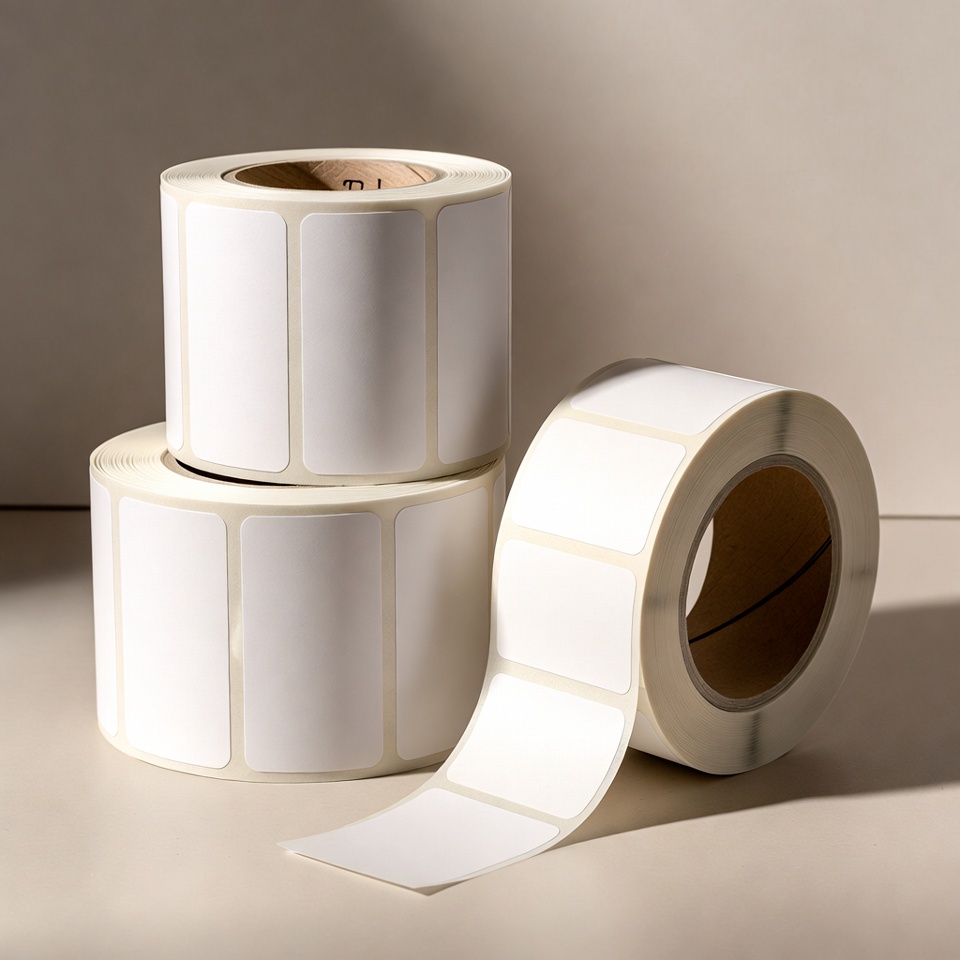
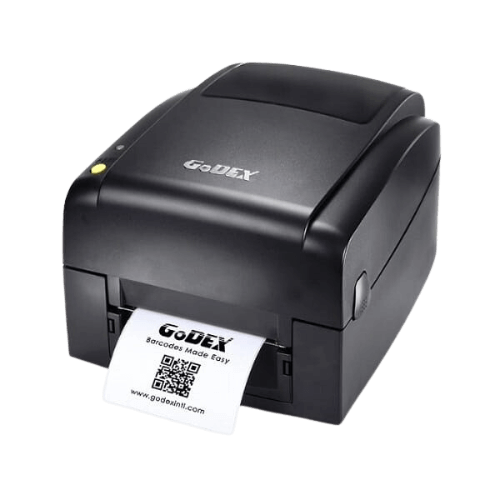
Before ordering price tags, measure available space and required information: price, logo, item code or barcode. Start withJewellery tag selection guide, then compare the products in the category Labels and tags. If you plan to print in-house, also have the printer model and roll dimensions ready.
Check before a repeat order
Keep an approved sample and the tag dimensions, print colour and unit quantity. A change in material, shape or attachment method requires another check on the item. You can start withJewellery labelling bundle and request compatibility with the equipment and software already in the store.
An information page updated from an earlier publication. Prices, offers and package contents are determined only in a current quotation.
Logo price labels without sacrificing readability
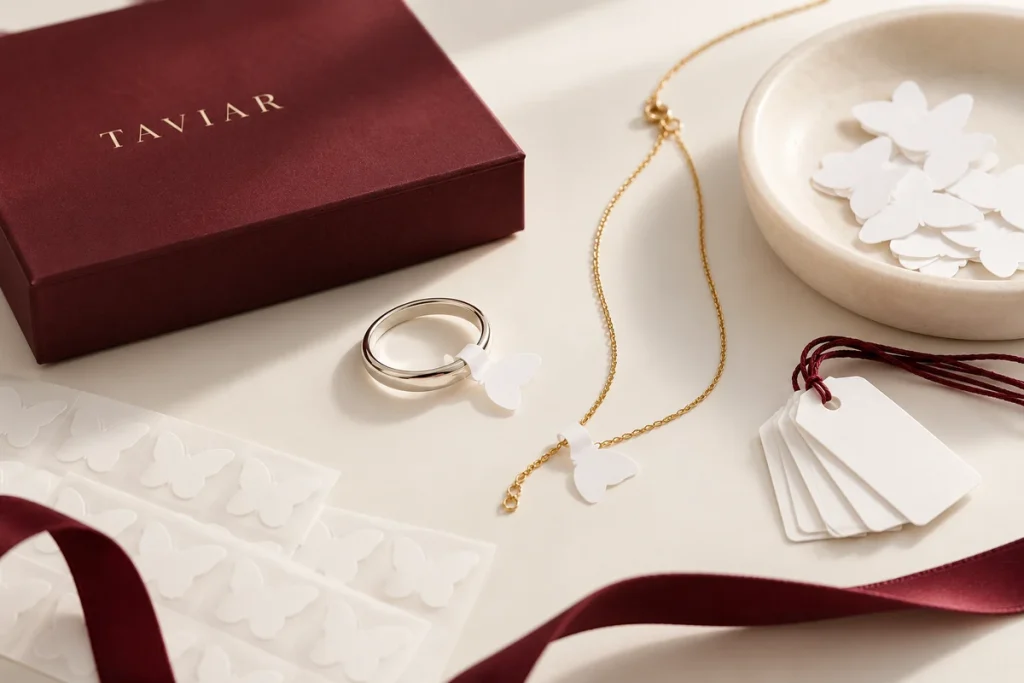
Plan the logo alongside the price and information staff need to read. A small tag requires priorities rather than shrinking every field to fit. Print a sample and assess it attached to the item, not just lying on its own.
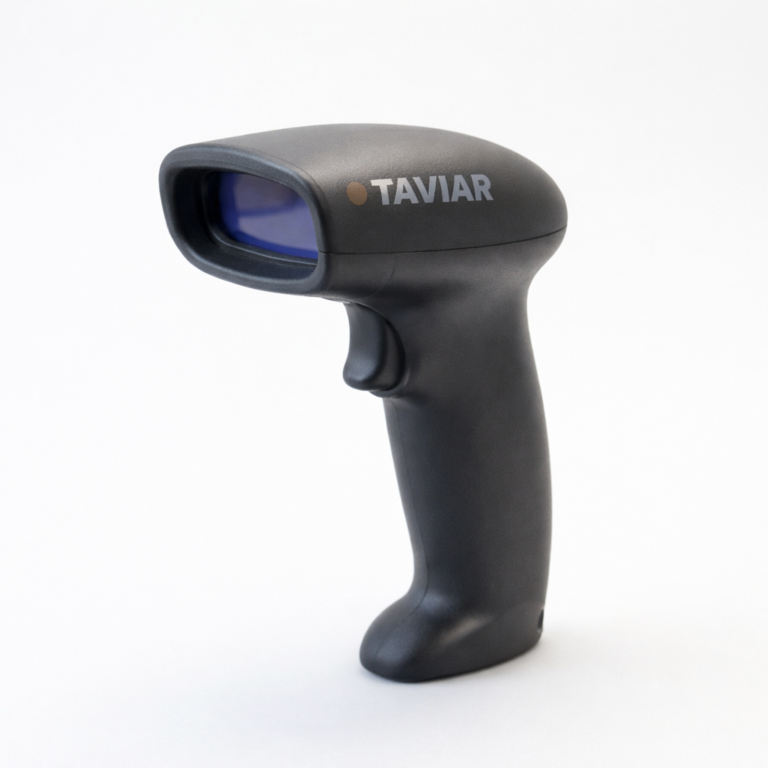
If the barcode is used at checkout or for inventory, make sure its data matches the system and the scanner reads it in working conditions. Maintain a consistent format across batches, especially when several staff update labels or send print files.
Before production, define dimensions, shape, material, quantity and versions. Specify fixed logos and variable prices and the printer planned for additional printing. Quantity in an old URL does not determine new order contents.
A short preparation checklist before choosing
- Logo and data file
- Tag shape and dimensions
- Printer and ribbon
- Quantity per design
How do I check that the solution is suitable?
Prepare a representative work sample. Test it with your equipment and item, record approvals and outstanding questions, and keep the version and specifications for repeat orders. Compare alternatives under the same conditions, not using photographs or prices for different tasks.
Jewellery price labels with a logo: organising the print area
Fixed information versus changing information
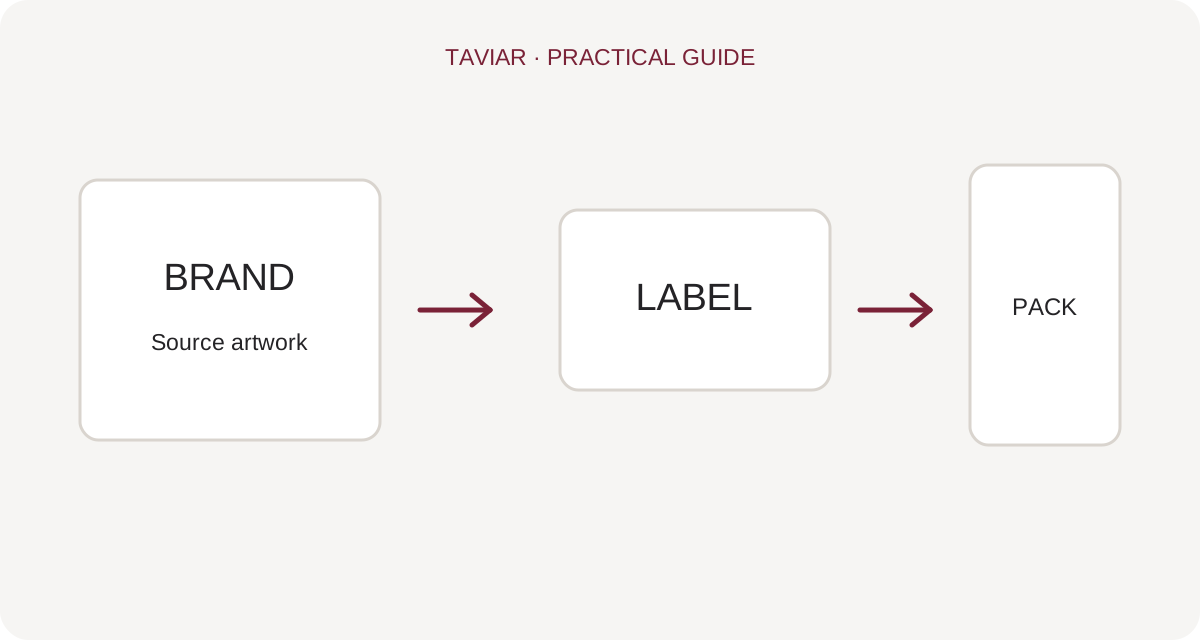
Logo and business details may remain fixed while price, code or description varies by item. Define who prints each part and at what stage before production. This allows sufficient variable-information space to be checked in advance.
To continue checking, see Choosing jewellery labels.
Approval of both shape and content
Show the tag closed on the item and check that no information disappears in folds or attachments. Retain appropriate code margins and test barcode scanning if present. An enlarged screen image does not replace an actual-size sample.
To continue checking, see Custom-designed printing.
Quantity and current quotation
A number in a historical URL does not determine today's minimum order or price. Provide the quantity per design and request confirmation of configuration, material and required date. For repeat orders, specify any changes to business details or tag layout.
To continue checking, see Jewellers' printing solution.







