
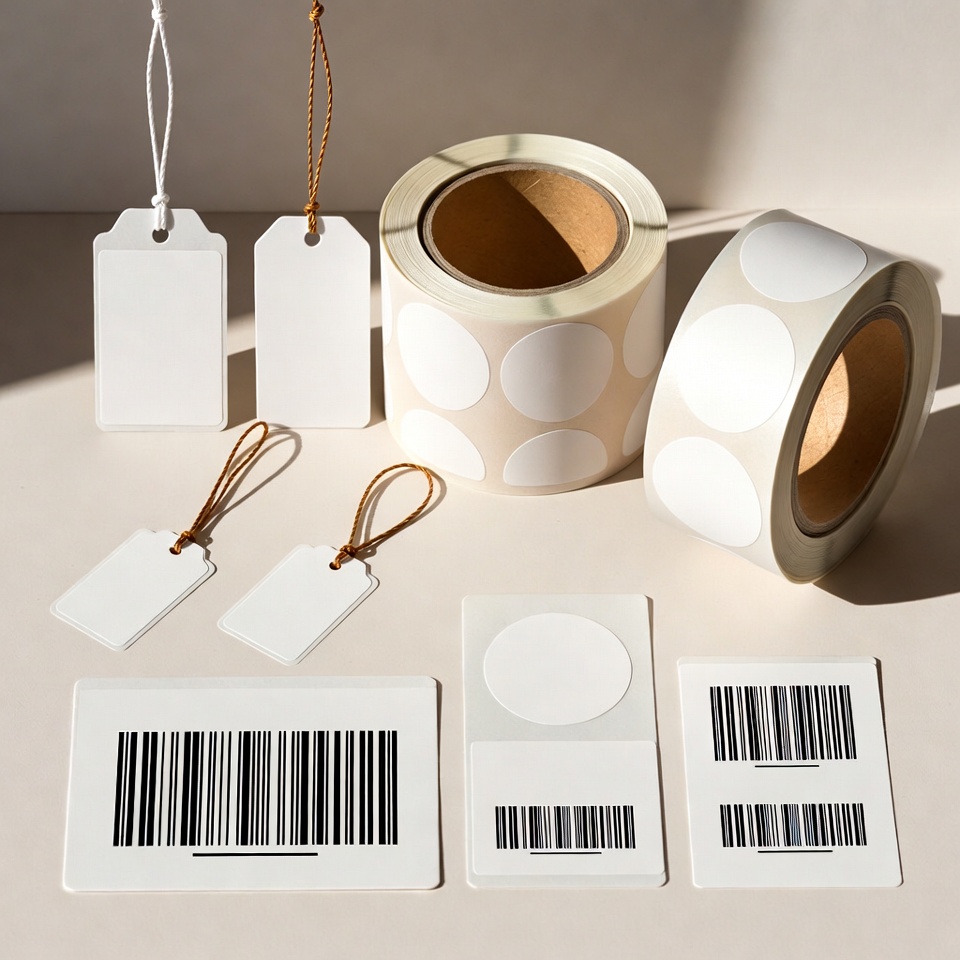
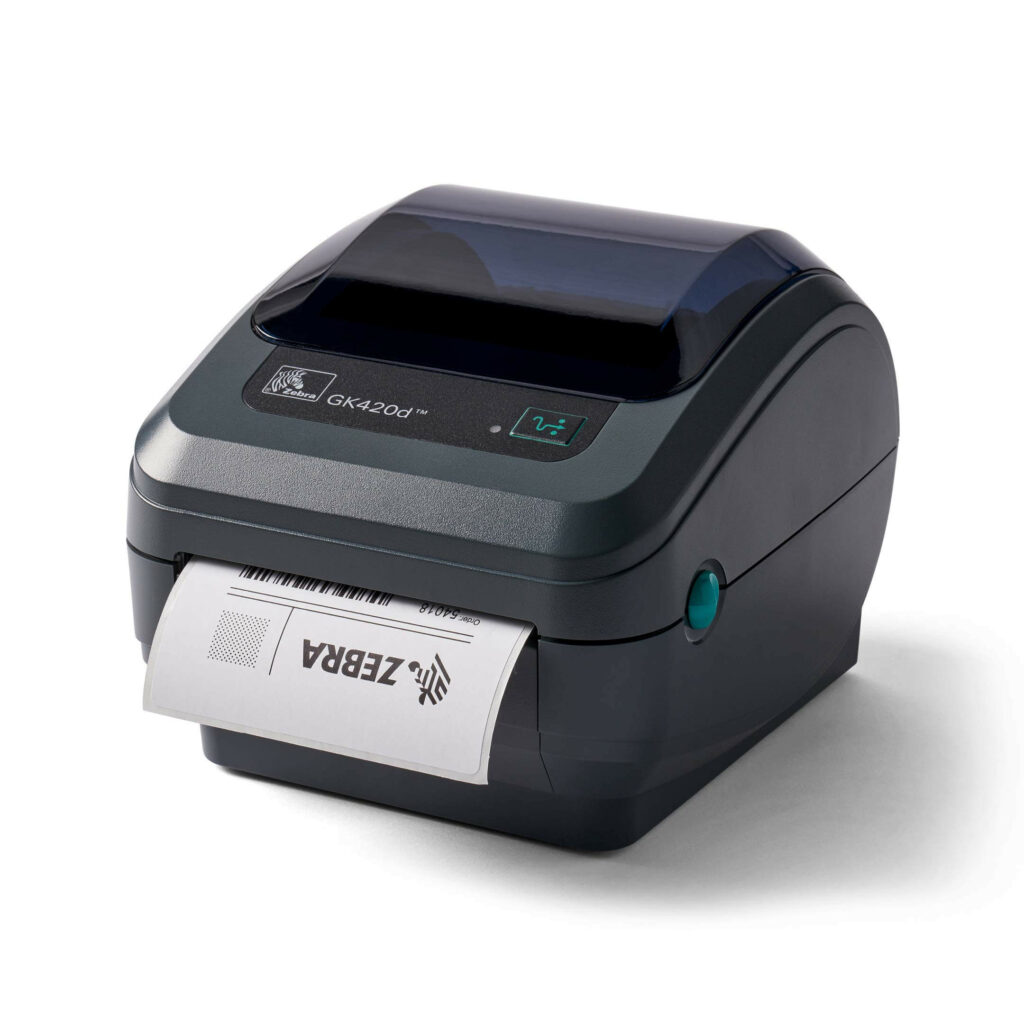



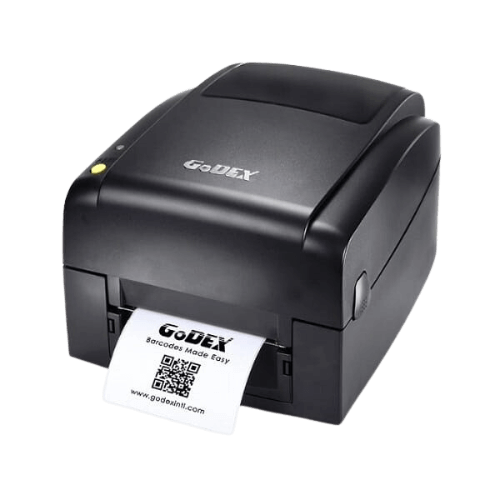
Shipping label station: what should you prepare before choosing equipment?
On this page
A convenient shipping station starts with the process: where the label comes from, who prints it and when it is applied to the package.
Check the label produced by the shipping provider
Take a sample file from your shipping system. Check page and label sizes and the printing method offered by the software. Do not assume every courier uses the same template.
Plan the workstation location
Position the printer beside packing, with room for rolls and cables. Specify if several staff print from the same system to choose suitable connectivity and workflow.
Run an end-to-end test
Print a real label, apply it to the packaging and check readability and scanning. Ensure print scaling does not disrupt the layout.
What should a quotation request include?
Send a sample file, estimated shipment quantity, operating system and shipping software. Specify the printer, labels and quantities separately to make quotation contents clear.
Want to find the right business solution?
View relevant products in the catalogue or Leave details for a tailored solution.
Guides to continue your selection
To complete details before ordering: Measuring a label roll andChoosing a business printer.
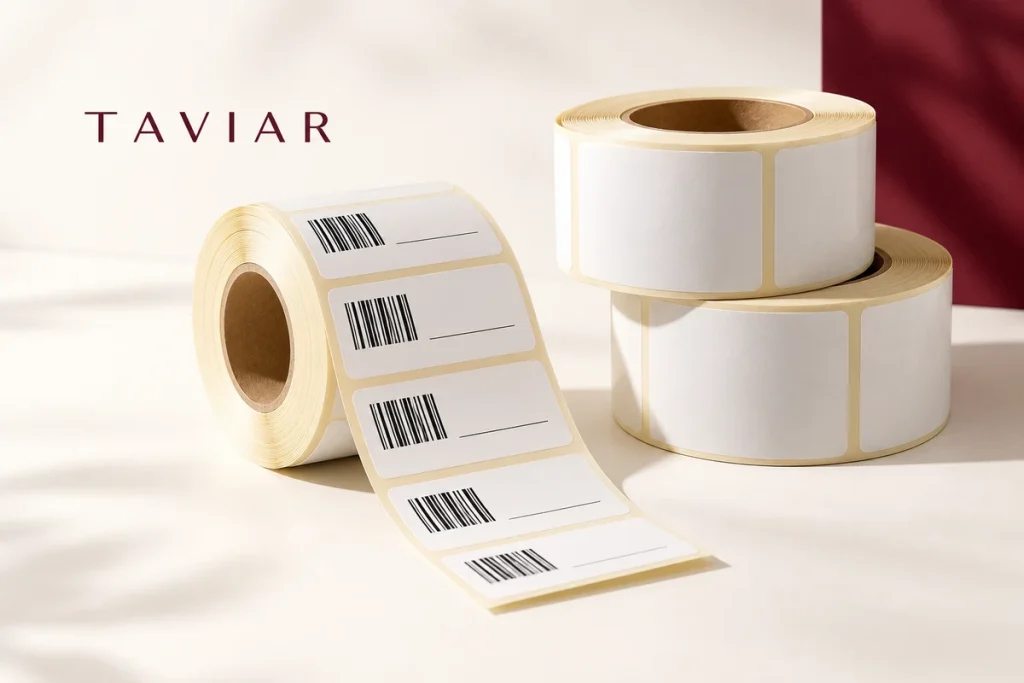
A shipping station working as one continuous process
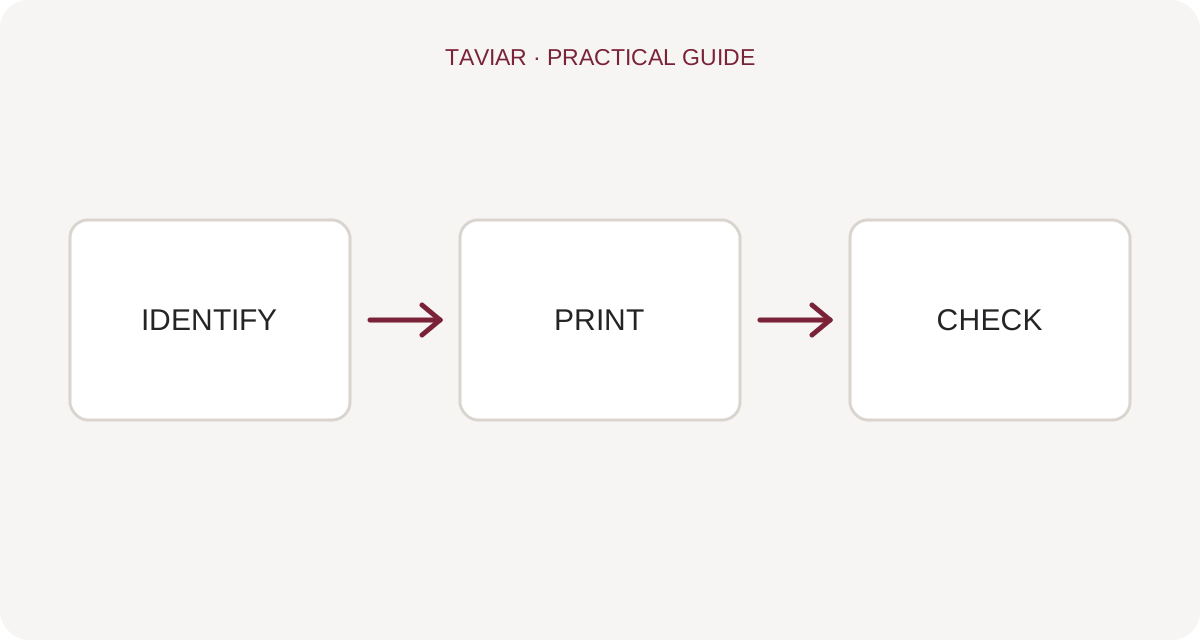
Plan the station around the action sequence: open an order, generate a label, print, apply and check the parcel. Position equipment and media so staff do not have to search for a roll or select another printer every time. The aim is a consistent process that is easy to learn and reproduce.
Check the label format produced by the shipping system and the printer you will use. Do not choose dimensions solely from a label seen at another business. Also establish whether the system supplies a file or prints through software, and how it handles reprints.
Prepare an acceptance test using several sample orders. Ensure details match the parcel, the barcode scans and the address is not clipped. Document who handles printing failures and how reprints avoid creating two parcels for the same order.
A short preparation checklist before choosing
- Shipping system and label format
- Number of workstations and workload
- Printer connection and paper path
- Reprinting policy
How do I check that the solution is suitable?
Prepare a representative work sample. Test it with your equipment and item, record approvals and outstanding questions, and keep the version and specifications for repeat orders. Compare alternatives under the same conditions, not using photographs or prices for different tasks.
Check the shipping label from start to finish
Generate a label from your business system and check it at original size. Ensure no information is clipped and no automatic scaling compresses the barcode. Test adhesion on the packaging as well as printer output.
Prevent mix-ups between packages
Define when printing occurs relative to packaging and how staff identify the matching order. Batch printing several shipments requires a clear workflow. Describe multiple computers or users in your compatibility request and test the software connection in the proposed configuration.
Shipping labels and barcodes: organising the workstation around the workflow
What appears on a shipping label?
Define which system supplies the file, the required label dimensions and who prints it. Check with the shipment recipient that layout and barcode meet their requirements. An address label, internal identification label and carrier shipping label are not necessarily the same document.
To continue checking, see Printers for shipping stations.
A shipping printer is part of the workflow chain
Before buying a shipping label printer, print a sample file from the intended system. Check for scaling or clipping, roll detection and convenient application orientation. Test the print in the workstation scanner, if present, before printing in volume.
To continue checking, see Label rolls.
Prevent mix-ups between orders
Set clear locations for orders awaiting packing and orders already labelled. When several labels are printed together, keep each matched to its parcel. When changing staff or computers, use an approved sample for comparison; a small print scaling change can affect the entire label.
To continue checking, see Testing a scanner at the workstation.







