What is a mobile computer, and how do you choose one for your business?
On this page
A mobile computer lets staff enter and check data while moving. Models with built-in barcode readers can scan labels, display item details and perform software actions. Terminal sometimes describes the same equipment; this guide concerns data collection computers, not payment card terminals.
Which tasks can a mobile computer help with?
During stocktaking, staff can move between shelves and record quantities by barcode. Goods receiving compares items with the order, while picking locates items needed for shipment. Available operations depend on inventory software and business system integration, so device selection begins with the workflow.
What is the difference between a mobile computer and a barcode scanner?
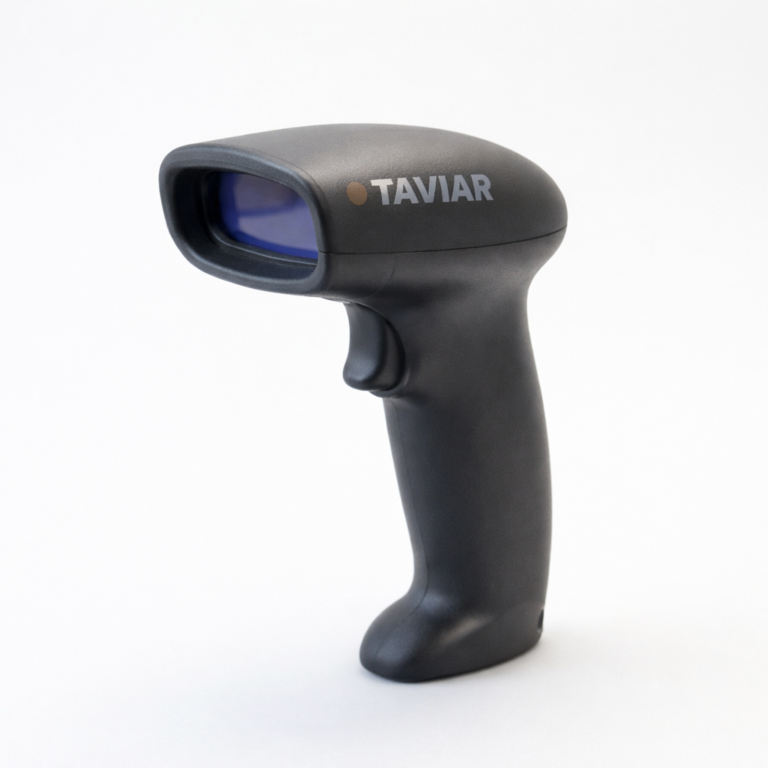
A barcode scanner mainly reads a code and sends it to a computer or checkout. A mobile computer also includes a screen and software platform so staff can view and enter data at the work location. For a fixed station, also consider Barcode scanners for retail and warehousing. For mobile work, seeMobile computers.
What should I check before selecting a model?
- Software: Which system does the business use, and which devices and versions does it support?
- Barcode: Are you reading 1D or 2D codes, and at what distance? Bring an actual label sample.
- Working environment: Will you work in-store, in a warehouse or outdoors? Durability is assessed against model specifications and configuration.
- Communications: Is a suitable network available at work locations? Offline operation and later synchronisation require software support.
- Comfort and accessories: Check the grip, keys or touchscreen, charging and accessories needed for a shift.
How do I plan a compatibility test?
Prepare a barcode sample, inventory software name and version, and a brief task description, such as stocktaking, receiving or picking. Test the entire process from scanning to data appearing in the system. Barcode reader compatibility alone does not prove completed software integration.
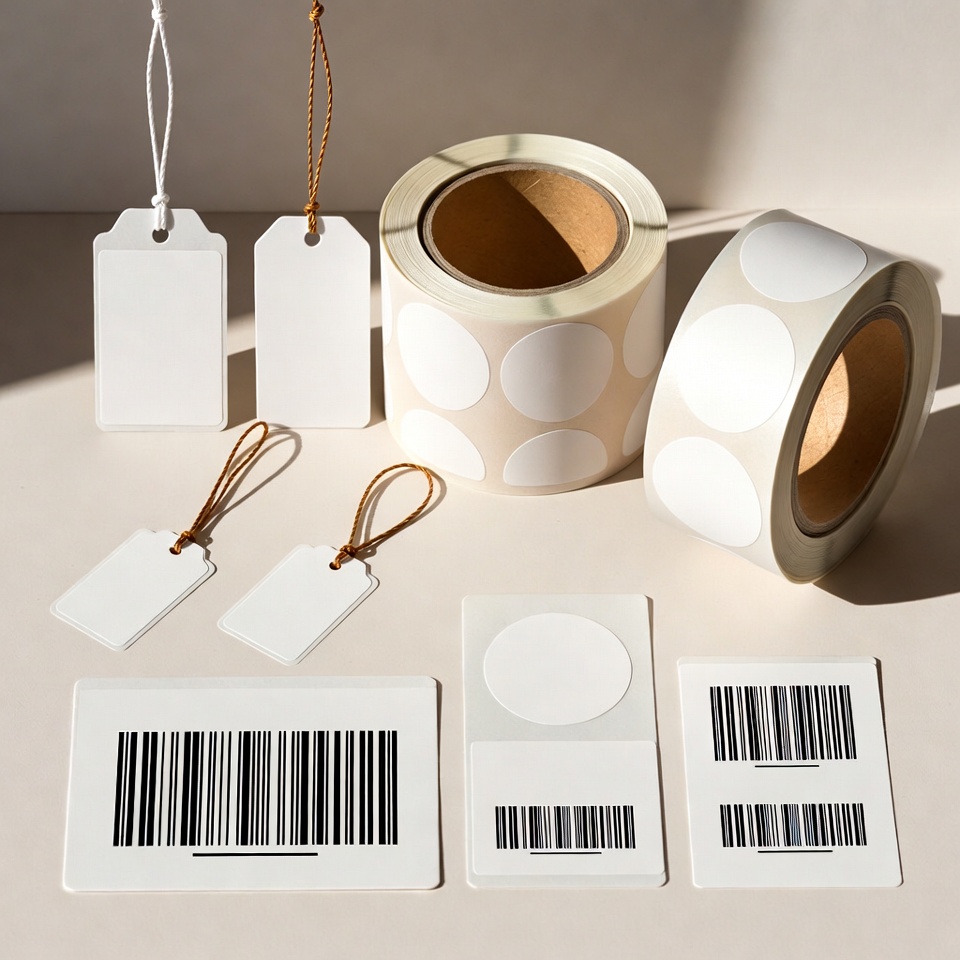
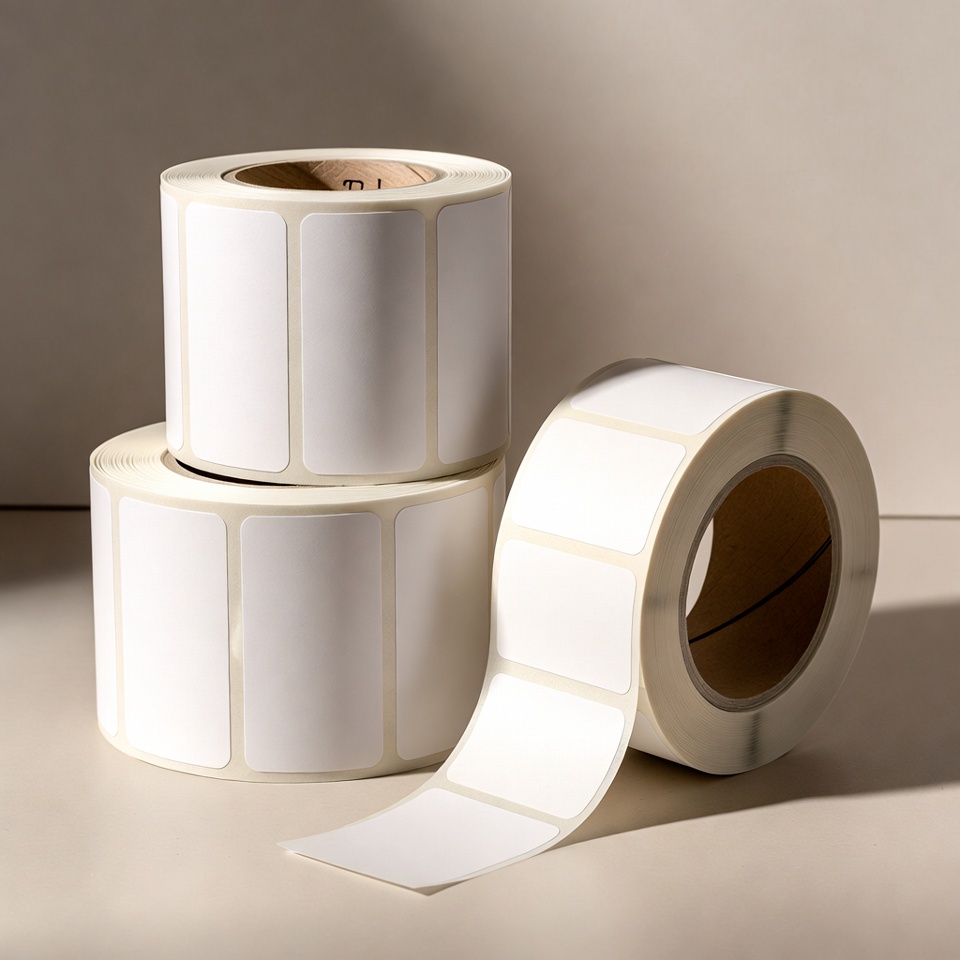
A clear label is part of the same system. In the guide Measuring a label roll explains what to prepare when ordering rolls, and in the guide Choosing a barcode scanner lists questions for checking readability. Contact TAVIAR to assess a business solution With your details and samples.
Further reading sources: Mobile computer applications on the Zebra website andManufacturer explanation of mobile computing and data collection.
A mobile computer is part of a working system
A device with a screen and barcode reader does not manage inventory on its own. Define its software, where product details come from and where quantities or movements are sent. This distinction matters when comparing a mobile computer with a computer-connected scanner.
Map one operation before selecting equipment
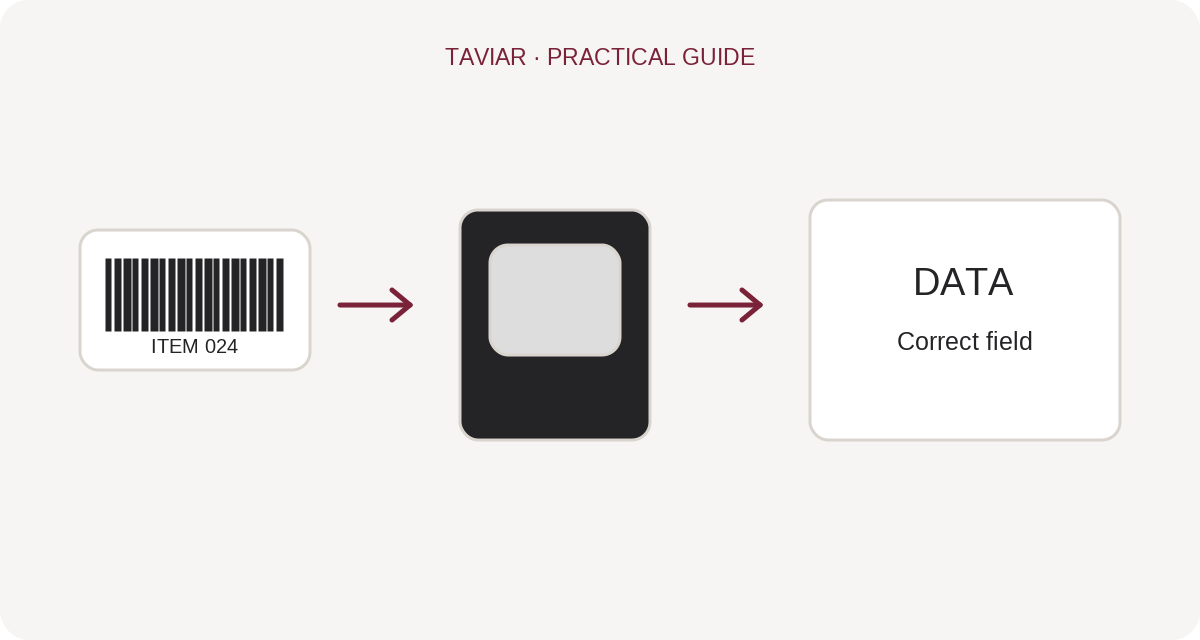
Describe a short sequence: scan a product, display data, enter quantity and confirm. Specify whether this takes place in the warehouse, goods receiving or stocktaking. This allows the device and software to be assessed against actual work rather than just a list of features that may not be needed.
Inventory counting mobile computer versus barcode reader
What task does the device perform?
A barcode reader transfers data to the system to which it is connected. When assessing a mobile computer, also check the application it runs and the tasks staff need to perform. Stocktaking, goods receiving and picking may require different screens and processes; do not assume the device includes software tailored to each.
To continue checking, see Mobile computers in the catalogue.
Connection to inventory and the business system
Check with the system supplier how data is received and updated. Ask what happens without reception, how users are identified and how double counting is prevented. An inventory-counting mobile computer must be tested as part of a complete workflow, rather than by scanning a single barcode.
To continue checking, see Choosing a barcode reader.
A short trial before implementation
Choose a small warehouse area, carry out a task from start to finish and compare it with the expected result in the system. Test readability, grip comfort, charging and error recovery. Once the process is clear, define the equipment, software and training included in the quotation.
To continue checking, see Warehouse and shipping identification workflow.