







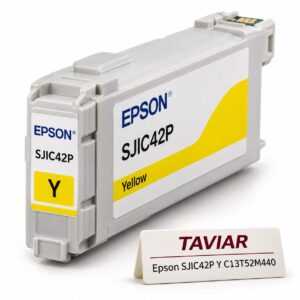

Genuine Epson SJIC42P ink - yellow Y | C13T52M440
Genuine Epson SJIC42P cartridge in yellow Y, part no. C13T52M440, for the European market -…
Request a quote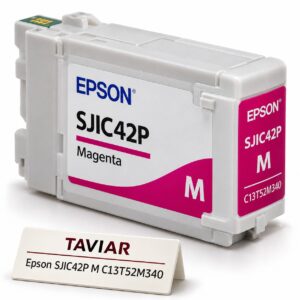
Genuine Epson SJIC42P ink - magenta M | C13T52M340
Genuine Epson SJIC42P cartridge in magenta M, part no. C13T52M340, for the European market -…
Request a quote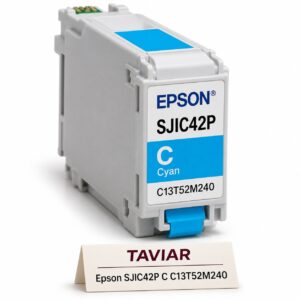
Genuine Epson SJIC42P ink - cyan C | C13T52M240
Genuine Epson SJIC42P cartridge in cyan C, part no. C13T52M240, for the European market -…
Request a quote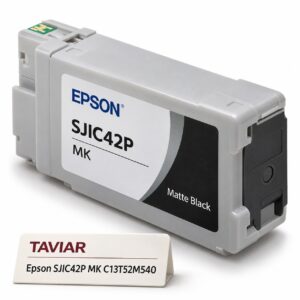
Genuine Epson SJIC42P ink - matte black MK | C13T52M540
Genuine Epson SJIC42P cartridge in matte black MK, part no. C13T52M540, for the European market…
Request a quote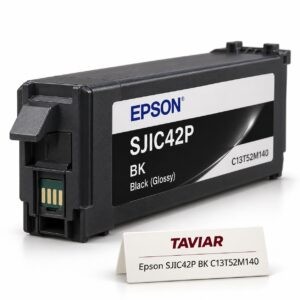
Genuine Epson SJIC42P ink - gloss black BK | C13T52M140
Genuine Epson SJIC42P cartridge in gloss black BK, part no. C13T52M140, for the European market…
Request a quote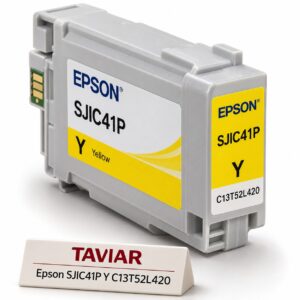
Genuine ink Epson SJIC41P - yellow Y | C13T52L420
Genuine Epson SJIC41P cartridge in yellow Y, SKU C13T52L420, for the US market -…
Request a quote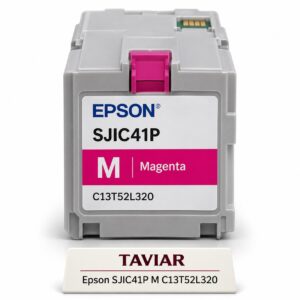
Genuine ink Epson SJIC41P - magenta M | C13T52L320
Genuine Epson SJIC41P cartridge in magenta M, SKU C13T52L320, for the US market -…
Request a quote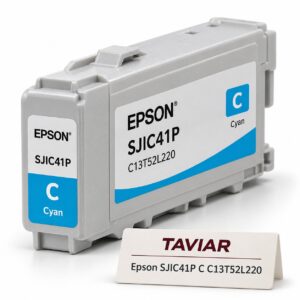
Genuine ink Epson SJIC41P - cyan C | C13T52L220
Genuine Epson SJIC41P cartridge in cyan C, SKU C13T52L220, for the US market -…
Request a quote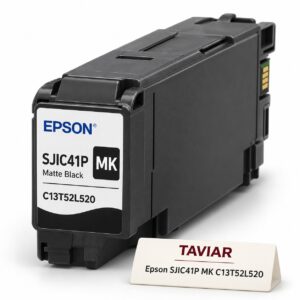
Genuine ink Epson SJIC41P - matte black MK | C13T52L520
Genuine Epson SJIC41P cartridge in matte black MK, SKU C13T52L520, for the US market…
Request a quote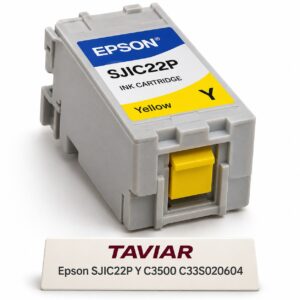
Genuine ink Epson SJIC22P - yellow Y for the C3500 | C33S020604
Genuine Epson SJIC22P pigment ink cartridge in yellow Y, SKU C33S020604, volume…
Request a quote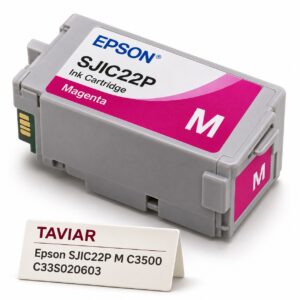
Genuine ink Epson SJIC22P - magenta M for the C3500 | C33S020603
Genuine Epson SJIC22P pigment ink cartridge in magenta M, SKU C33S020603, volume…
Request a quote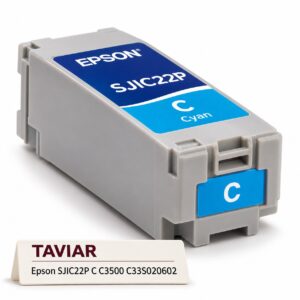
Genuine ink Epson SJIC22P - cyan C for the C3500 | C33S020602
Genuine Epson SJIC22P pigment ink cartridge in cyan C, SKU C33S020602, volume…
Request a quote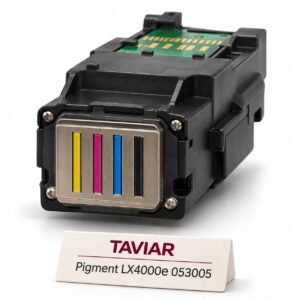 Primera
Pigment printhead for LX4000e, part no. 053005
Pigment printhead for LX4000e SKU 053005. Durable label maintenance. Request a quotation based on…
Request a quote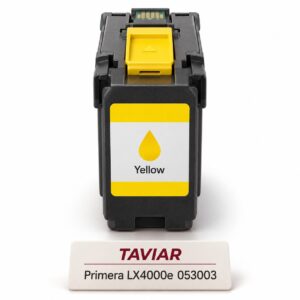 Primera
 LX4000e yellow ink tank - 053003
Primera LX4000e yellow ink tank - 053003. Colour production on repeat purchase. Get…
Request a quote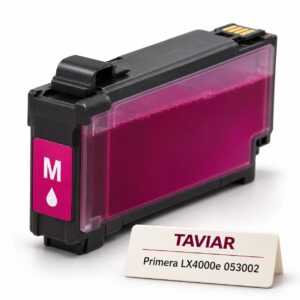 Primera
 LX4000e magenta ink tank - 053002
Primera LX4000e magenta ink tank - 053002. Colour production on repeat purchase. Get…
Request a quote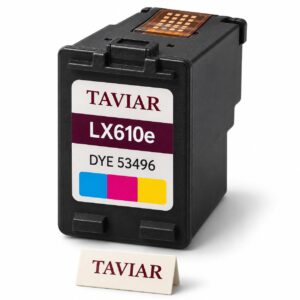 Primera
Dye ink cartridge for LX610e, part no. 53496
Dye ink cartridge for LX610e, part no. 53496. Colour graphics on compatible media. Get…
Request a quote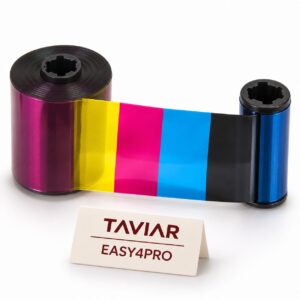 Evolis
EASY4PRO cassette-free ribbon
EASY4PRO cassette-free ribbon. High-volume card issuance. Get a quote based on configuration…
Request a quote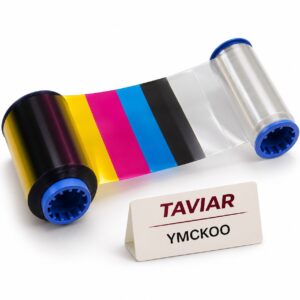 Evolis
YMCKOO ribbon with double protective overlay
YMCKOO ribbon with double protective overlay. Cards subject to abrasive use. Get a quote based on configuration…
Request a quote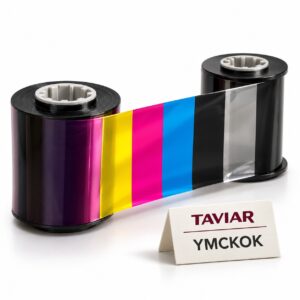 Evolis
YMCKOK double-sided ribbon
YMCKOK double-sided ribbon. Colour image on the front and text on the back. Request a quotation based on configuration…
Request a quote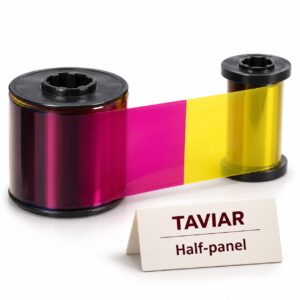
Half-panel colour card ribbon
Half-panel colour card ribbon. Colour printing in a limited area and savings. Get a quote based on…
Request a quote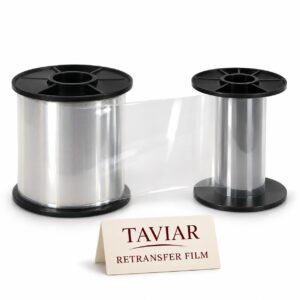
Clear retransfer ribbon for cards
Transparent retransfer film for cards. Image transfer layer in a Retransfer printer. Request a quotation based on…
Request a quote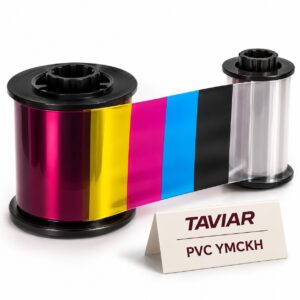 Evolis
YMCKH ribbon for non-PVC cards
YMCKH ribbon for non-PVC cards. Printing on special substrates. Get…
Request a quote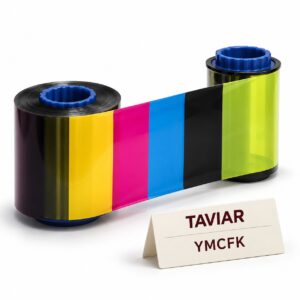 Evolis
YMCFK fluorescent security ribbon
YMCFK fluorescent security ribbon. Covert authentication mark for identification cards. Request a quotation based on…
Request a quote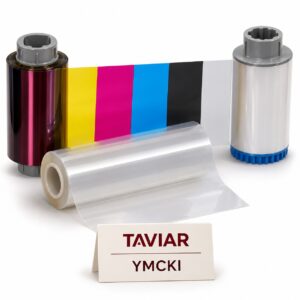 Evolis
YMCKI retransfer ribbon with inhibitor panel
YMCKI retransfer ribbon with inhibitor layer. Preserving the chip, magnetic stripe or…
Request a quoteCannot find the right product?Tell us what you are marking, and we will suggest a printer, labels and ribbon that work together.
Ready-made bundles- No products match all the filtersTry removing a filter, or ask us.
More information about Printer and labelling accessories
Choosing a printer accessory starts with precise identification
Printheads, power supplies, stands and auxiliary equipment cannot be selected by brand alone. Have the full model and old part SKU ready where possible. Without a SKU, a photograph of the part and connections can help clarify options before ordering.
Stand and consumables as part of the workstation
For an external roll stand, check the roll and feed into the printer, not just available desk space. Power supplies and printer parts require appropriate configuration confirmation; do not choose by similar appearance. Product pages bring together existing details, and an enquiry allows the assessment to be completed.
Printer accessories: check the model and the operation you want to improve
Rewinder, stand and connection accessory
When requesting a label rewinder or printing-station accessory, specify whether you want to collect printed labels, hold a feed roll or perform another operation. Rewinder is sometimes used for different components. Check dimensions, direction and installation limits before selecting.
To continue checking, see Measuring a roll.
Printer model compatibility
An accessory suitable for one product family will not necessarily fit all printers from the same manufacturer. Provide the complete model and suffix and describe the workstation configuration. For a replacement part, use the part number or manufacturer documentation rather than choosing by appearance alone.
To continue checking, see Specifying a printing station.
Testing the workflow after installation
After fitting an accessory, check roll movement and normal printing according to equipment instructions. Ensure no unwanted tension or blocked maintenance access. Ask the quotation to distinguish the accessory from any necessary installation or special adaptation.
To continue checking, see Accessory compatibility enquiry.







