







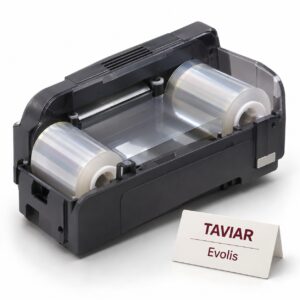
 Evolis
Laminating module for Evolis cards
Laminating module for Evolis cards. Extending tag life and adding a security layer. Get a quote based on…
Request a quote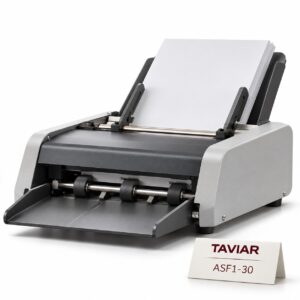 Graphtec
ASF1-30 automatic sheet feeder
ASF1-30 automatic sheet feeder. Continuous cutting of labels from sheets. Get a quote based on configuration…
Request a quote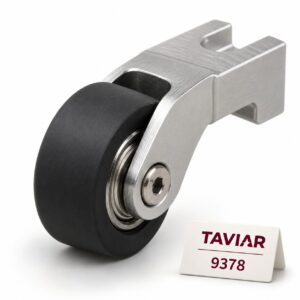
Replacement pinch roller for a plotter
Replacement pinch roller for a plotter. Restoring media grip. Get a quote based on configuration and quantity. Illustration…
Request a quote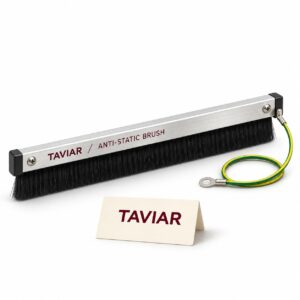
Anti-static kit for a plotter
Anti-static kit for a plotter. Reducing feed problems. Get a quote based on configuration…
Request a quote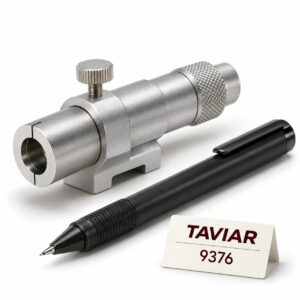
Plotter pen and pen holder
Plotter pen and pen holder. Drawing templates without cutting. Request a quotation based on configuration…
Request a quote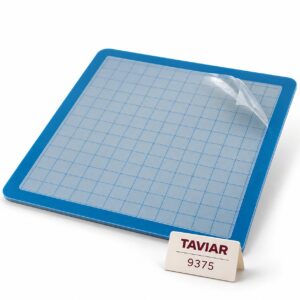
Adhesive carrier sheet
Adhesive carrier sheet. Cutting small parts and sheets. Get a quote based on configuration…
Request a quote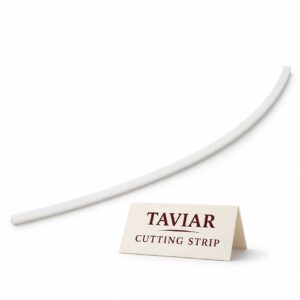
Replacement cutting strip for a plotter
Replacement plotter cutting strip. Maintaining consistent cutting. Request a quotation based on configuration…
Request a quote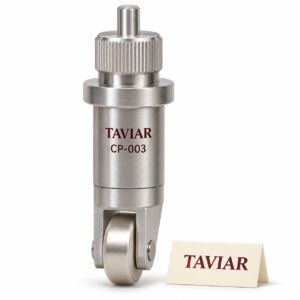 Graphtec
 CP-003 roller creasing tool
Graphtec CP-003 roller creasing tool. Folding cardboard during packaging. Get a quote based on…
Request a quote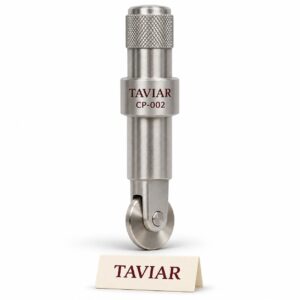 Graphtec
 CP-002 roller creasing tool
Graphtec CP-002 roller creasing tool. Folding cardboard during packaging. Get a quote based on…
Request a quote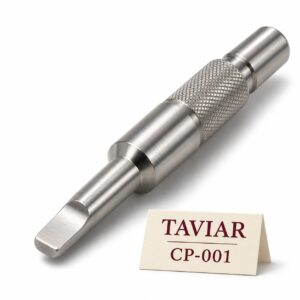 Graphtec
CP-001 flat creasing/scoring tool
CP-001 flat creasing/scoring tool. Folding lines in thick paper. Request a quotation based on configuration…
Request a quote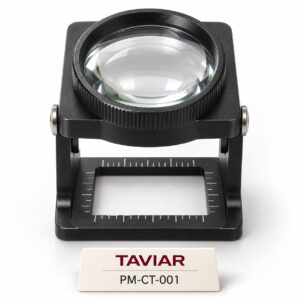 Graphtec
PM-CT-001 blade-tip inspection glass
PM-CT-001 blade tip inspection glass. Adjusting blade protrusion and checking wear. Request a quotation…
Request a quote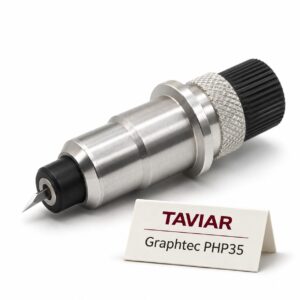 Graphtec
 PHP35 blade holder, matched to the blade model
Graphtec PHP35 blade holder, matched to the blade model. Changing blade families without improvised modifications.…
Request a quote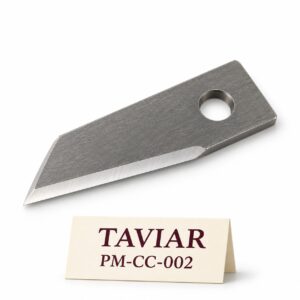 Graphtec
PM-CC-002 sheet separation blade
PM-CC-002 sheet separation blade. Cross-cutting after the job. Request a quotation based on configuration…
Request a quote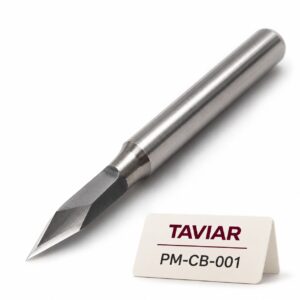 Graphtec
PM-CB-001 blade for thick plastic and rubber
PM-CB-001 thick plastic and rubber blade. Cutting industrial materials. Request a quotation based on configuration…
Request a quote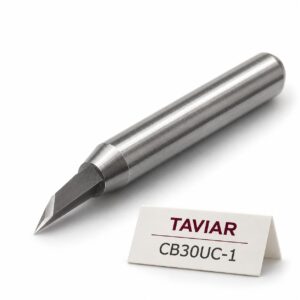 Graphtec
CB30UC-1 blade for cardboard
CB30UC-1 blade for cardboard. Packaging prototypes. Get a quote based on configuration and quantity. Illustration…
Request a quote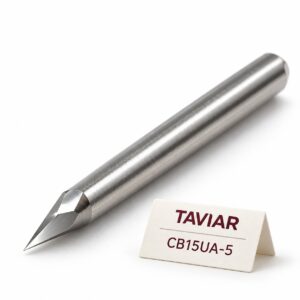 Graphtec
CB15UA-5 blade for reflective media
CB15UA-5 reflective media blade. Special signage materials. Request a quotation based on configuration…
Request a quote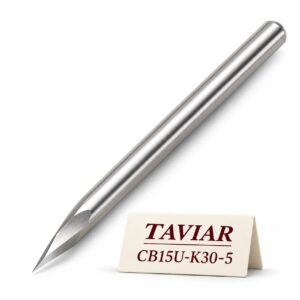 Graphtec
CB15U-K30-5 blade for sandblast rubber
CB15U-K30-5 sandblast rubber blade. Durable stencils. Request a quotation based on configuration and quantity. Illustration…
Request a quote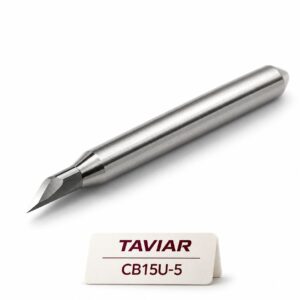 Graphtec
CB15U-5 blade for rigid materials
CB15U-5 rigid material blade. Thick paper and rigid media. Request a quotation based on configuration…
Request a quote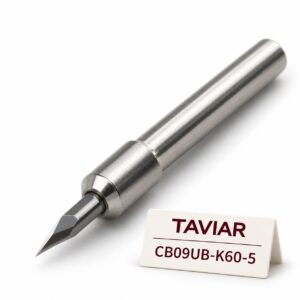 Graphtec
CB09UB-K60-5 blade for thin films
CB09UB-K60-5 thin film blade. Thin window films. Request a quotation based on configuration and quantity. Illustration…
Request a quote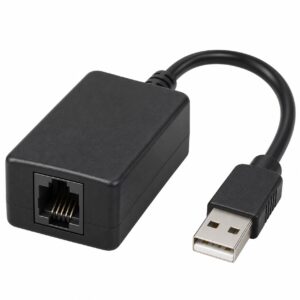
USB/network cash drawer interface unit
USB/network cash drawer interface unit. Direct connection to a compatible checkout. Request a quotation based on configuration…
Request a quote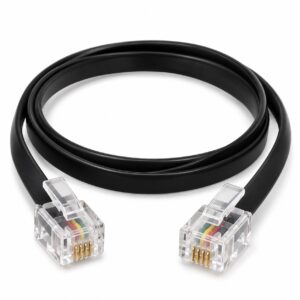
Cash drawer interface cable with a verified pinout
Cash drawer interface cable with a verified pinout. Replacing a receipt printer. Get a quote…
Request a quote
Replacement key matched to the lock code
Replacement key by lock code. Service for checkout customers. Request a quotation based on configuration…
Request a quote
Replacement cash drawer lock
Replacement cash drawer lock. Repairing a mechanically sound drawer. Request a quotation based on configuration…
Request a quote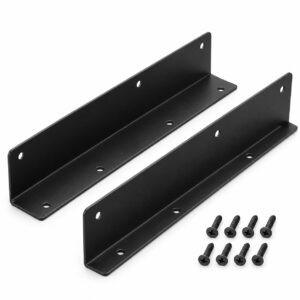
Under-counter cash drawer mount
Under-counter cash drawer mount. Counter with no upper space. Get a quote based on…
Request a quoteCannot find the right product?Tell us what you are marking, and we will suggest a printer, labels and ribbon that work together.
Ready-made bundles- No products match all the filtersTry removing a filter, or ask us.
More information about Printer and labelling accessories
Choosing a printer accessory starts with precise identification
Printheads, power supplies, stands and auxiliary equipment cannot be selected by brand alone. Have the full model and old part SKU ready where possible. Without a SKU, a photograph of the part and connections can help clarify options before ordering.
Stand and consumables as part of the workstation
For an external roll stand, check the roll and feed into the printer, not just available desk space. Power supplies and printer parts require appropriate configuration confirmation; do not choose by similar appearance. Product pages bring together existing details, and an enquiry allows the assessment to be completed.
Printer accessories: check the model and the operation you want to improve
Rewinder, stand and connection accessory
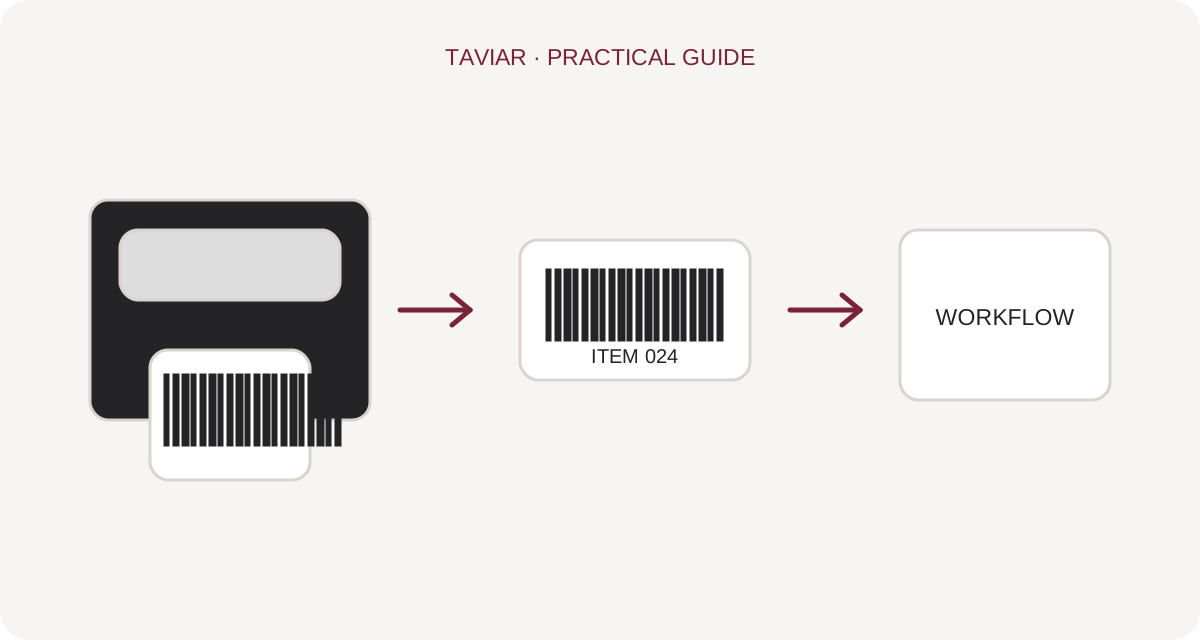
When requesting a label rewinder or printing-station accessory, specify whether you want to collect printed labels, hold a feed roll or perform another operation. Rewinder is sometimes used for different components. Check dimensions, direction and installation limits before selecting.
To continue checking, see Measuring a roll.
Printer model compatibility
An accessory suitable for one product family will not necessarily fit all printers from the same manufacturer. Provide the complete model and suffix and describe the workstation configuration. For a replacement part, use the part number or manufacturer documentation rather than choosing by appearance alone.
To continue checking, see Specifying a printing station.
Testing the workflow after installation
After fitting an accessory, check roll movement and normal printing according to equipment instructions. Ensure no unwanted tension or blocked maintenance access. Ask the quotation to distinguish the accessory from any necessary installation or special adaptation.
To continue checking, see Accessory compatibility enquiry.







