
How do you choose a label printer for your business?
On this page
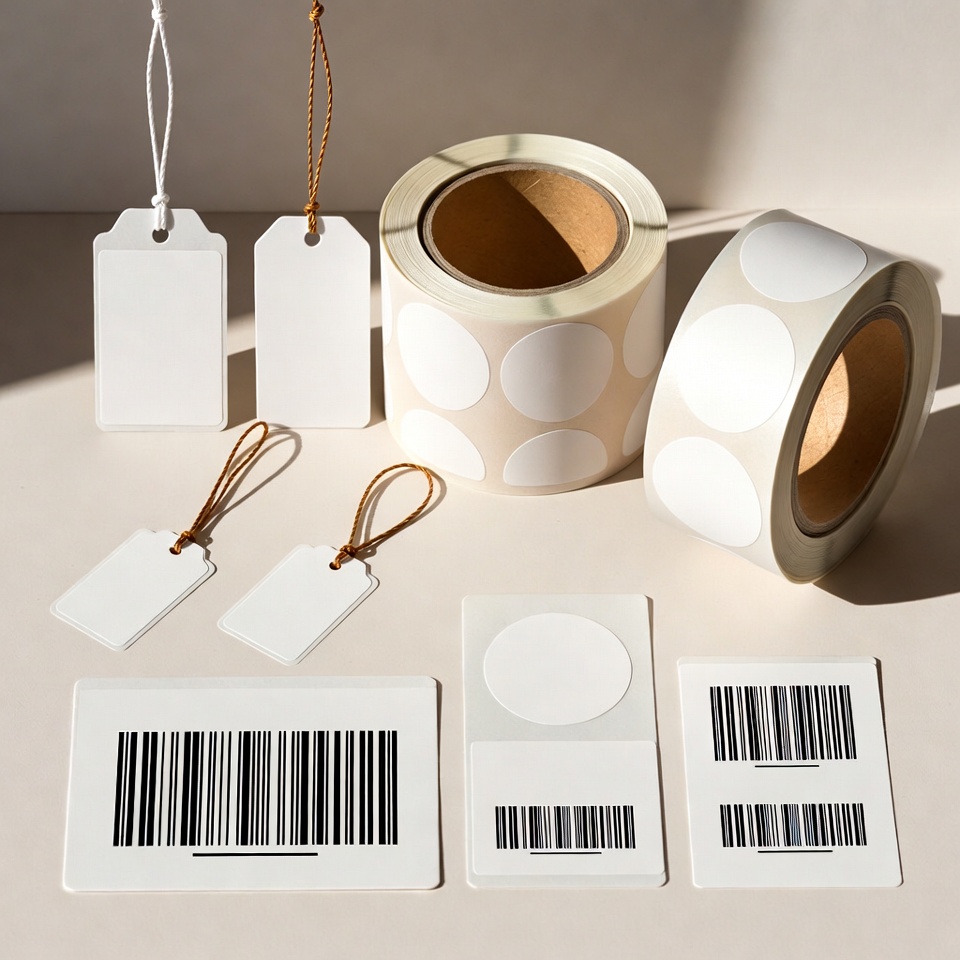
To find a suitable label printer, start with one representative daily work sample. It helps assess readability, material, software integration and quotation contents before choosing by price or photograph.
1. Define what the printer needs to produce
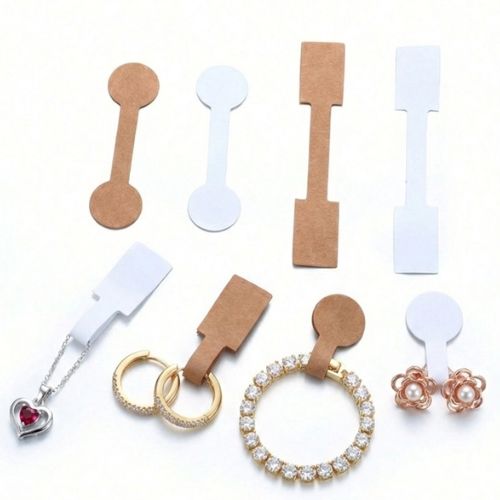
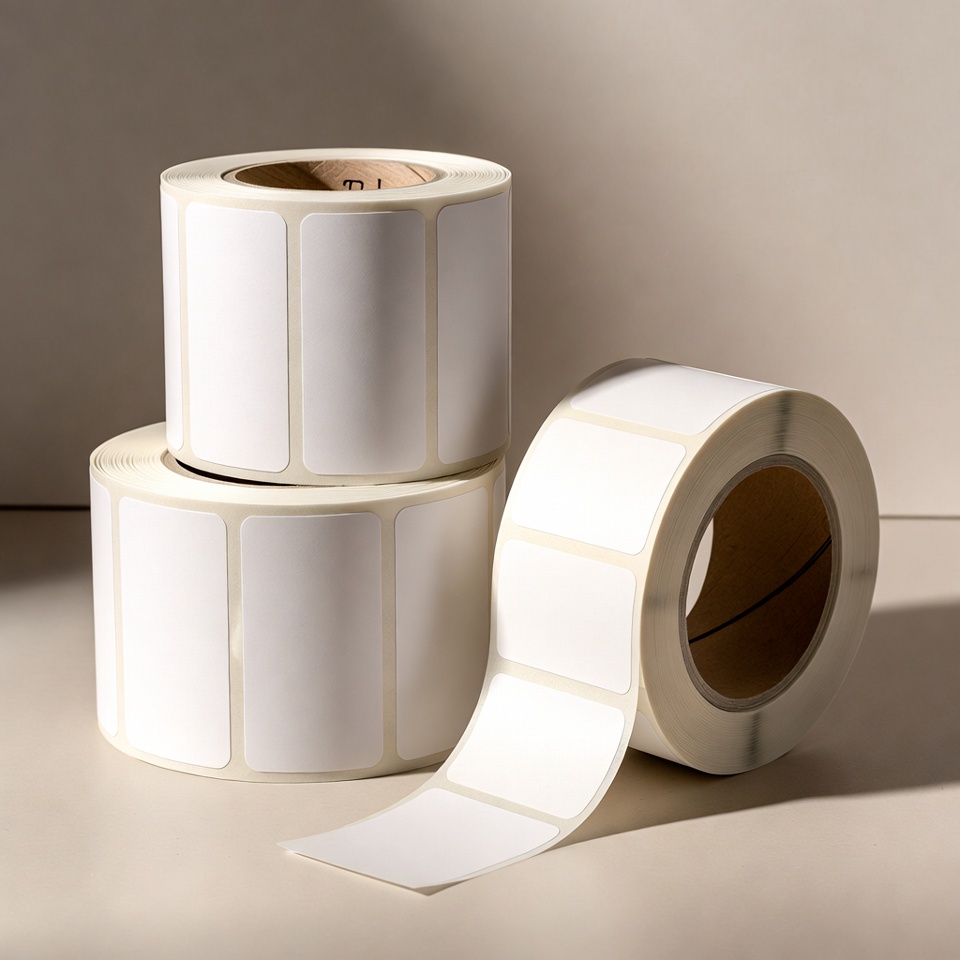
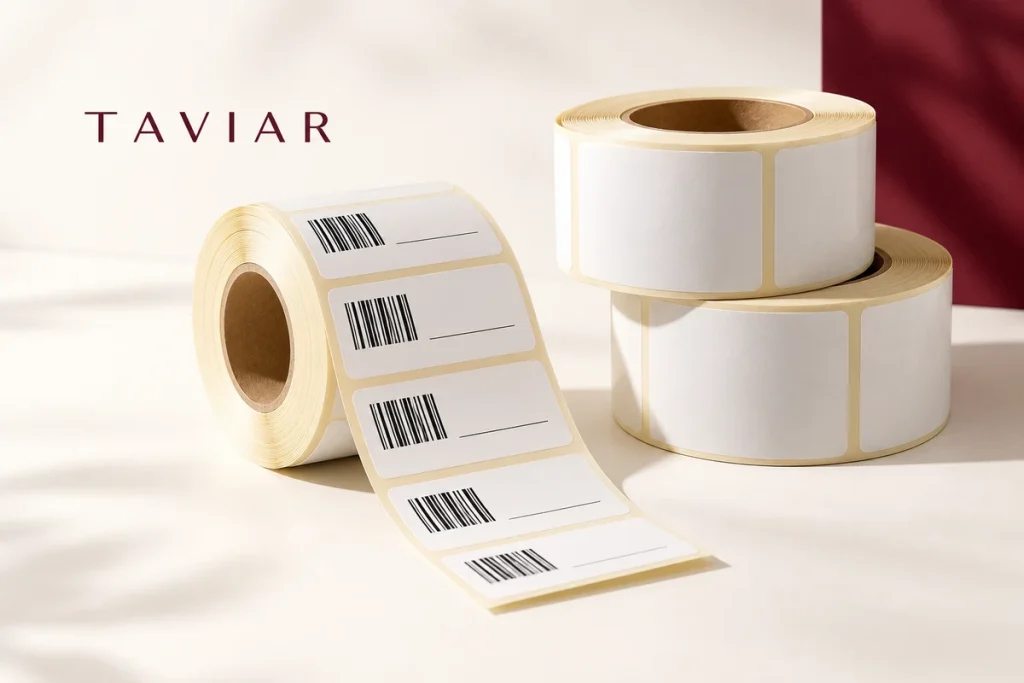
Note label dimensions in millimetres and the fields to appear. A shipping address label differs from a small price and barcode tag. Prepare a final-size sample: text that looks excellent on a large screen may be crowded when printed on the item.
Also specify what changes between prints. Are you printing copies of a fixed design, or does each label have a different price, SKU or address? This helps plan the print template and data source.
2. Check the printing method and media together
Direct thermal uses suitable media without ribbon; thermal transfer uses ribbon. Do not choose between them by name alone. Check the label, intended use and capabilities of the proposed model. The explanation of direct thermal printing and ribbons will help prepare questions for clarification.
3. Match the printer to the workstation
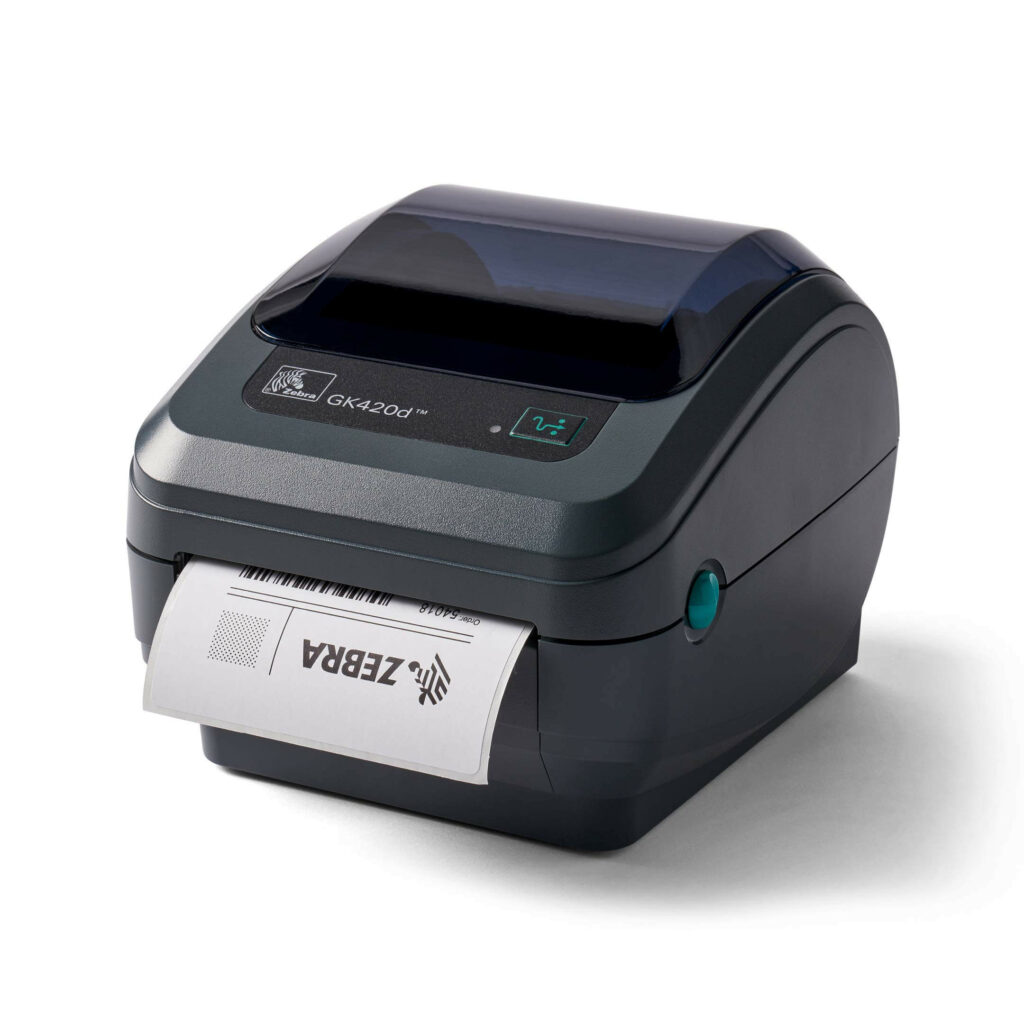
Note your operating system and software, how data reaches printing and how many staff use the workstation. If a network connection, cutter or other accessory is needed, ask for it to be explicitly listed in the quotation. Different versions within a printer family may have different configurations.
Already have a printer?
Include the full model name, including suffix, and a photograph of the existing roll. There is no need to replace equipment before checking whether media or workflow can be adapted to it. Even when replacing equipment, document what works now and what you want to improve.
4. Request a representative test, not just a sample page
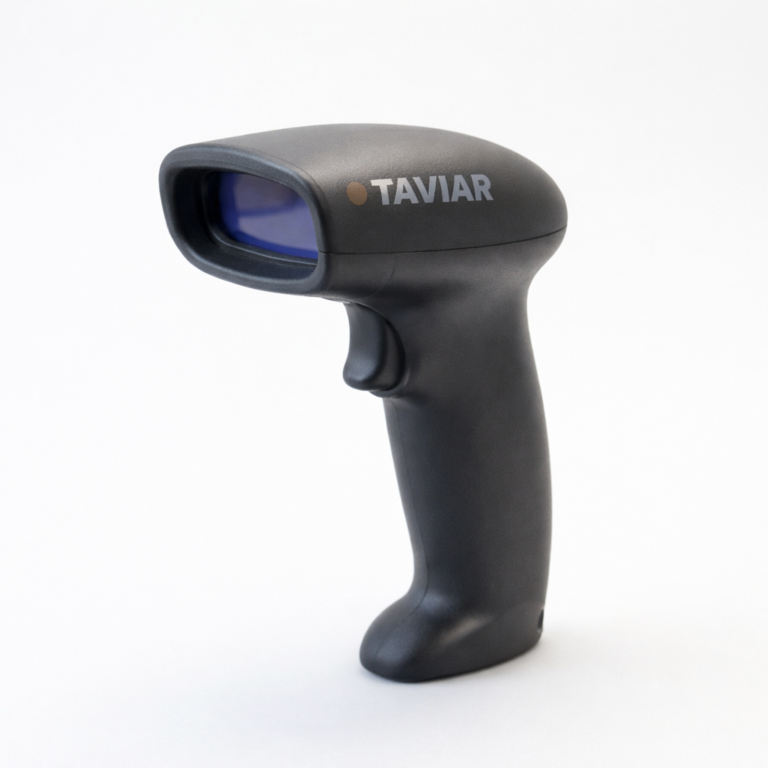
The print sample should include your information on the intended material. Check visual readability and, if there is a barcode, scanning with the equipment and software you will use. Record which configuration was tested so you do not approve one sample and order another combination.
5. Compare what is included and the terms
- Exact model and suffix, connections and accessories.
- Media dimensions and configuration, and ribbon if required.
- Software and licensing included in the quotation, if any.
- Setup assistance, warranty and service as approved in writing.
For checking roll dimensions, useRoll measurement guide. Once you have defined the job, go toPrinter catalogue Or check Business package.
Send a sample and workstation details for a compatibility check
Business barcode printer: start with the label, not the model name
What is the difference between a label printer and a barcode printer?
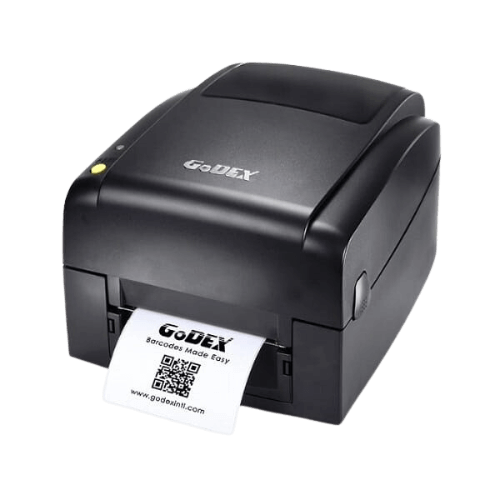
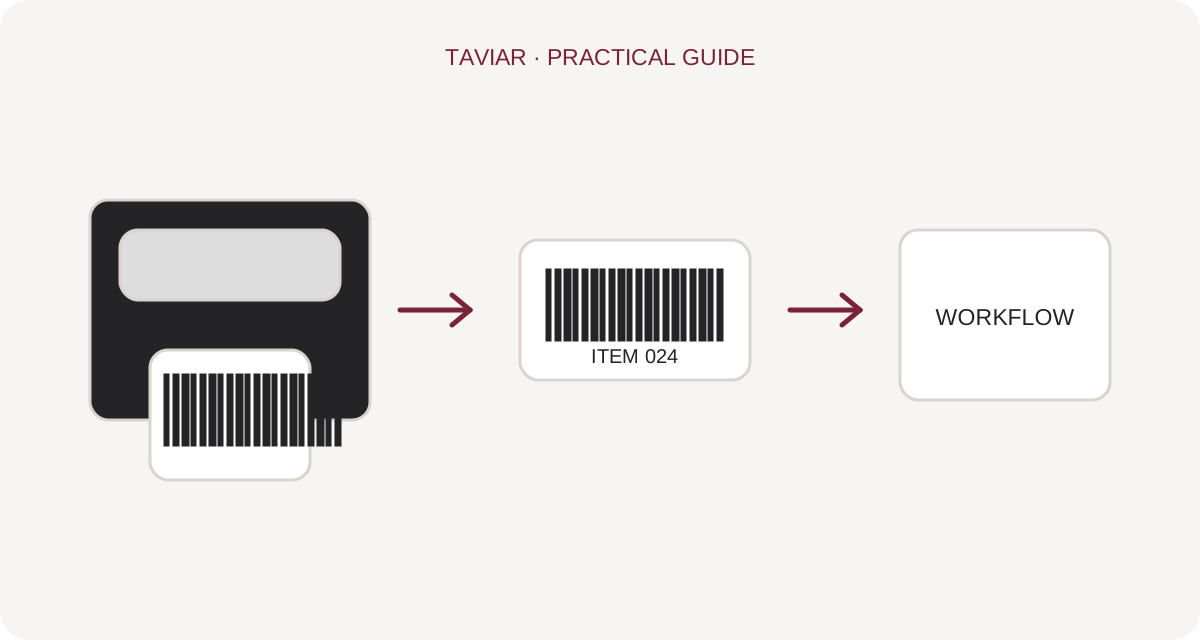
Searches use both terms and sometimes refer to the same equipment: a printer that prints text, product details and barcodes on a label. Selection is not determined by the word barcode, but by label dimensions, material, printing method and information generated by the system. A business label printer should integrate into existing checkout, warehouse or packing workflows.
To continue checking, see Desktop printers.
Desktop, industrial or mobile?
Consider a desktop barcode printer for a fixed station. For continuous work or large volumes, also compare industrial models by actual specifications, not the label alone. Mobile printers suit printing beside items; first check how data reaches them and what connection is available at work.
To continue checking, see Industrial printers.
How do I compare prices while accounting for labour costs?
Compare quotations for the same combination: printer, label rolls, ribbon if needed, design software, connection and setup assistance. A recommended printer for one business may not suit another. Send a label sample, estimated daily quantity and computer or source-system model for a tailored assessment.
To continue checking, see Measuring a roll before ordering.
Questions and answers
Which label printer is most recommended?
No single model suits every job. A recommendation should address your media, dimensions, printed information, software and workload.
Which matters more - speed or resolution?
Check what your actual work sample requires rather than automatically selecting the highest figure. Request printing and scanning of your representative sample.







