
Barcode printer, label and ribbon bundle - what should you check before ordering?
On this page
A publication from the TAVIAR archive. The prices and promotional terms shown in this publication are historical. Contact us for matching and a current quote.
TAVIAR - barcode printing, Label printer, barcode labels and ink
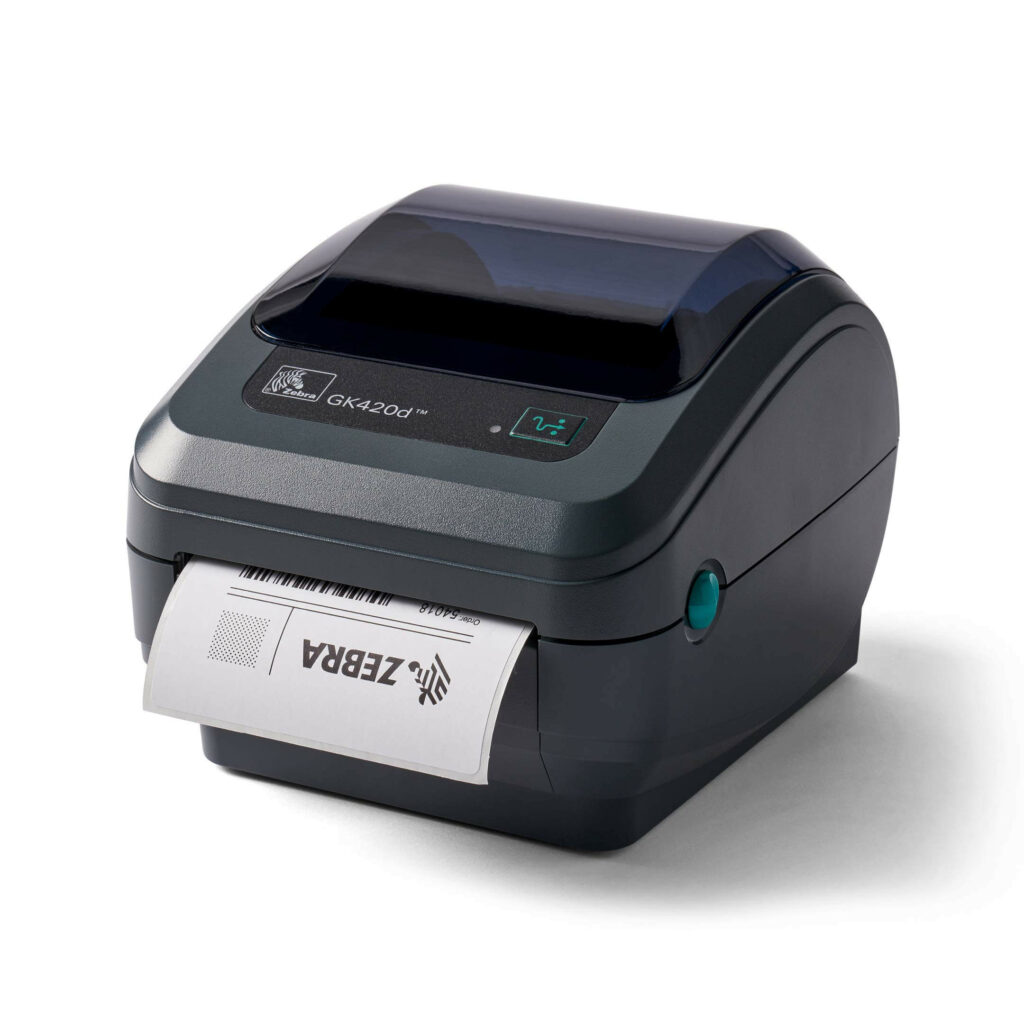
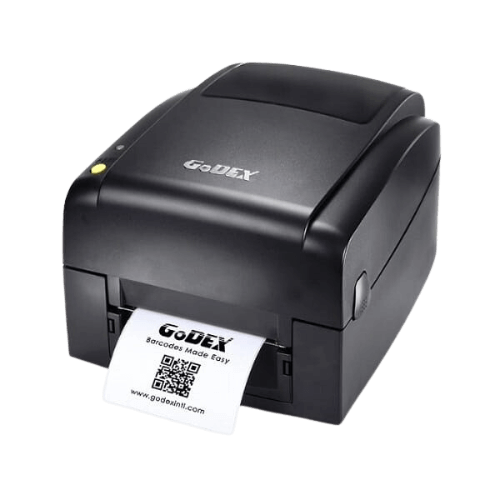
GODEX EZ 520 printer + 300-metre ink ribbon + 3000 labels
רק 1980 ש”ח כולל מע”מ
The price includes:
* Free telephone installation support and assistance, with no time limit while using the printer
* Two-year warranty!
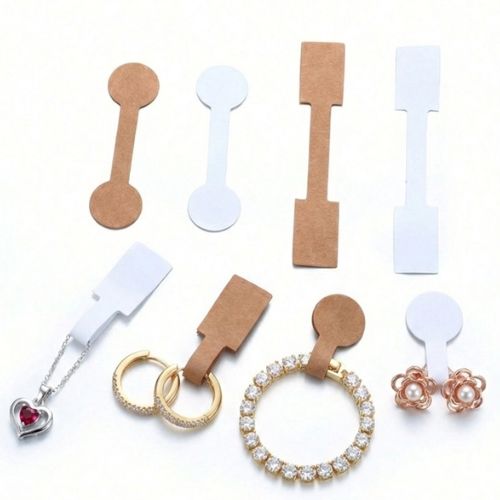
הדפסת מדבקות לתכשיטים | אפשרי מדבקות פרפר ללא דבק בקטע אמצעי |מדבקות פס עם זנב אפשרי ללא דבק ו/או “זנב” שקוף
For more details, call 08-9153494
or to 050-2572226
Click here to leave a WhatsApp message
Click here to leave a contact form message


How do I proceed to product selection?
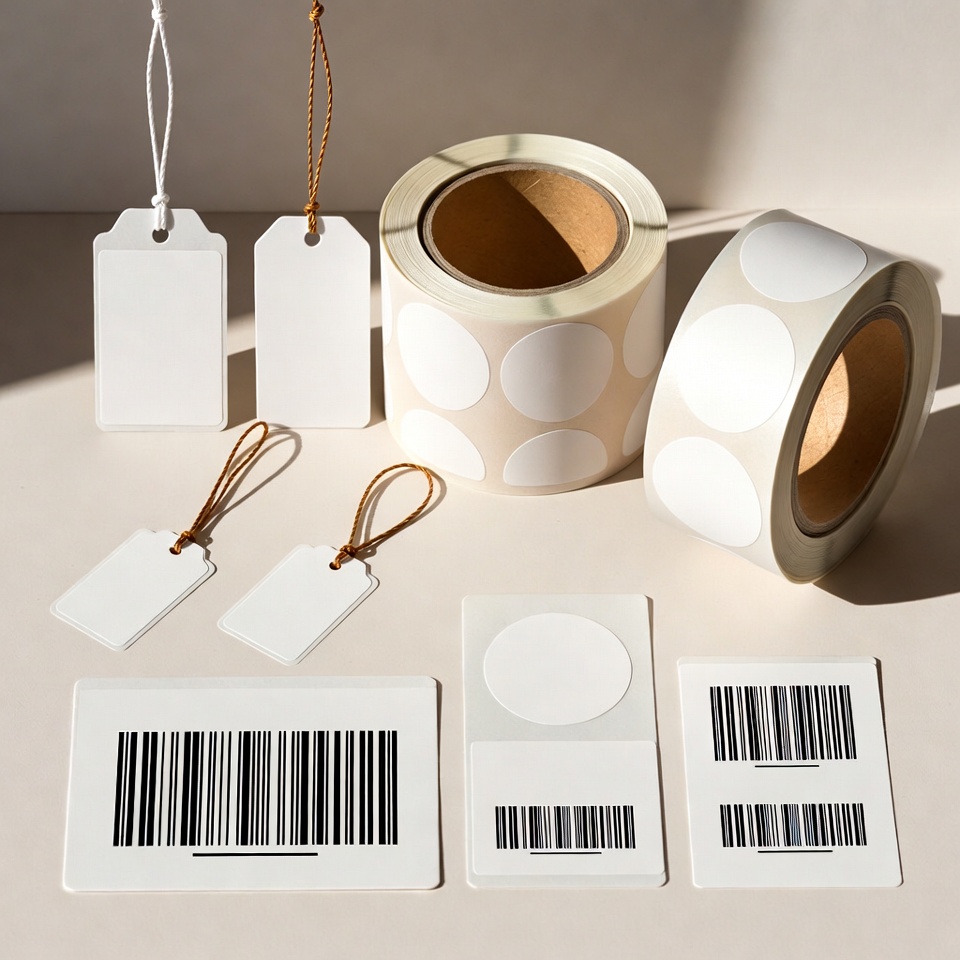
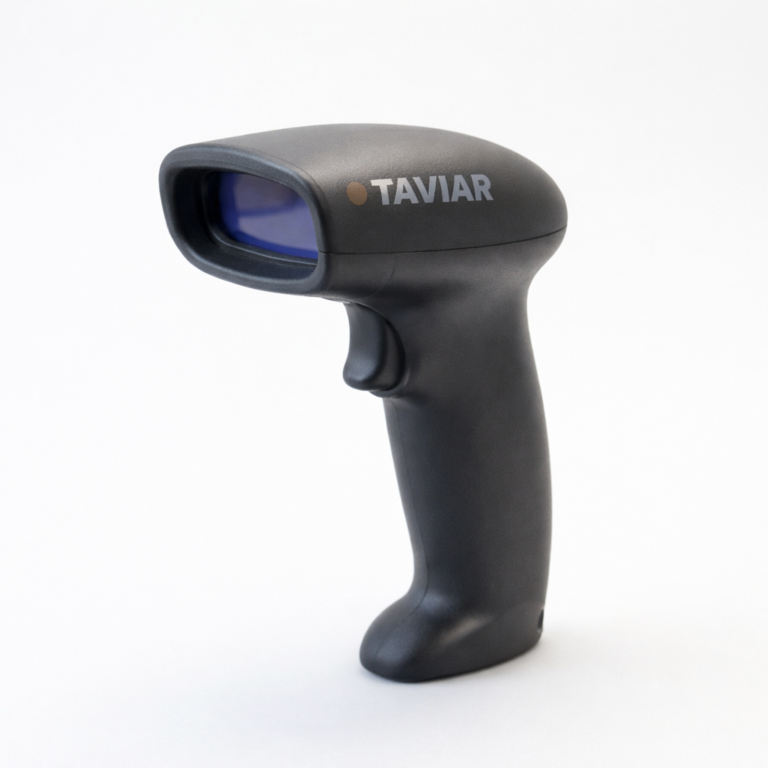
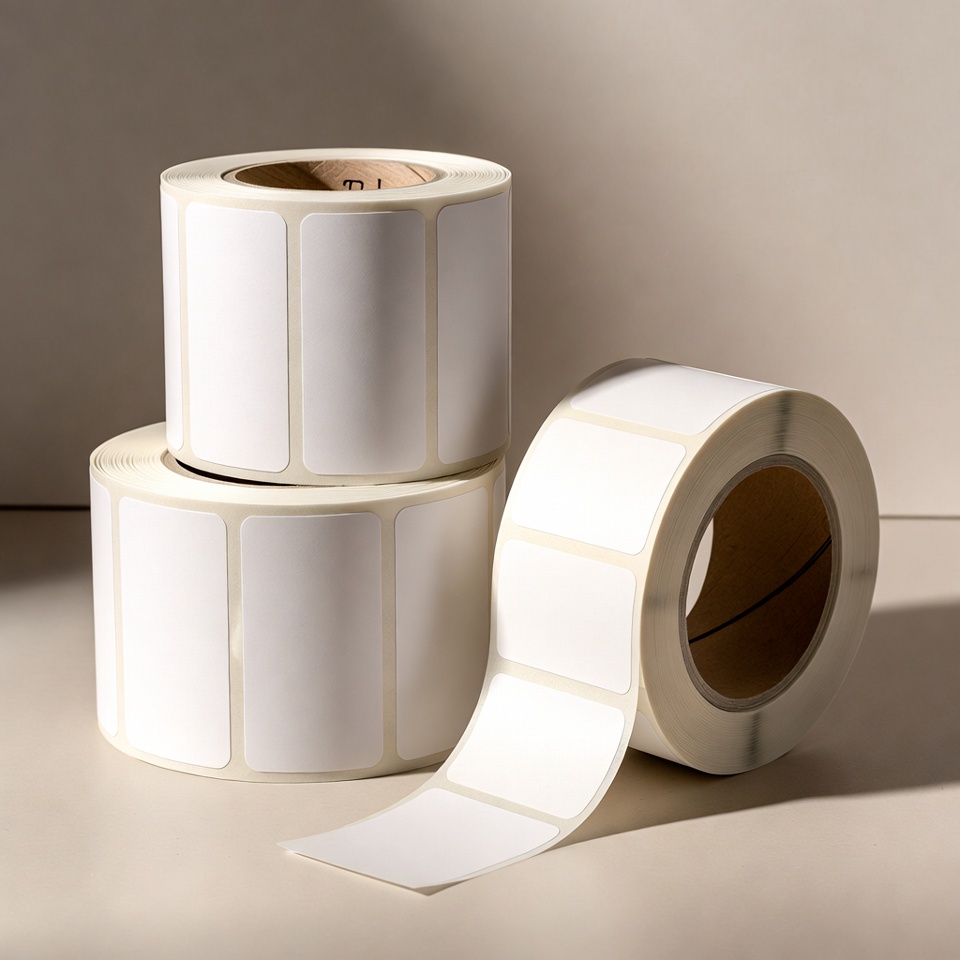
Choose Label printers According to content and workload, Roll labels According to dimensions and material, andBarcode scanners According to code type and workstation. Measuring the roll before ordering helps reduce errors in dimensions and roll structure.
What should I prepare for a compatibility discussion?
Photograph the printer's model label, keep a label sample and prepare the label width, height and estimated daily quantity. InBusiness bundles Equipment combinations are presented for compatibility assessment. The final configuration depends on your product, materials and software.
An information page updated from an earlier publication. Prices, offers and package contents are determined only in a current quotation.
What a ready-to-use business printing solution should include
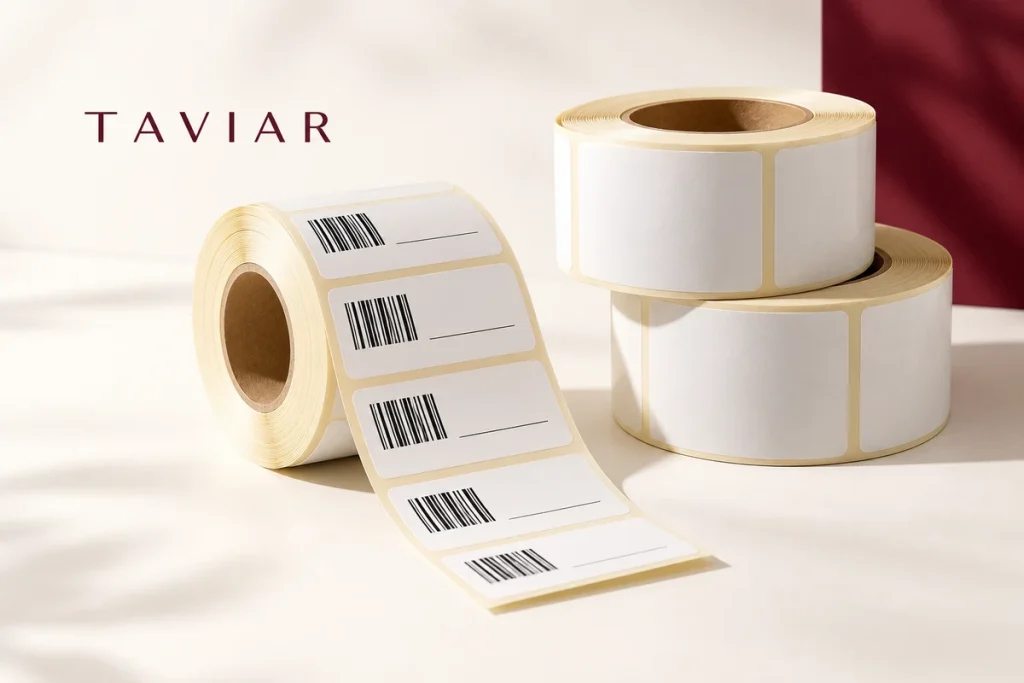
Distinguish the printer from package contents. Check proposed labels and ribbon, quantities and dimensions and equipment or software you already own. An old promotional headline does not establish that quantity or price remains valid.
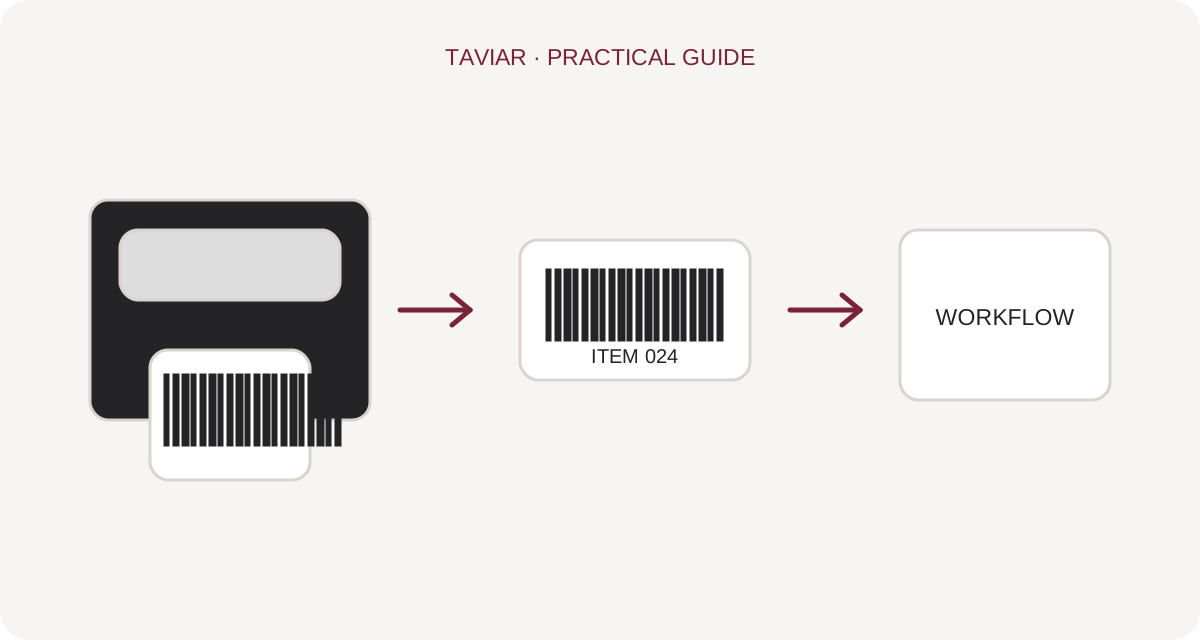
Define one work sample the package must handle from day one. Include Hebrew text and a barcode if required, and check that information arrives correctly from the software. This makes it easier to identify required installation and configuration tasks.
Before ordering, request a written breakdown of components, support and supply terms. Compare materials and accessories as well as packages. The right package covers your workflow rather than containing the greatest number of items.
A short preparation checklist before choosing
- Model and configuration
- Dimensions and consumable quantities
- Software and connection
- Current quotation terms
How do I check that the solution is suitable?
Prepare a representative work sample. Test it with your equipment and item, record approvals and outstanding questions, and keep the version and specifications for repeat orders. Compare alternatives under the same conditions, not using photographs or prices for different tasks.
What should I check in a printer, label and ribbon package?
The package must suit your label
The printer model alone does not describe the whole package. Check the included roll, label dimensions and whether a ribbon is required. A label quantity in a historical page name is not a current quotation; confirm configuration and quantity in the current offer.
To continue checking, see Business packages and current configurations.
Installation, software and test printing
Clarify what setup includes: computer connection, driver, template preparation or other assistance. Do not assume a software licence or business system integration is included in every printer package. Request clear details of what is supplied and tested before work begins.
To continue checking, see Choosing a printer.
How do I compare two quotes?
Compare the same application, label and workload. A low package price alone does not indicate future roll costs or suitability for your work. Send a label sample and request a quotation including the components you actually need.
To continue checking, see When a ribbon is required.







