







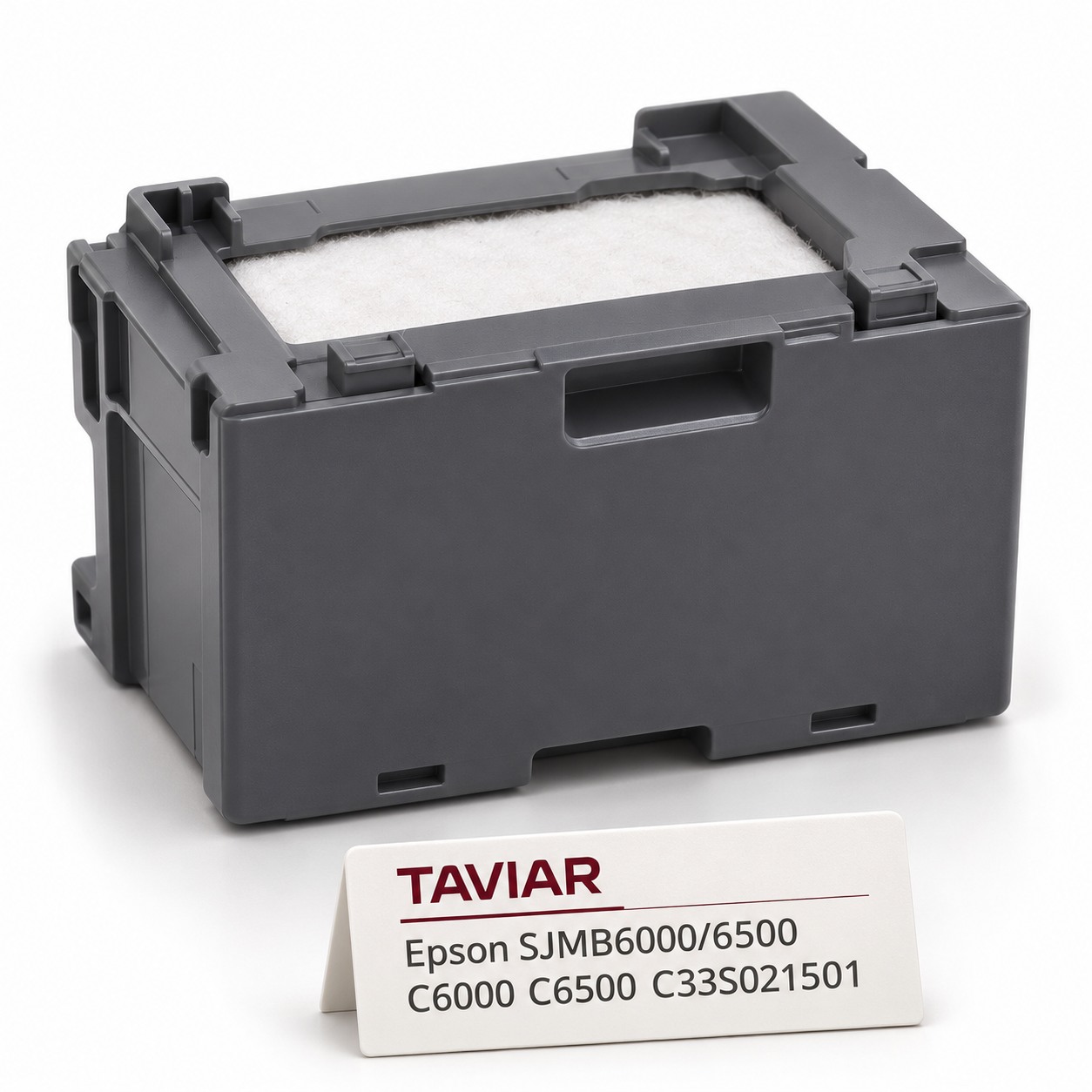

Epson SJMB6000/6500 waste ink container for C6000 / C6500 | C33S021501
Genuine Epson SJMB6000/6500 maintenance tank, SKU C33S021501, for collecting waste ink in compatible C6000 / C6500 printers. Replace according to the printer message and manufacturer instructions.
Illustration of the product type, not a photograph of the exact model.
Product details
The tank collects waste ink from operation and maintenance. It is neither a colour cartridge nor refillable. Identify model and SKU when ordering, even if other maintenance tanks look similar. Check whether your printer included a maintenance tank before ordering another. Package contents vary by SKU and supply channel; your particular printer's contents require confirmation.
Product specifications
| Manufacturer | Epson |
|---|---|
| Family | SJMB6000/6500 |
| Manufacturer SKU | C33S021501 |
| Colour / version | Maintenance tank |
| Verified compatibility | Epson ColorWorks CW-C6000Ae/Pe and CW-C6500Ae/Pe, in BK/MK configurations |
| Product type | Genuine Epson - the purchase quotation must confirm authenticity |
| Order contents | One unit of the specified SKU; not a colour pack. Confirm packaging with the supplier |
| Use | Collects waste ink. Not printing ink or a refillable tank |
How do I confirm compatibility with my printer?
Compare printer model and existing tank SKU. Send a photograph before ordering. Compatibility is not determined by tank size alone.
Replacement and use according to Epson
Replace when the printer reports that the maintenance tank has reached end of life. Open the paper cover, followed by the maintenance tank cover.
Put the old one in the bag supplied with the new one, insert the new one and close the tank cover according to the manual.
Do not move a tank already in use between different printer series. Do not disassemble or shake a used tank, or touch its chip.
Epson replacement guide and complete safety instructions
Frequently asked questions
Which printers does the tank fit?
Epson ColorWorks CW-C6000Ae/Pe and CW-C6500Ae/Pe, in BK/MK configurations
When should it be replaced?
According to the printer replacement message. Do not infer replacement need solely from tank age or an estimated print count.
Can I replace it myself?
The manual includes a user replacement procedure. Follow the exact model manual and all safety warnings.
Does the tank include printing ink?
No. This tank contains absorbent material to collect waste ink; it is not a cartridge supplying ink for printing. Do not refill it.
Compatibility check and quotation
Send us a photograph of the model plate, existing SKU and required quantity. We will check compatibility and provide a quotation with confirmed price, contents and delivery time.
Request a quotation and compatibility check
Printers and complementary consumables
ColorWorks C6000 EPSON - label printer · Ink and consumables for colour label printers
Technical specifications
| Application area | Colour label printer maintenance |
|---|---|
| Configuration | According to model/material specified in the quotation |
| Series or code from the source | SJMB6000/6500 · C6000 |
| Manufacturer compatibility | SJMB6000/6500 for ColorWorks C6000/C6500 series |
| Brand | Epson |
Complementary products
More products to complete the identification and printing process. We will check suitability for your application.







