







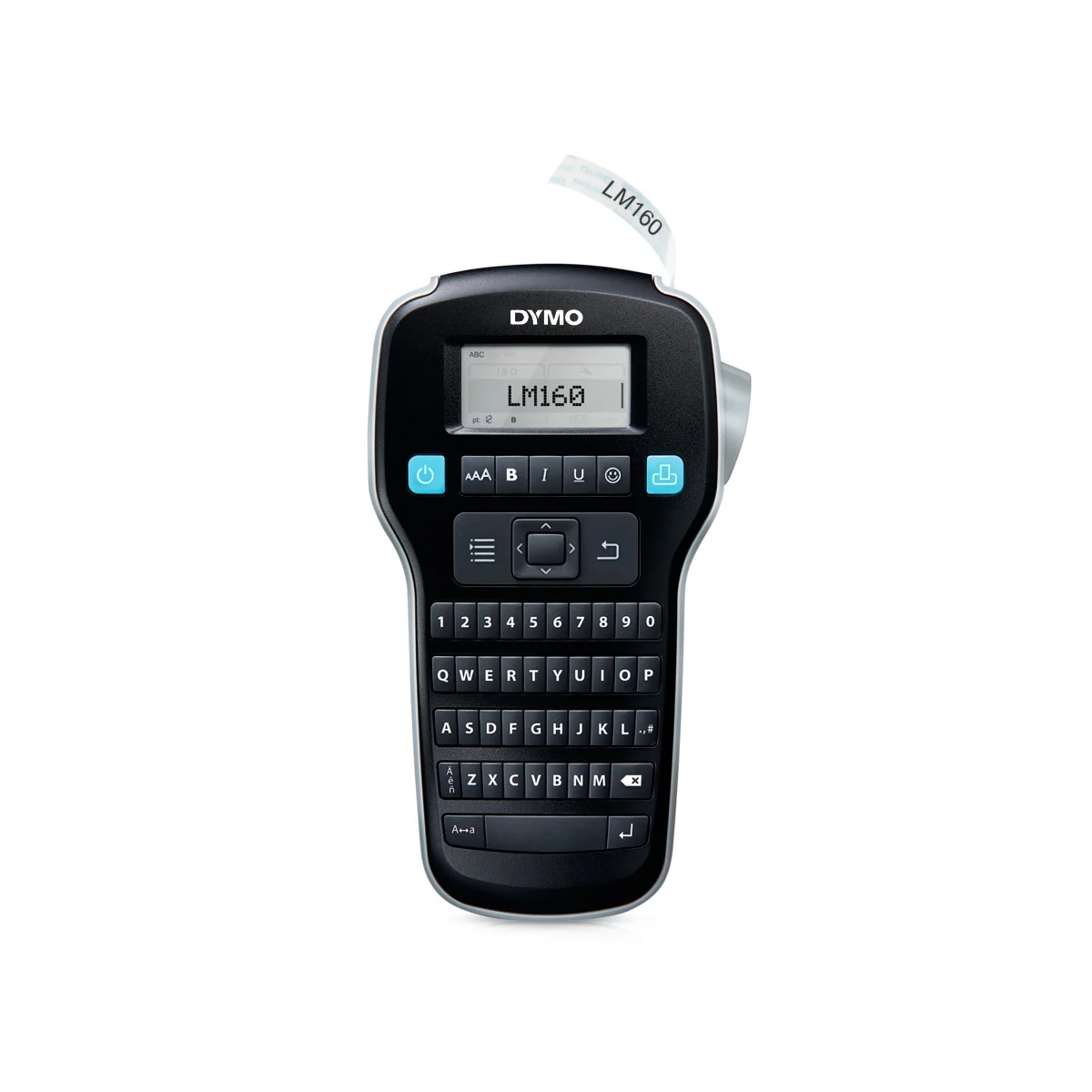
DYMO LabelManager 160
DYMO LabelManager 160 creates identification labels directly on the device, without designing them on a computer.…
Request a quote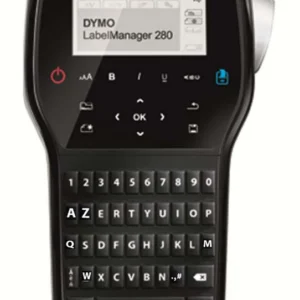
DYMO LabelManager 280
DYMO LabelManager 280 - label printer; contact us to check suitability for your business.
Request a quote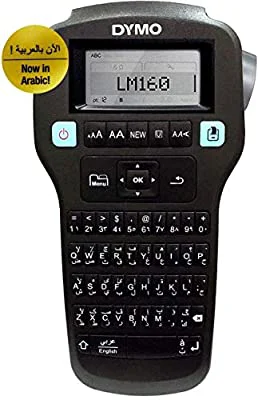
DYMO LabelManager 160 Arabic
DYMO LabelManager 160 Arabic - label printer; contact us to check suitability for your business.
Request a quote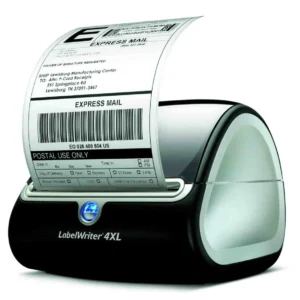
DYMO LabelWriter 4XL
DYMO LabelWriter 4XL - label printer; contact us to check suitability for your business.
Request a quote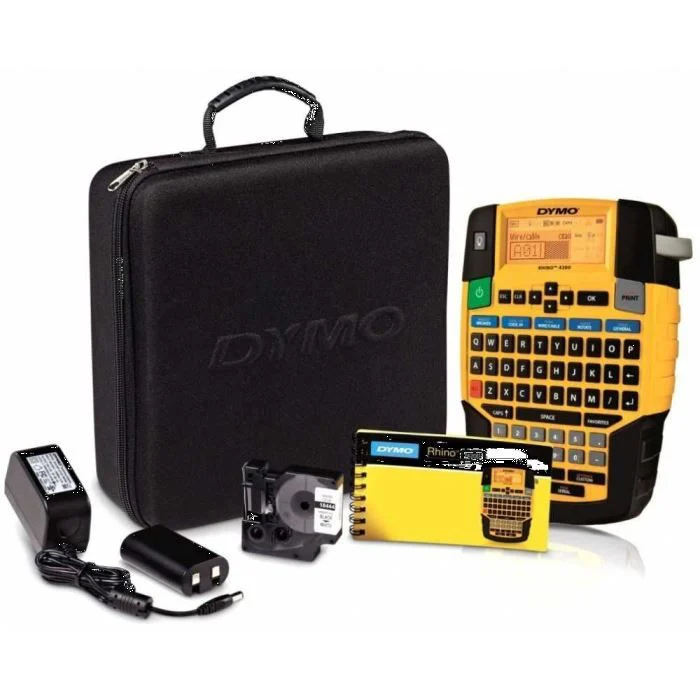
DYMO Rhino 4200 kit
DYMO Rhino 4200 kit - label printer; contact us to check suitability for your business.
Request a quote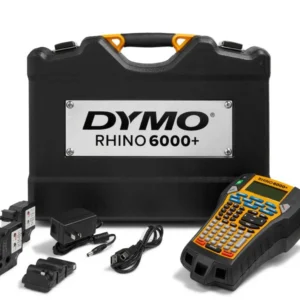
DYMO Rhino 6000+
DYMO Rhino 6000+ - label printer; contact us to check suitability for your business.
Request a quote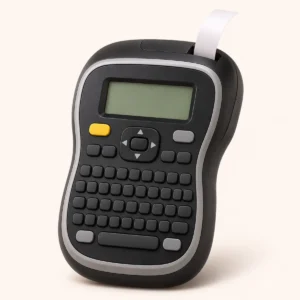 Product type illustration
DYMO LabelManager 210D+
DYMO LabelManager 210D+ - label printer; contact us to check suitability for your business.
Request a quote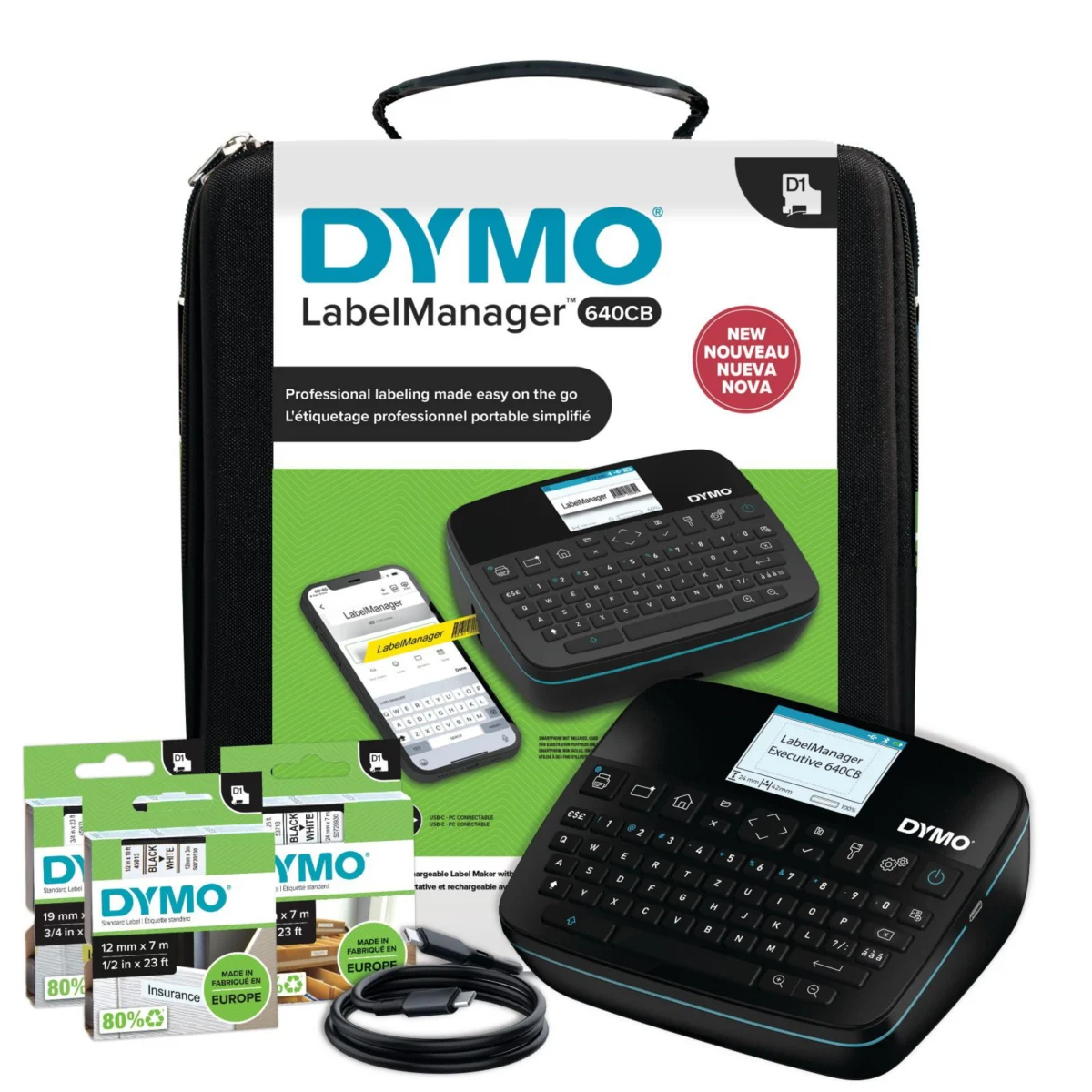
DYMO LabelManager Executive 640CB
DYMO LabelManager Executive 640CB - label printer; contact us to check suitability for your business.
Request a quote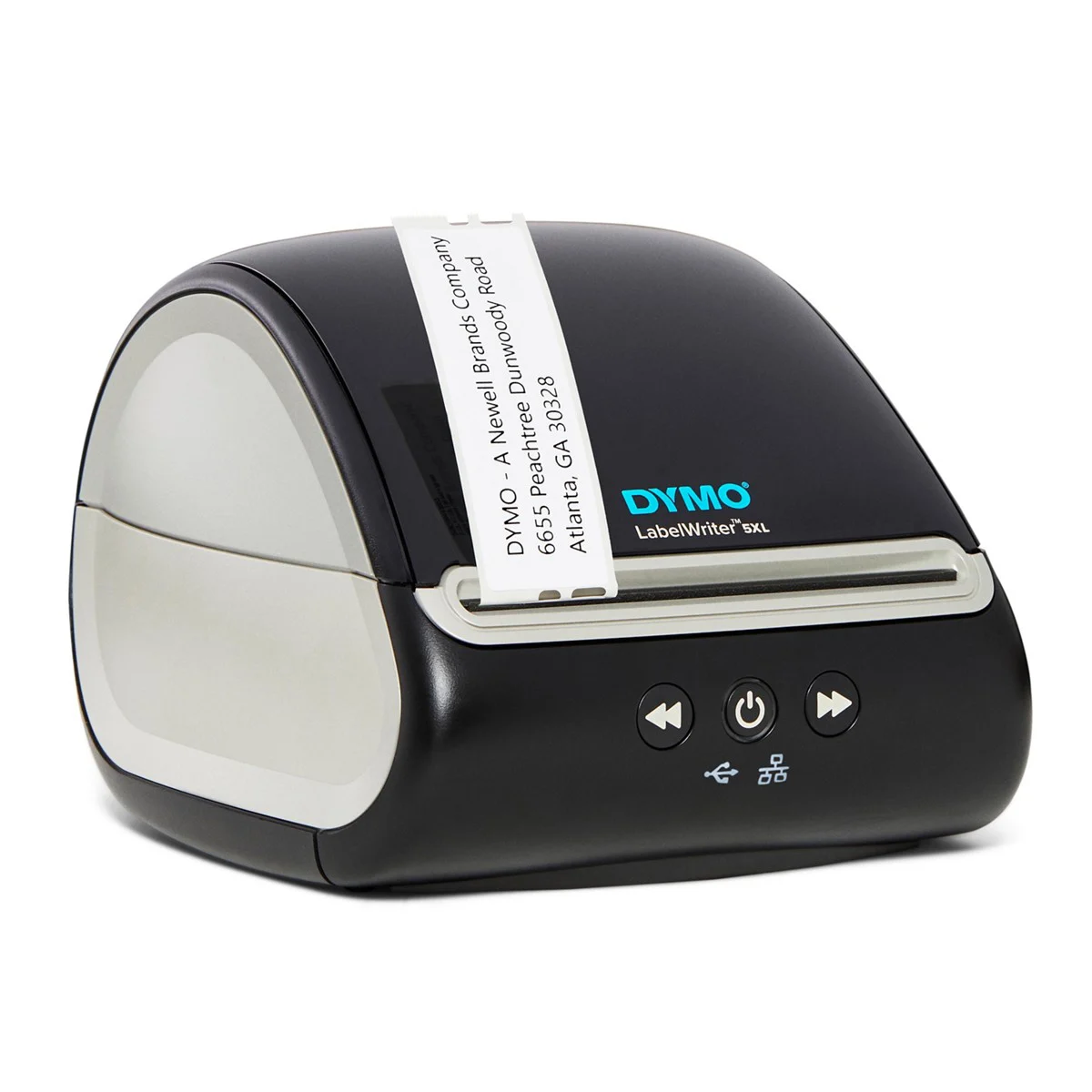
DYMO LabelWriter 5XL
DYMO LabelWriter 5XL - label printer; contact us to check suitability for your business.
Request a quote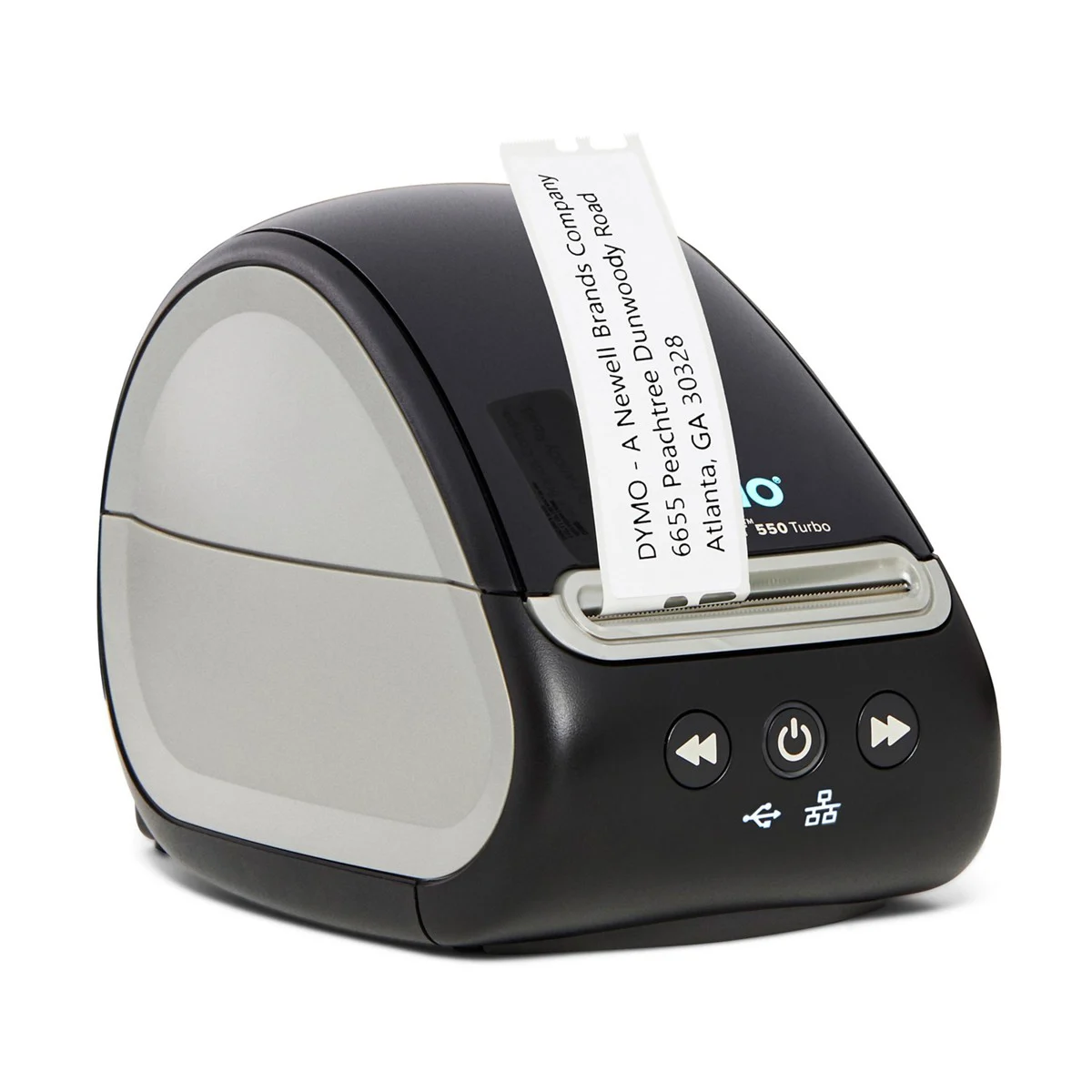
DYMO LabelWriter 550 Turbo
DYMO LabelWriter 550 Turbo produces labels from a computer and allows the printing station to be shared over a network.…
Request a quote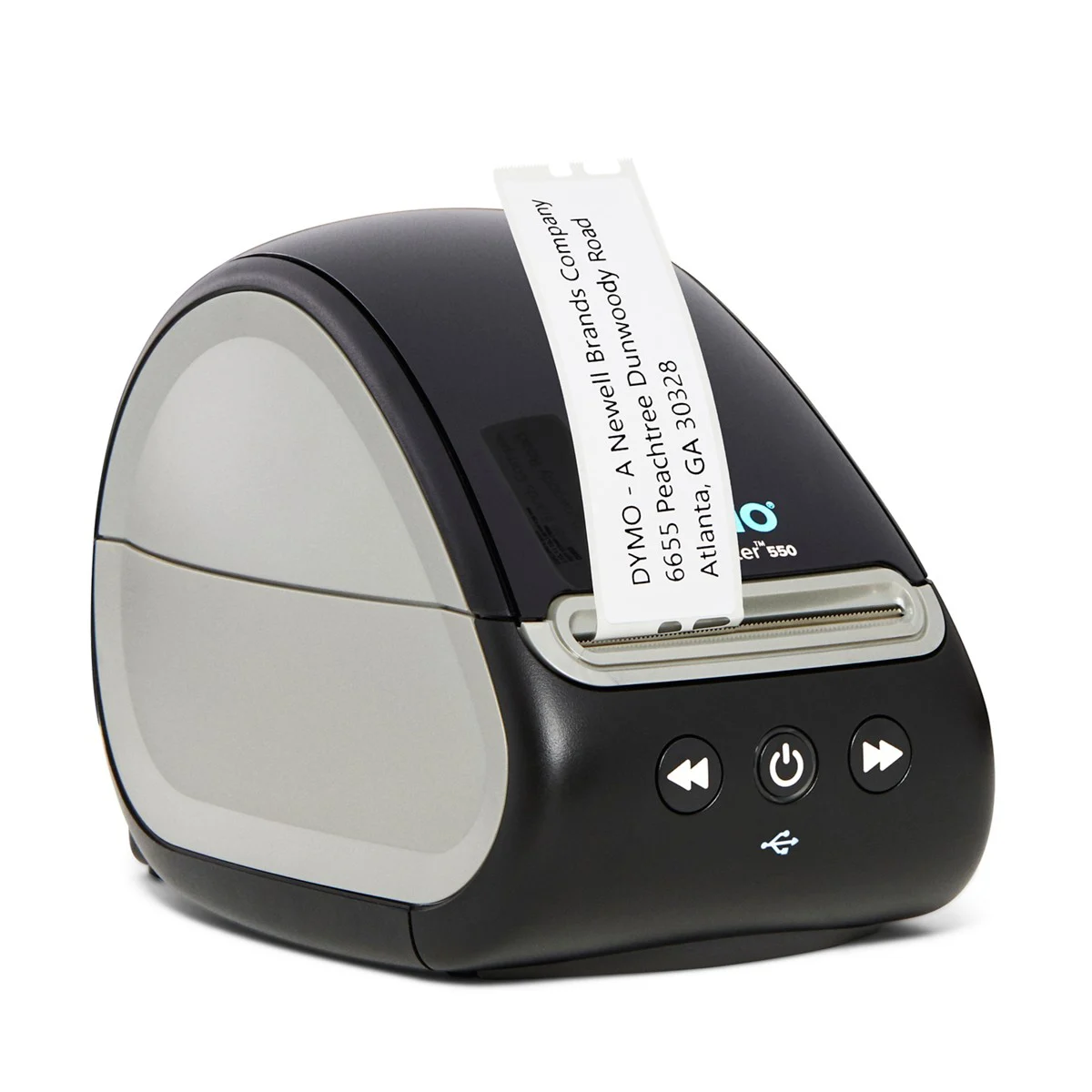
DYMO LabelWriter 550
DYMO LabelWriter 550 is a desktop printer for producing labels from a computer, with automatic recognition…
Request a quote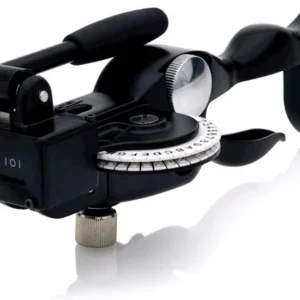
DYMO Rhino M1011
DYMO Rhino M1011 - label printer; contact us to check suitability for your business.
Request a quote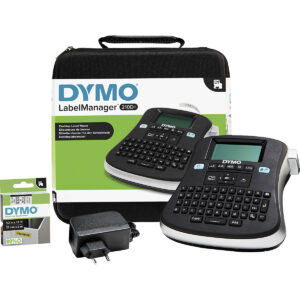
DYMO LabelManager 210D+ + IND kit
DYMO LabelManager 210D+ + IND kit - label printer; contact us to check suitability for work…
Request a quote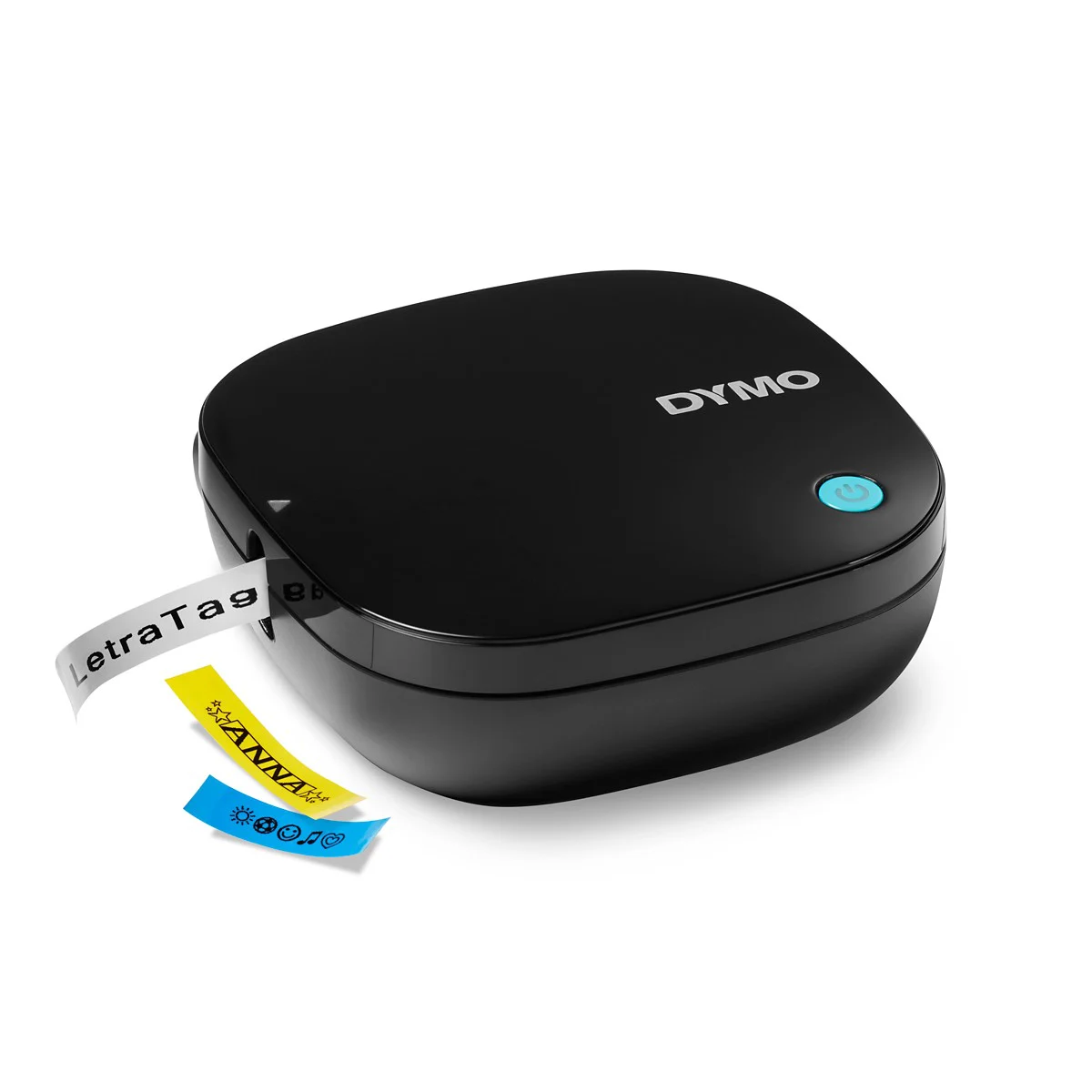
DYMO LetraTag 200B
DYMO LetraTag 200B is a compact printer for creating labels from a phone or tablet using…
Request a quote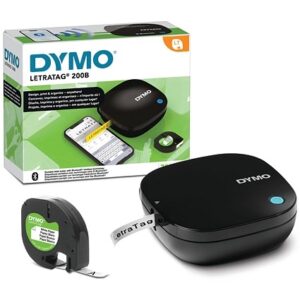
DYMO LetraTag 200B package
DYMO LetraTag 200B package - label printer; contact us to check suitability for your business.
Request a quote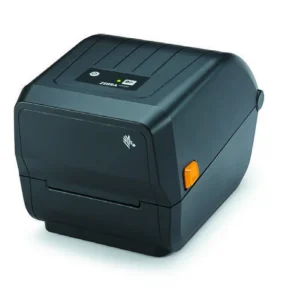
Zebra ZD220
Zebra ZD220 is a desktop barcode label printer with 203 DPI resolution. You should…
Request a quote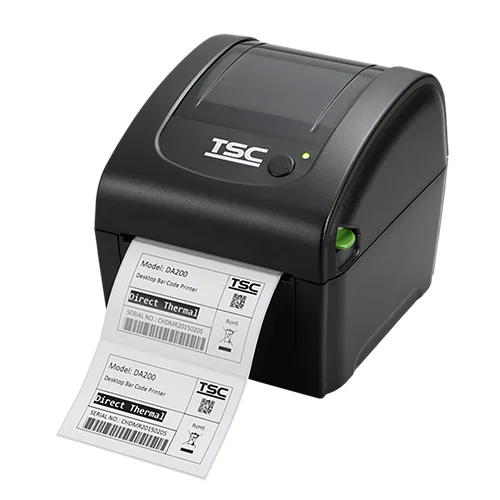
TSC DA-210
TSC DA-210 - label printer; contact us to check suitability for your business.
Request a quote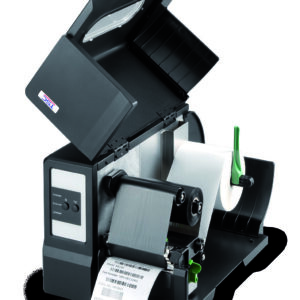
TSC ME340
TSC ME340 - label printer; contact us to check suitability for your business.
Request a quote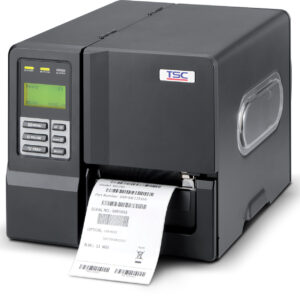
TSC ME240
TSC ME240 - label printer; contact us to check suitability for your business.
Request a quote
Zebra ZD500
Zebra ZD500 - label printer; contact us to check suitability for your business.
Request a quote
Zebra ZT420
Zebra ZT420 - label printer; contact us to check suitability for your business.
Request a quote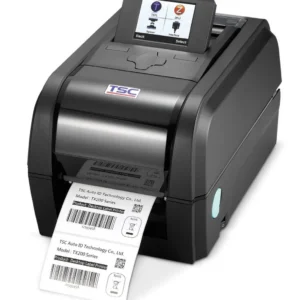
TSC TX600
TSC TX600 - label printer; contact us to check suitability for your business.
Request a quote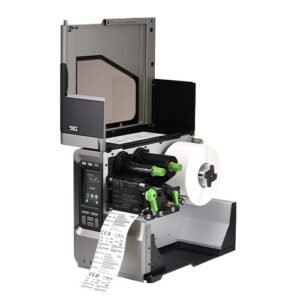
TSC MX640P
TSC MX640P is designed for industrial barcode printing stations. Its 600 DPI resolution is a feature…
Request a quote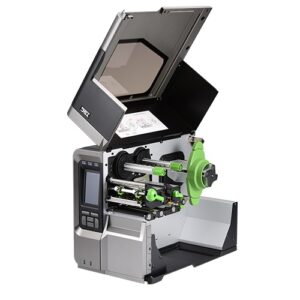
TSC MX340P
TSC MX340P is designed for industrial barcode printing stations. Its 300 DPI resolution is a feature…
Request a quoteCannot find the right product?Tell us what you are marking, and we will suggest a printer, labels and ribbon that work together.
Ready-made bundles- No products match all the filtersTry removing a filter, or ask us.
More information about Printers
Start with the label, not the model list
A shipping label printer is not necessarily convenient for a tiny jewellery tag. List dimensions and required content before selecting a model: price, SKU, barcode, logo or a combination. Include an actual-size file or photograph to assess readability as well as physical media fit.
Printing method, material and connection
Direct thermal printing uses suitable media without a ribbon. Thermal transfer requires a ribbon compatible with the media and printer. The choice depends on the task and selected material; do not assume every printer in the category supports both methods.
Also check how printing will be sent: from one computer, inventory software or several workstations. USB, network or wireless connectivity must be checked for the specific proposed configuration. The model name alone does not confirm included connections and accessories.
How do I narrow down the catalogue options?
- Define the main application: pricing, jewellery labelling, product identification or shipping.
- Filter by a feature you know is required, then open the product page and check the specifications.
- If a specification is missing, include it as a question in your enquiry. Missing information does not confirm compatibility.
- Compare quotations with the same contents: printer, media, ribbon, software, connections and included assistance.
A familiar model or a complete solution?
If you have already chosen a model, you can start from its product page, for example GoDEX EZ 520. If you are setting up a new printing station, also seeBusiness bundles. The bundle components, configuration and terms are checked before ordering; this is not a recommendation that every combination suits every use.
What should I send for a compatibility check?
Send a label sample, dimensions, material type if known, estimated workload and software name. Specify existing equipment that must remain in use. For a more structured selection, you can useLabel printer selection guide.
Questions and answers
Does every label printer require a ribbon?
No. Direct thermal uses no ribbon; thermal transfer uses a ribbon. Check the particular model's printing method and configuration.
Can I choose a printer based on label width alone?
Width is part of the assessment. Also check media, sensor, printed information, connections and working software compatibility.







