Label printing on a Mac: what should you check before installation?
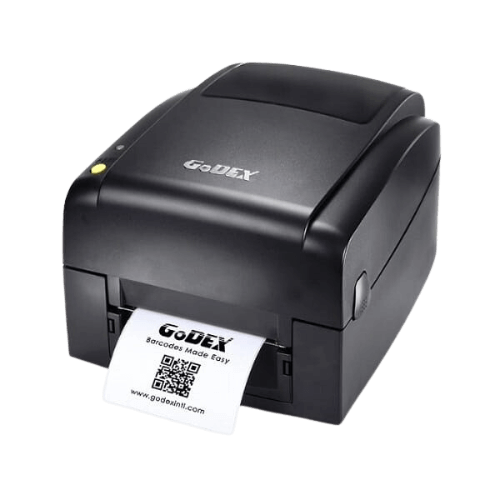
Using a label printer on Mac requires checking the exact model, operating system and printing software. Brand name alone does not confirm compatibility.
Read the guide ←Tell us what you need, and we will point you in the right direction.
Or call: 050-257-2226
Choose an option, and we will take you to the right place.
LabelsRoll, barcode, price and logo labels
A printer for your businessLabel and barcode printers
Jewellery tagsPrice tags and labelsSpeak to a representativeHelp choosing, by phone or messagePrefer to ask? 050-257-2226 · WhatsApp
Knowledge that helps you choose
Printers, labels, tags and barcodes - practical guides for selection and everyday work.
Using a label printer on Mac requires checking the exact model, operating system and printing software. Brand name alone does not confirm compatibility.
Read the guide ←Connecting a printer to a management system starts with workflow and data, not just a cable. Before buying equipment, show the same label sample to the system implementer and printer supplier.

Read the guide ←A convenient shipping station starts with the process: where the label comes from, who prints it and when it is applied to the package.
Read the guide ←