

Shop price displays: digits, rails and showcase compatibility
On this page
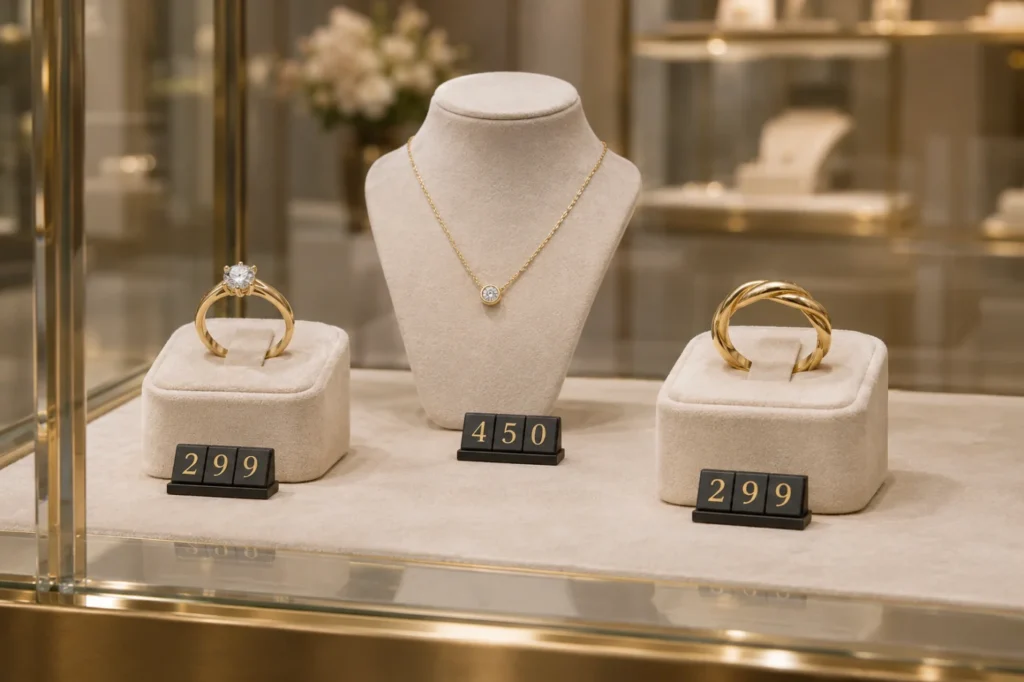
A price tag should be clear to the customer and fit into the display. In a jewellery shop, for example, an oversized price obscures the item; an undersized price makes customers move closer and search. Start with a choice suited to the space, products and staff workflow.
Choose how to display the price
Two configurations in TAVIAR's original catalogue are interlocking digits and rails with replaceable digits. Choosing between them is primarily practical: how prices are positioned, how much space is available beside the item and how they are updated.
Interlocking digits
Assemble a price row from individual components. Check connections, standing stability and quantity of each digit in the kit, especially for similar prices or numbers repeating a digit.
Digits in a rail
The rail creates a row within a defined holder. Its width limits the number of digits and symbols, so start with the store's longest price rather than a sample price in a photograph.
Pricing solutions you can compare
Open a product to see which details to include when asking for advice. Images are original illustrations; dimensions, shades and contents will be confirmed in the quotation.
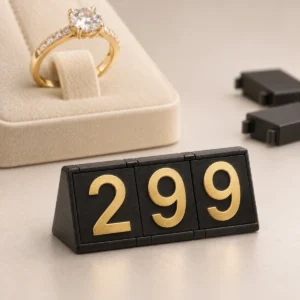
Interlocking price digits for jewellery and showcases
Assemble prices from separate digits and position them beside the item. Select configuration, digit quantity and colour to suit the store display. Image…
Price provided in a quotation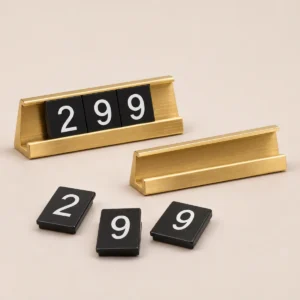
Showcase price rails with interchangeable digits
Prices displayed in an organised rail, with digits selected for the price. Colour, dimensions and contents matched to stations…
Price provided in a quotationShowcase price display
Price digits and connecting blocks for positioning beside items in a display case. Plan around available space, number of price positions and the digits to…
Price provided in a quotationShop-window price display
Shop window price display: matching position, contrast and interchangeable digits to products customers see from outside.
Price provided in a quotation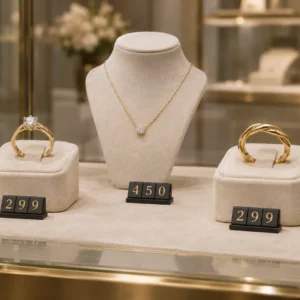
Shop price display
In-store price display solutions: choose a consistent visual language for the display case and shelf, and define quantity and configuration before ordering.
Price provided in a quotation
How to choose without guessing
- Photograph the display area: Including the item, shelf and background.
- Specify quantity and price range: How many products are displayed together and the longest price.
- Check readability: From the customer's distance and under store lighting.
- Approve configuration: Dimensions, colours, symbols and set contents before ordering.
Pricing alongside tagging: two different requirements
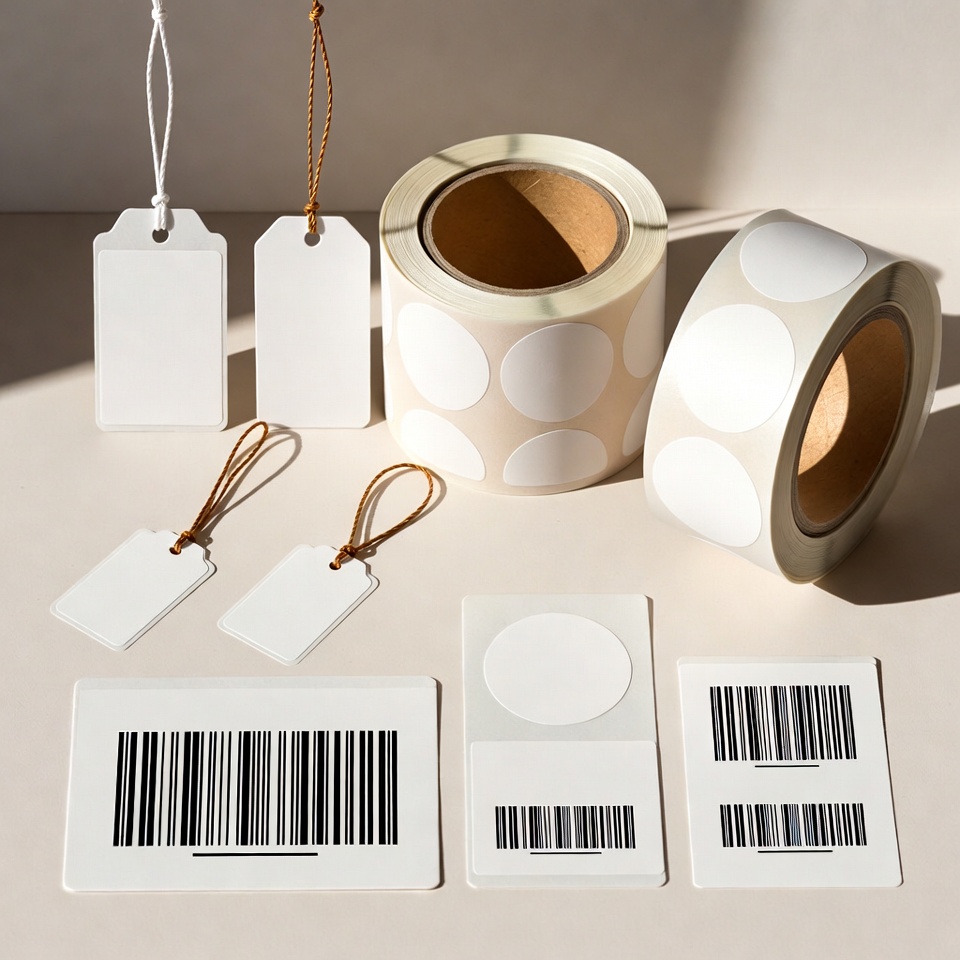
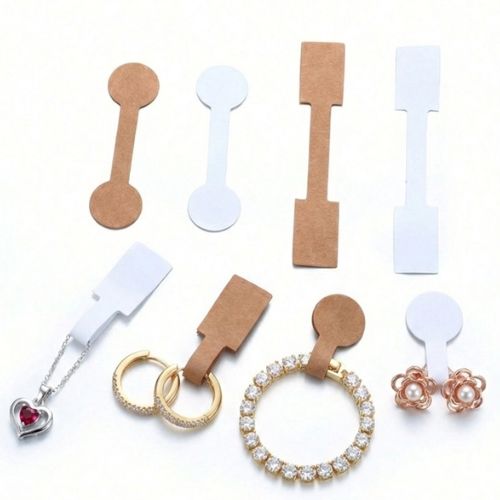
Display digits present a price beside a product. If a barcode or SKU must be attached to the item, also consider Jewellery tags. For the design of the furniture itself, see Display cases and display solutions. There is no need to put all the inventory details on the price sign.
Frequently asked questions about price displays
How do I know how many digits to order?
List the prices to display simultaneously and count occurrences of each digit and symbol. Add an allowance for updates as needed, then check the kit contents against the list.
Are rails and digits from any manufacturer compatible?
Not necessarily. Dimensions and connection mechanisms vary. To add to an existing kit, send a photograph and dimensions and obtain compatibility confirmation.
Which colour will be easier to read in the display case?
It depends on the background and lighting. Check contrast beside the actual product. A colour that looks clear in a photograph may blend too much into the store background.
What is included in the quotation?
Request details of rails or bases, digit and symbol quantities, dimensions and colours. Historical page price and contents are not a current quotation.
Planning a display for your store?
Send a photograph, number of stations and price range. We can start with this information and establish a suitable configuration.
Matching a price display to the store
Continue to precise planning
Interlocking digits or a rail - what should I check? · Where should prices be positioned in a jewellery display?







