







On this page
GoDEX guide to working with label elements: organising text, graphics and information in the label design.
Video source: GoDEX International
What should I prepare before getting started?
Before adding elements, establish hierarchy: product name, variable information, logo and barcode. Not every detail needs equal visual weight.
What should I watch for while working?
Check alignment, spacing and position relative to the label edge. When moving an element, ensure it does not obscure a code or come too close to the margins.
How do I check the result?
Save a copy of the design before a significant change and check a test print. For repeat orders, record the file version and media dimensions used.
Continue working with suitable equipment
The guide is a visual aid, not an instruction to apply another model's settings. Accessories, consumables and package contents are checked for the product and quotation.
GoDEX EZ 520 label printer for business use. We will check label and ribbon configuration, software compatibility and package contents… Non-top-coated direct thermal label, 50×25 mm, for product and barcode identification inside the business. Suitable for use without exposure…Relevant catalogue products
All labels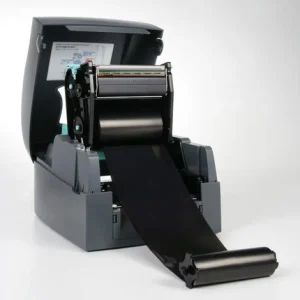

Godex EZ 520
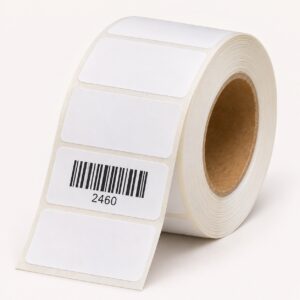

Thermal labels, 50x25 mm - non-top-coated direct thermal







