
Nationwide shipping · Personal guidance in choosing labels, printers and scanners25 HaMerkava Street, Holon · Sun-Thu 09:00–17:00 · 050-257-2226 · WhatsApp

Downloads and software for your label printers. Choose a brand, check the model name on the printer and Windows or operating system version, and proceed to the download source.

Godex

Select your printer model and operating system on the support page. Download the version that matches the exact model.

Zebra

Select your printer model and operating system on the support page. Download the version that matches the exact model.

TSC

Select your printer model and operating system on the support page. Download the version that matches the exact model.

Argox

Select your printer model and operating system on the support page. Download the version that matches the exact model.

Datamax / Datamax-O’Neil

Select your printer model and operating system on the support page. Download the version that matches the exact model.

Citizen

Select your printer model and operating system on the support page. Download the version that matches the exact model.

Honeywell

Honeywell instructions and links for downloading InterDriver. Check your model and operating system are supported by the selected version.

Before installation

  1. Check the exact model on the printer label.
  2. Choose a driver that matches your operating system and connection type.
  3. Follow the installation instructions on the download page, then set label dimensions and print a sample.

Download links lead to the Godex website or BarTender driver library, according to brand. Files are hosted on the original support websites. Choose a version suited to the model and operating system.

Identify the printer before downloading a driver

Check the device's model label and your computer's operating system. Also specify how the printer connects: USB, network or another connection. A driver for a similar model is no substitute for verification, and a software update is not the first step for every fault.

A driver and design software are two different things

The driver enables the computer to work with the printer; design software prepares the label and its information. If printing starts but dimensions or orientation are wrong, also check media and template settings. Download links lead to original sources; licensing and operating system support must be checked for the particular version.

Barcode printer and scanner driver: identify the model before downloading
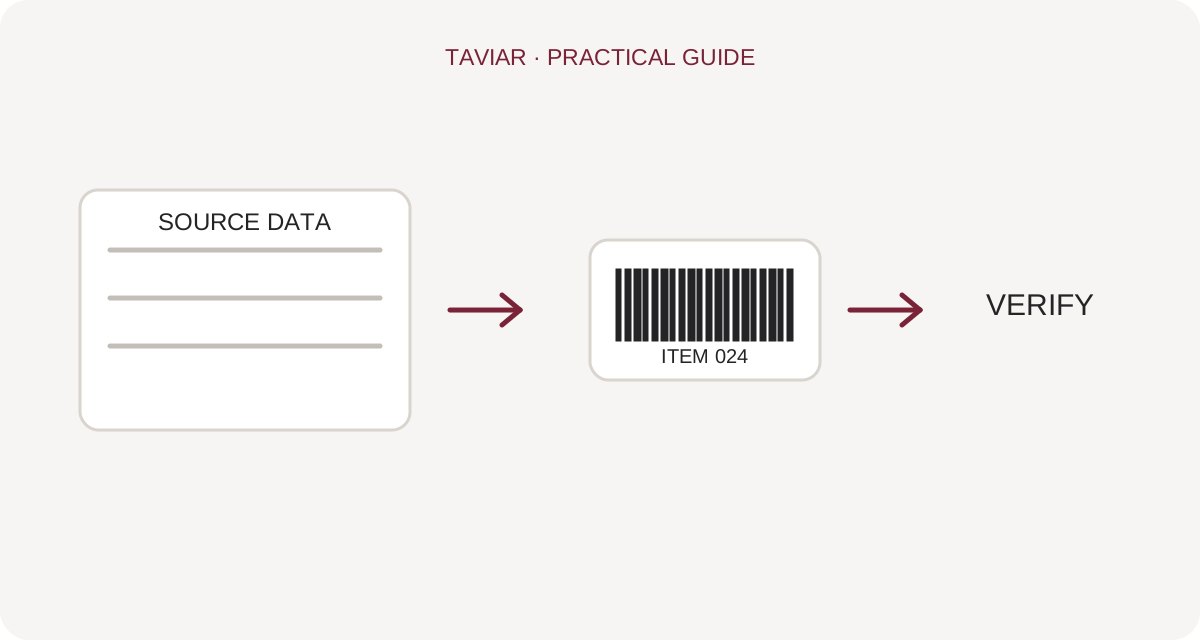
Diagram of the process from source data to label and verification
Diagram of the process from source data to label and verification. Original explanatory illustration; not a product photograph or model specification.

Manufacturer name is not enough

When downloading a driver for a GoDEX, Zebra, Argox or other printer, compare the complete model on the device label and the operating system. A model suffix or hardware version may change the required installation file. Visit the manufacturer's official support page and check the download details.

To continue checking, see Testing printing on Mac.

A driver, design software and a manual are different things

A driver connects the operating system to the printer; design software prepares the label. A user manual explains installation and operation of the model. When searching for a manual, driver or programming guide, check what your intended task requires rather than selecting the first file name that appears.

To continue checking, see Help identifying a model.

After installation

Print a test at actual size and check orientation and media. For a barcode scanner, ensure the data reaches the intended field. If your operating system is not explicitly supported or the model is not listed, contact us with the model and version before installing an alternative file.

To continue checking, see Matching a printer to the task.

Updates from TAVIAR

New for your business, straight to your inbox

Printing tips, new solutions and offers on business labels and equipment.

Ariel at TAVIARHelp choosing, with no commitment

Can we help you choose?

Leave your phone number. Ariel will help find labels and equipment suited to your business.

Your details will be used to handle the enquiry, even if it is unfinished. Privacy policy






