







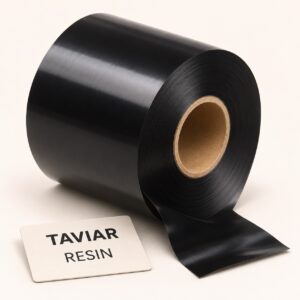
Resin ribbon, matched to width and configuration
Enquire about resin ribbon according to label material and usage conditions. Send the quantity, intended use and requirements…
Request a quote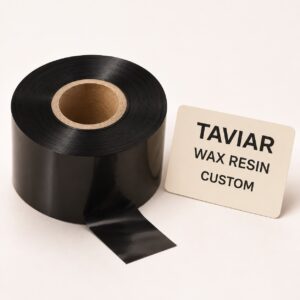
Wax Resin ribbon, matched to width and configuration
Enquire about wax/resin blends for printing on suitable label materials. Send the quantity,…
Request a quote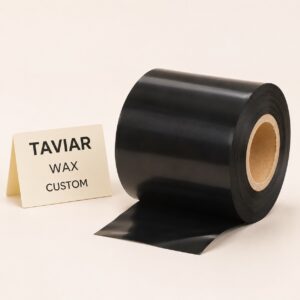
Wax ribbon, matched to width and configuration
Thermal transfer printing on labels selected for use with Wax ribbon. Send quantity,…
Request a quote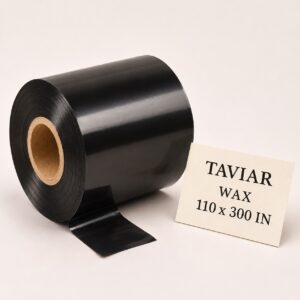
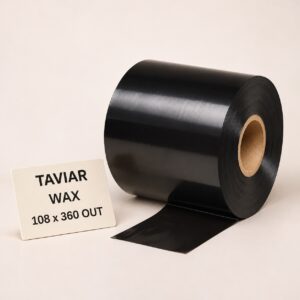
Wax ribbon, 108 mm × 360 m - OUT
Wax ribbon 108 mm × 360 metres - OUT. Send the model…
Request a quote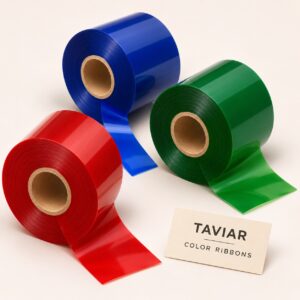
Colour ribbons for thermal printing
Enquire about printing in a single ribbon colour on suitable labels. Send the quantity, intended use and requirements…
Request a quote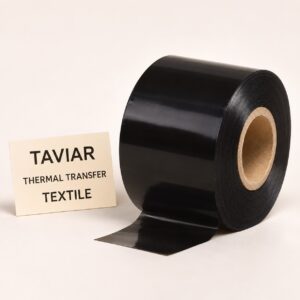
Ribbon for printing textile labels
Enquire about print media for clothing and textile labels. Send the quantity, intended use and requirements to receive…
Request a quote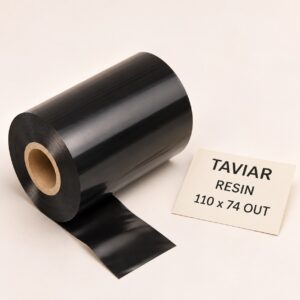
Ink film/resin ribbon, 110X74mm (RESIN) - ink side out (Outside)
Resin ink films/ribbon 110X74mm (RESIN) - ink side out Outside. Check dimensions,…
Request a quote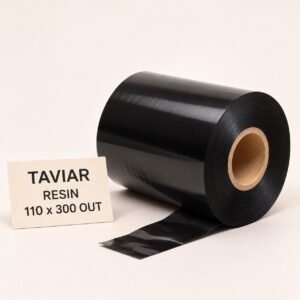
Ink film/resin ribbon, 110X300mm (RESIN) - ink side out (Outside)
Resin ink films/ribbon 110X300mm (RESIN) - ink side out Outside. Check dimensions,…
Request a quote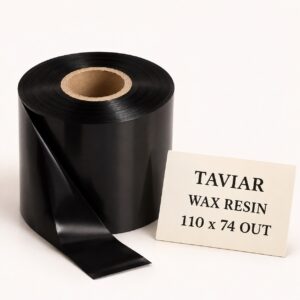
Ink film/wax-resin ribbon, 110X74mm (WAX RESIN) - ink side out (Outside)
Wax-resin ink films/ribbon 110X74mm (WAX RESIN) - ink side out Outside. Check…
Request a quote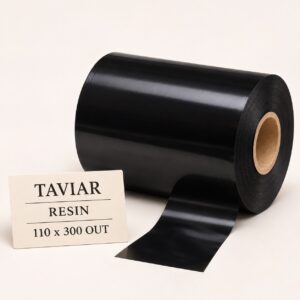
Ink film/ribbon, 110X300 AXR7mm - ink side out (Outside)
Ink films/ribbon 110X300 AXR7mm - ink side out Outside. Check dimensions and coating type…
Request a quote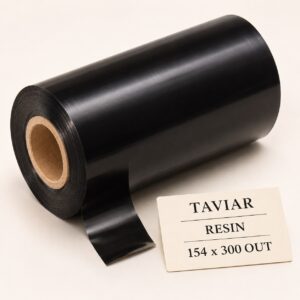
Premium resin ribbon 154/300 Out
Premium resin ribbon 154/300 Out. Check the size, coating type and core against…
Request a quote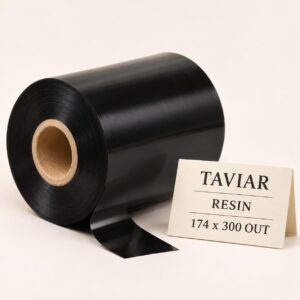
Premium resin ribbon 174/300 Out
Premium resin ribbon 174/300 Out. Check the size, coating type and core against…
Request a quote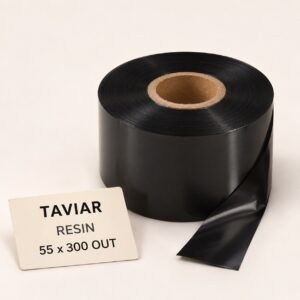
Premium resin ribbon 55/300 Out
Premium resin ribbon 55/300 Out. Check the size, coating type and core against…
Request a quote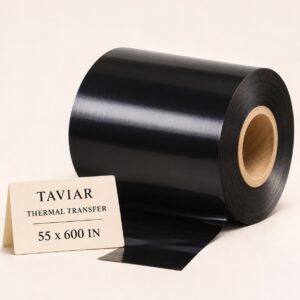 Videojet
Compatible Videojet Near Edge 55×600 IN ribbon | TTO thermal transfer ribbon
Compatible Videojet Near Edge 55×600 IN ribbon | TTO thermal transfer ribbon.…
Request a quote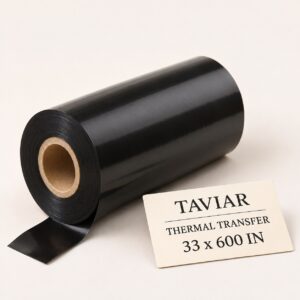 Videojet
Compatible Videojet Near Edge 33×600 IN ribbon | TTO thermal transfer ribbon
Compatible Videojet Near Edge 33×600 IN ribbon | TTO thermal transfer ribbon.…
Request a quote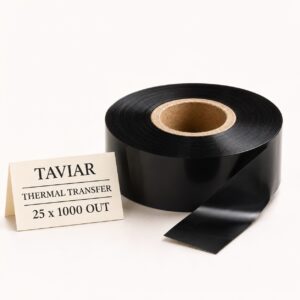 Videojet
Compatible Videojet Near Edge 25×1000 OUT ribbon | TTO thermal transfer ribbon
Compatible Videojet Near Edge 25×1000 OUT ribbon | TTO thermal transfer ribbon.…
Request a quote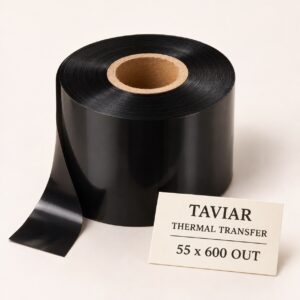 Videojet
Compatible Videojet Near Edge 55×600 OUT ribbon | TTO thermal transfer ribbon
Compatible Videojet Near Edge 55×600 OUT ribbon | TTO thermal transfer ribbon.…
Request a quote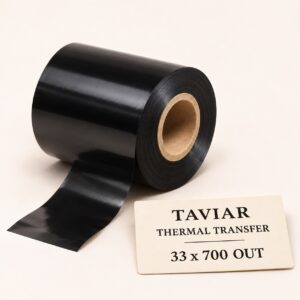 Videojet
Compatible Videojet Near Edge 33×700 OUT ribbon | TTO thermal transfer ribbon
Compatible Videojet Near Edge 33×700 OUT ribbon | TTO thermal transfer ribbon.…
Request a quote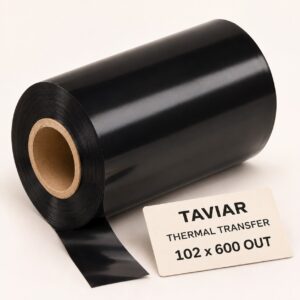 Videojet
Compatible Videojet Near Edge 102×600 OUT wide ribbon | TTO thermal transfer ribbon
Compatible Videojet Near Edge ribbon 102×600 OUT wide | Thermal transfer tape…
Request a quote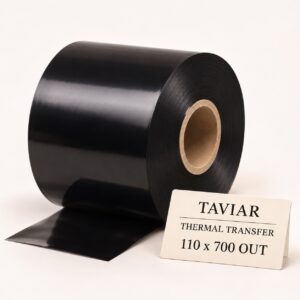 Videojet
Compatible Videojet Near Edge 110×700 OUT wide ribbon | TTO thermal transfer ribbon
Compatible Videojet Near Edge ribbon 110×700 OUT wide | Thermal transfer tape…
Request a quote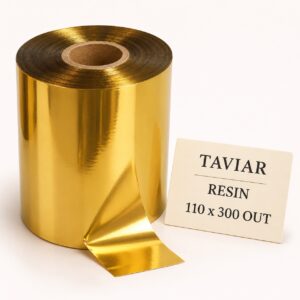
Gloss gold resin, 110/300 Out
Gloss gold resin, 110/300 Out. Check the size, coating type and core against…
Request a quote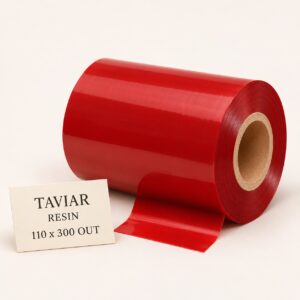
Premium resin red 110/300 Out
Premium resin red 110/300 Out. Check the size, coating type and core against…
Request a quote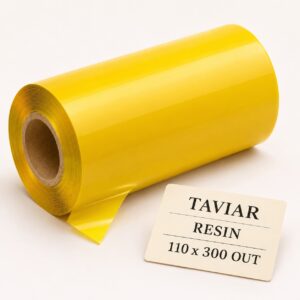
Premium resin yellow 110/300 Out
Premium resin yellow 110/300 Out. Check the size, coating type and core against…
Request a quoteCannot find the right product?Tell us what you are marking, and we will suggest a printer, labels and ribbon that work together.
Ready-made bundles- No products match all the filtersTry removing a filter, or ask us.
More information about Printer ribbons
Ribbon compatible with the printer and label material
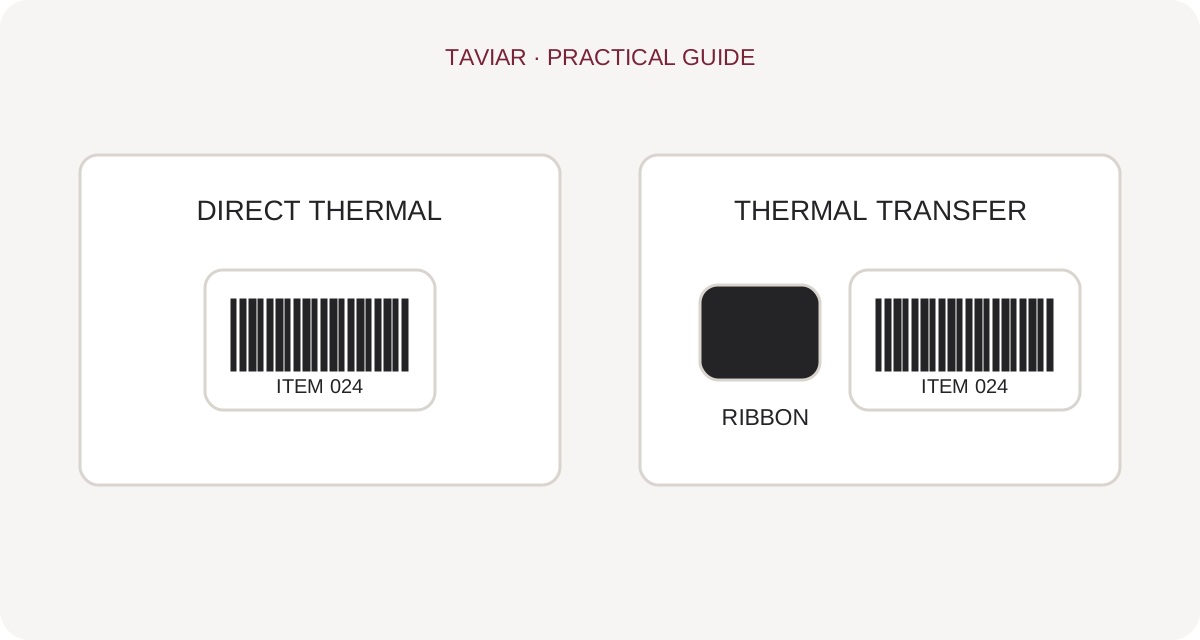
Ribbon is used in thermal transfer printing; direct thermal printing does not require it. The catalogue lists WAX, WAX RESIN and RESIN ribbons. Choose the ribbon type according to media and usage requirements, not just roll price.
What should I measure and check?
Specify the printer model, ribbon width and required length, and attach a photograph of the existing ribbon if available. Also check the core and winding direction for the printer. Similar roll length does not guarantee compatibility. For a useful test, prepare a label of the material you will use and assess printing under the intended usage conditions.
Label printer ribbon: establish compatibility before quantity
Ink ribbons, Wax and Resin
Ribbon and ink film describe thermal transfer print material. Ribbon families include Wax, Wax/Resin and Resin. Selection is based on label material and printer instructions, not an assumption that one ribbon fits all rolls.
To continue checking, see When a ribbon is used.
Ribbon roll details
Specify the printer model, existing ribbon width and length, and core and installation details. A photograph of the ribbon and packaging can help identification. Even within the same ribbon family, check dimensions and model compatibility; the manufacturer name alone is insufficient.
To continue checking, see Matching label material.
Testing material and printing together
Before changing ribbon type, print a sample on your intended material. Check readability, position and normal handling. For abrasion or cleaning resistance, describe usage and request suitable testing rather than relying on a generic promise.
To continue checking, see Send ribbon details for checking.







