







On this page
GoDEX video on enabling or disabling human-readable text in a one-dimensional barcode. Text printed beside the code is a display element; the scan itself must also be tested.
Video source: GoDEX International
What should I prepare before getting started?
Decide what information staff need and what must be captured by scanning. Visible digits support manual reading but do not prove the barcode was generated from the correct data.
What should I watch for while working?
Allow space for the code and margins required by your barcode type. Do not shrink a code merely to fit more text without readability and scanning tests.
How do I check the result?
Print at the planned size and scan with the actual equipment. Compare the received value with the source, including leading zeros and special characters if present.
Continue working with suitable equipment
The guide is a visual aid, not an instruction to apply another model's settings. Accessories, consumables and package contents are checked for the product and quotation.
Handheld barcode reader from the Zebra / Symbol LS2208 family, for one-dimensional barcode scanning at checkout stations and in everyday work. Configuration… Non-top-coated direct thermal label, 50×25 mm, for product and barcode identification inside the business. Suitable for use without exposure…Relevant catalogue products
All labels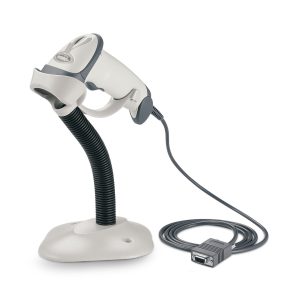

Zebra (Motorola) LS-2208 handheld barcode reader
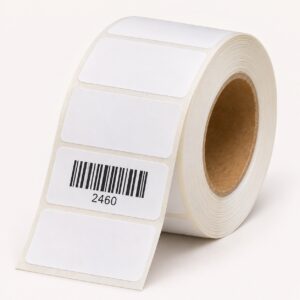

Thermal labels, 50x25 mm - non-top-coated direct thermal
Text beside the barcode does not replace scanning
Readable text helps staff see the value, but scanner output must also be checked. After changing the GoLabel display, print a sample and compare source value, printed text and the value received by the software.
Leave room for the code
Do not crowd text and logos into the margins required by the code. If the label size changes, recheck the layout at actual print size. The tutorial explains readable text display; it does not allocate barcode numbers to products or certify barcode compliance.







