







On this page
Visual introduction to creating a label in GoLabel. Video by Brandon Voltin; interface appearance may vary between versions.
Video source: Brandon Voltin
What should I prepare before getting started?
Start with the physical label: width, height, orientation and required information. A file that looks good on screen must remain readable at actual print size.
What should I watch for while working?
Prepare a logo and sample code in advance if part of the artwork. Do not use a temporary barcode as an active commercial identifier; code and data must suit your system.
How do I check the result?
Print one sample before a full run. Check margins, small text, media compatibility and scanning in the actual system.
Continue working with suitable equipment
The guide is a visual aid, not an instruction to apply another model's settings. Accessories, consumables and package contents are checked for the product and quotation.
GoDEX EZ 520 label printer for business use. We will check label and ribbon configuration, software compatibility and package contents… Non-top-coated direct thermal label, 50×25 mm, for product and barcode identification inside the business. Suitable for use without exposure…Relevant catalogue products
All labels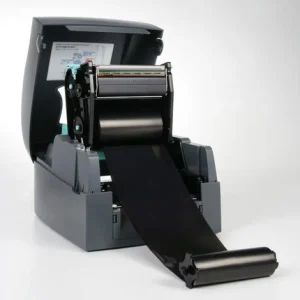

Godex EZ 520
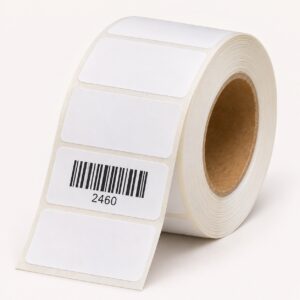

Thermal labels, 50x25 mm - non-top-coated direct thermal







