On this page
GoDEX guide to GoLabel label settings. Set dimensions by actual media and distinguish label size from backing paper width.
Video source: GoDEX International
What should I prepare before getting started?
Measure width and height with explicit units. Check print direction and labels across the width if there are several columns.
What should I watch for while working?
File size, driver settings and printer media detection must agree. Changing one may require rechecking the others.
How do I check the result?
If printing is misaligned, keep screenshots of the file settings and the printed sample. Specify the printer model and software version so the relevant setting can be checked.
Continue working with suitable equipment
The guide is a visual aid, not an instruction to apply another model's settings. Accessories, consumables and package contents are checked for the product and quotation.
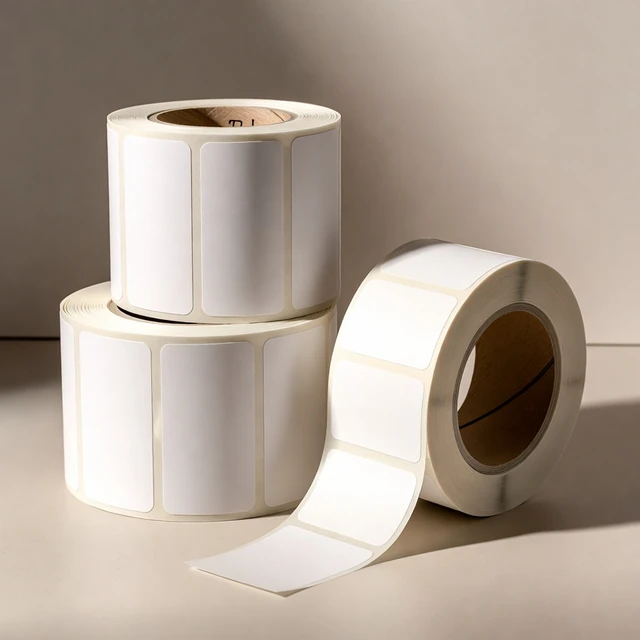
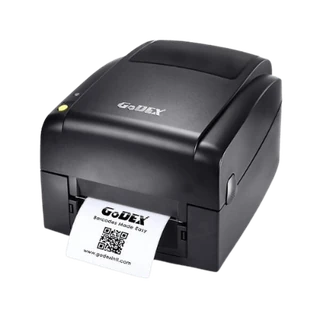
GoDEX EZ 520 label printer for business use. We will check label and ribbon configuration, software compatibility and package contents… Non-top-coated direct thermal label, 50×25 mm, for product and barcode identification inside the business. Suitable for use without exposure…Relevant catalogue products
All labels

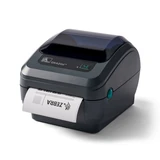
Godex EZ 520
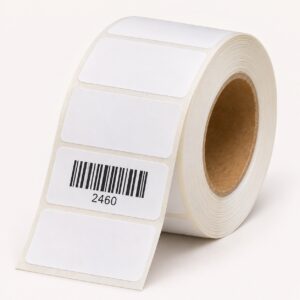

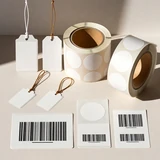
Thermal labels, 50x25 mm - non-top-coated direct thermal