
On this page
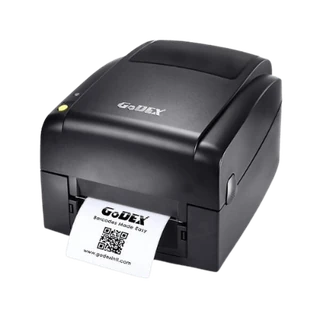
Manufacturer video for calibrating the G500. Calibration helps the printer detect the media; it does not replace selecting the label size in the print file.
Video source: GoDEX International
What should I prepare before getting started?
Before calibration, check correct media loading and select the appropriate detection type: label gaps, black marks or continuous roll according to model and job.
What should I watch for while working?
Keep the label dimensions and existing settings. Follow the G500 video only if that is your model; this is not an instruction to perform a factory reset or change firmware.
How do I check the result?
Finally, print one sample and check feed, positioning and readability. If blank labels still emerge or the print shifts, send support a photograph and dimensions of the label and backing paper.
Continue working with suitable equipment
The guide is a visual aid, not an instruction to apply another model's settings. Accessories, consumables and package contents are checked for the product and quotation.
Godex G500 - choose according to the model, configuration and your intended use. Resolution: 203 DPI. Maximum print width: 108… Non-top-coated direct thermal label, 50×25 mm, for product and barcode identification inside the business. Suitable for use without exposure…Relevant catalogue products
All labels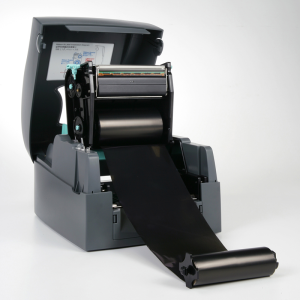

Godex G500
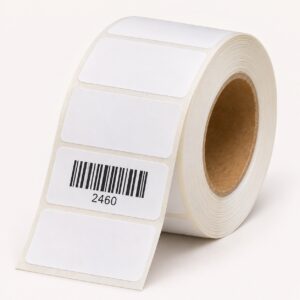

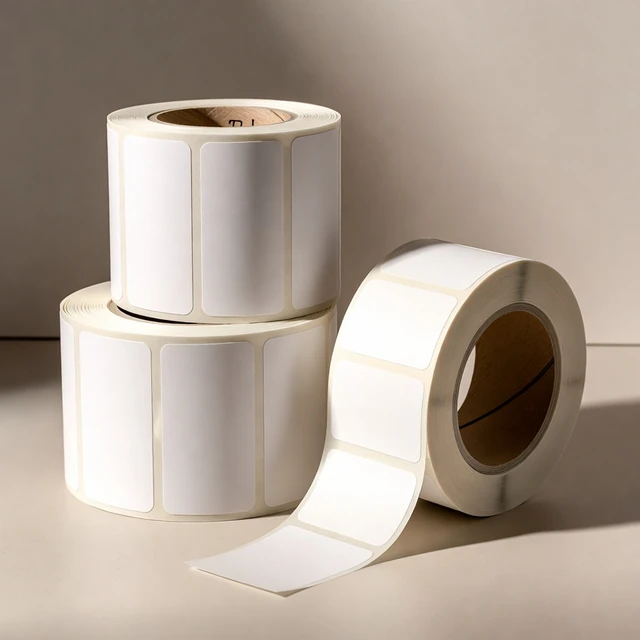
Thermal labels, 50x25 mm - non-top-coated direct thermal